listening to music _ 33
listening to music
Before you start - Connect the earphones, then turn on the player, and check the
battery.
LISTENING BY CATEGORY
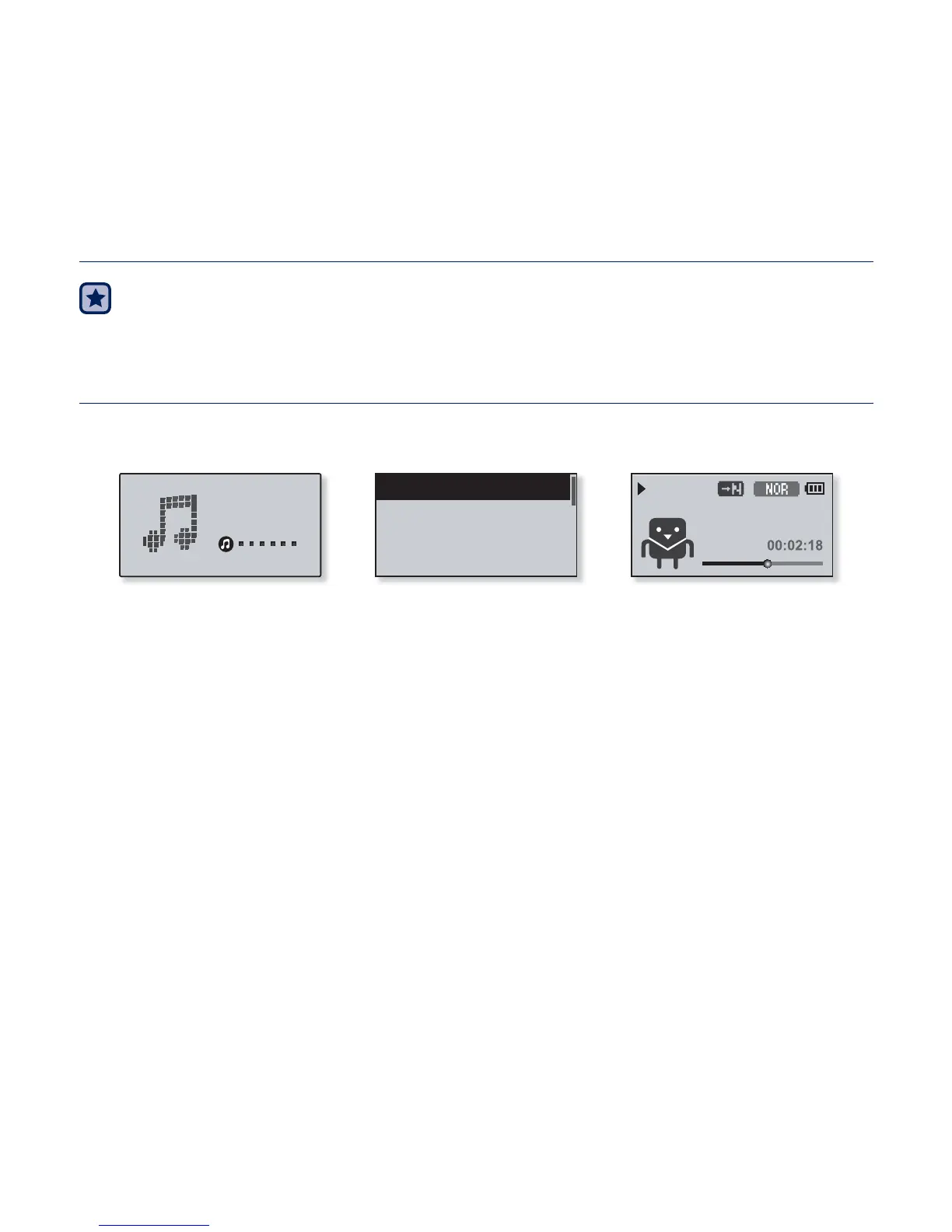
1. Select <Music> on the main menu screen.
2. Select a desired item in the music list.
3. Select a music fi le to play.
The music will start playing.
426
Samsung
Music
Now Playing
Artists
Albums
Songs



 To Next Page