56 _ upgrading fi rmware
upgrading fi rmware
Future upgrades may be available for this player to enhance
performance and compatibility.
1. Connect the player to your PC.
<EmoDio> will automatically start when the player is connected to your PC.
If the program does not start automatically, double-click the <EmoDio> icon
on the
desktop.
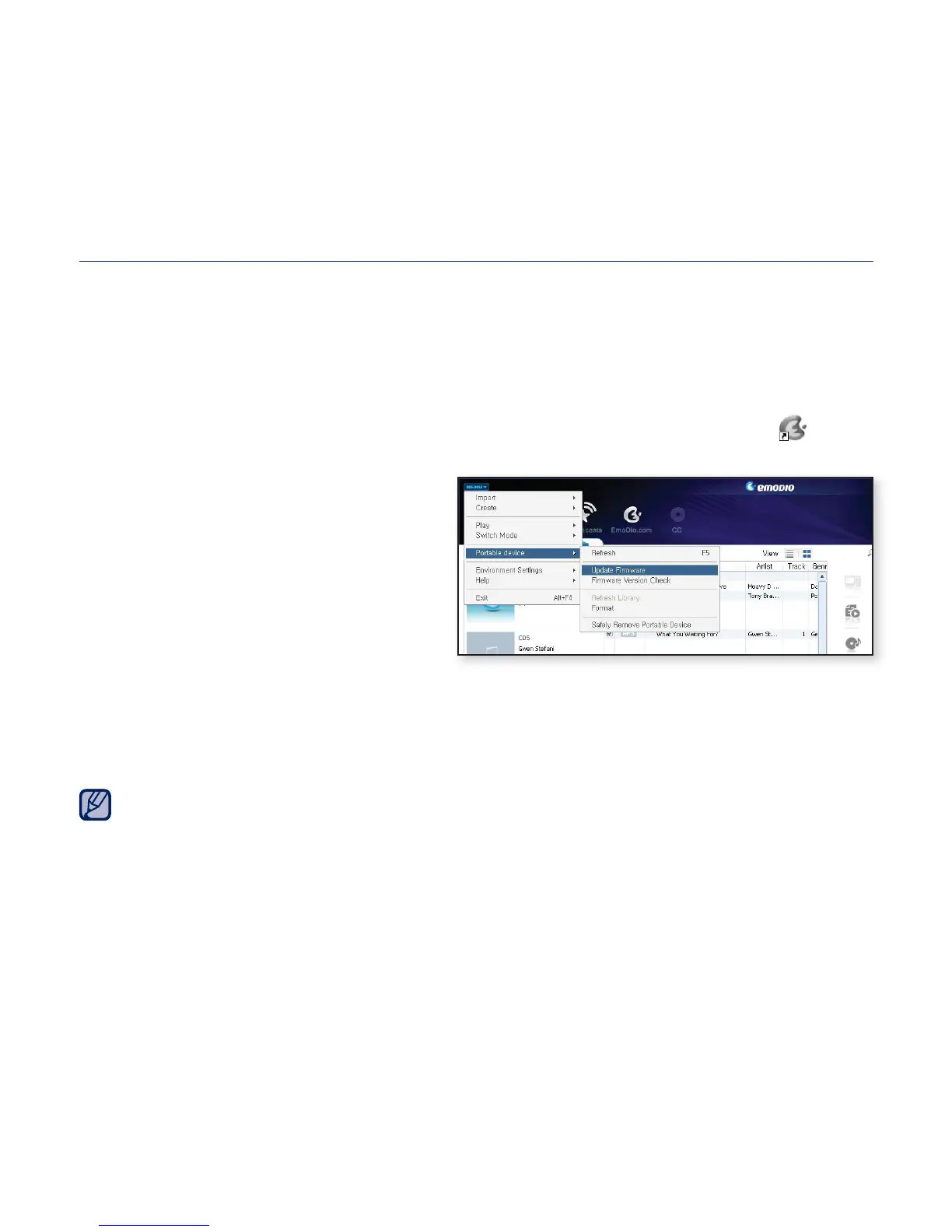
2. Click the <MENU> button on the
top of the <EmoDio> program.
3. Select <Portable Device> ĺ
<Update Firmware>.
If there is a fi rmware update
available, you can update the
fi rmware.
4. Click the <OK> button.
The update fi rmware software is transferred to the player.
5. After disconnecting the USB plug, the fi rmware will be upgraded.
Check the battery charge status of the player. If the battery is not suffi ciently
charged, the fi rmware will not be upgraded.
You need to have at least 50 MB of free space on the player for the upgrade.
NOTE



 To Next Page