more than music _ 53
USING DATACASTS
You can automatically receive updated information without having to visit your
frequently visited news, blog and UCC sites every time.
Before you start - Transfer a desired channel post to the player using <EmoDio>
Playing Datacasts
You can enjoy music fi les of the transferred datacasts by accessing
<Datacasts> on your player.
1.
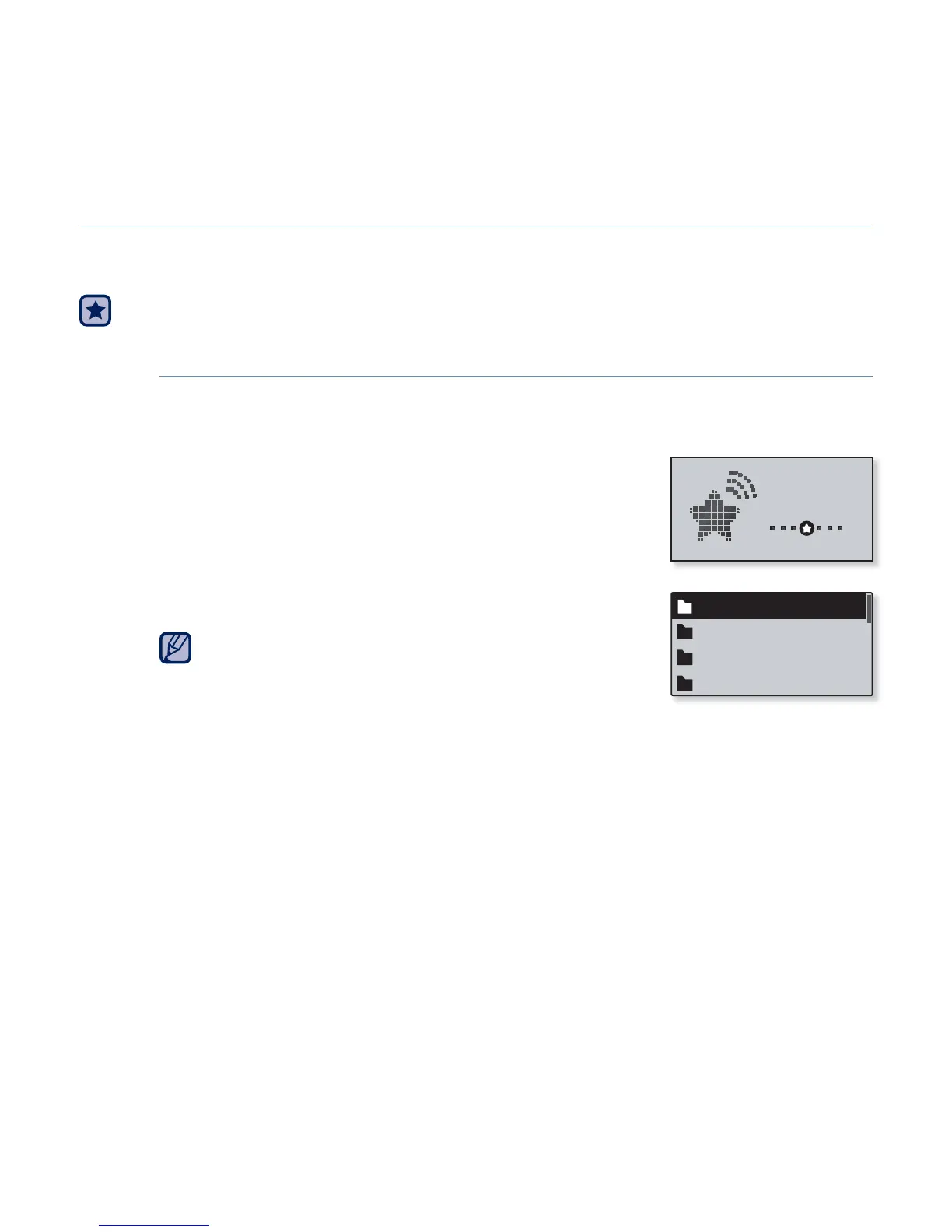
Select <Datacasts> on the main menu screen.
2.
Select a desired channel title.
3. Select a desired fi le.
The selected fi le will start playing.
Refer to the <Datacasts>ĺ <Using> of <EmoDio>
for detailed instructions.
NOTE
Datacast 1
Datacast 2
Datacast 3
Datacast 4
Datacasts



 To Next Page