more than music _ 45
LISTENING TO FM RADIO (Continued)
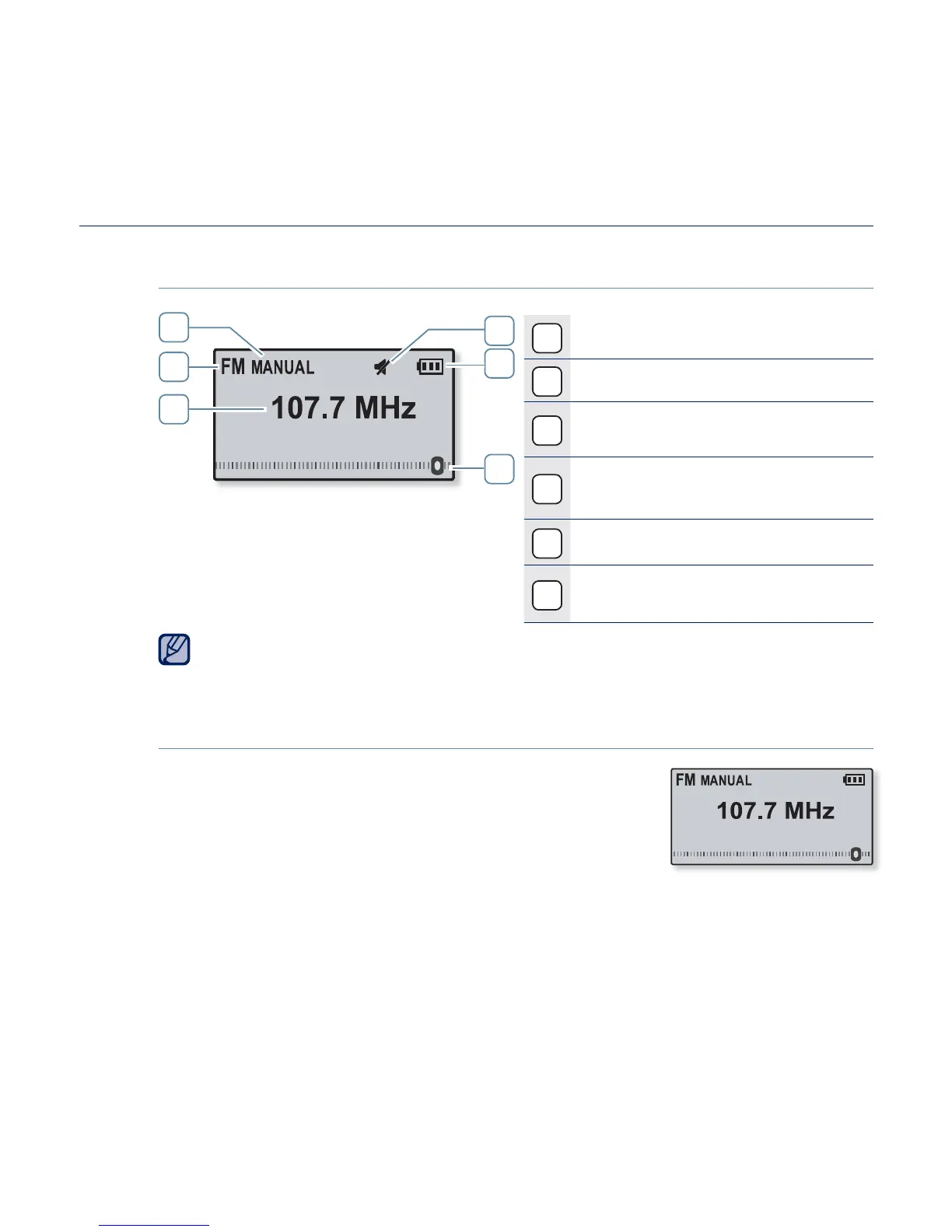
FM Radio Display
1
Mute Indicator
2
Battery Status
3
Frequency Location
Indicator
4
Manual/Preset Mode
Indicator
5
Radio Mode Indicator
6
Current Frequency(MHz)
Indicator
The screen pictures are for illustration purposes only. The actual screen
may differ.
To search for FM stations
Press and hold the [
Left, Right
] button and then
release in Manual mode.
The search will stop at the frequency nearest from
the point the button is released.
OR,
Press the [
Left, Right
] button to progress through the frequencies one
by one in Manual mode.
1
2
5
4
3
6
Searching
NOTE



 To Next Page