4
2. Recommended System Specifications
Windows
1) Windows 7 ~ Windows 10
2) 1Gb of RAM or more
3) 1Gb of HDD space or more
4) Screen resolution of 1024 x 768 or higher
5) USB 2.0 port
Mac OS
1) Mac OS X Ver.10.9 ~ 10.12
2) 1Gb of RAM or more
3) 1Gb of HDD or more
4) Screen resolution of 1024 x 768 or higher
5) USB 2.0 port
3. USB Device
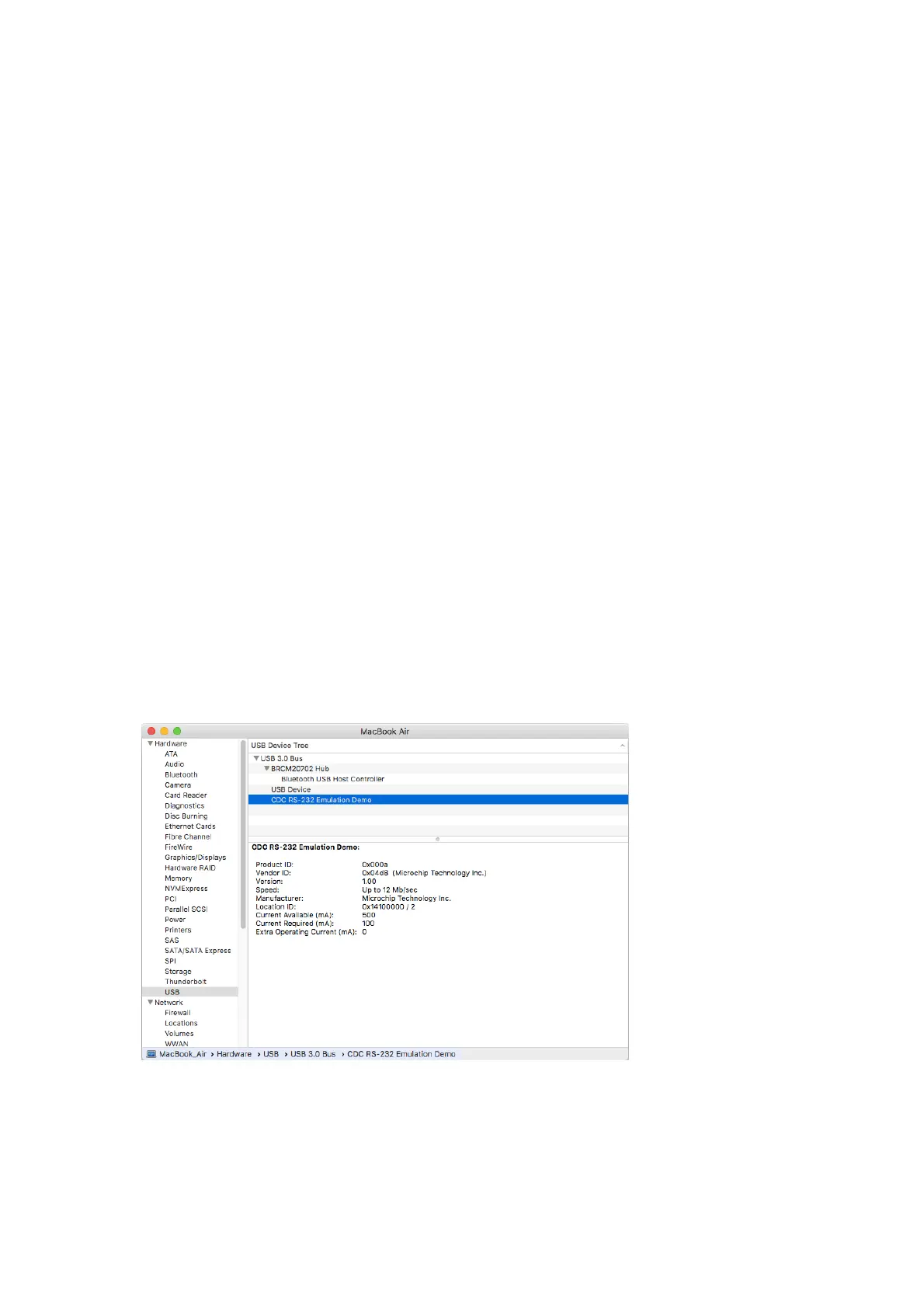
If you connect the lens station to MAC and select “Applications > Utilities > System Information”
And select USB item, you can see that it is recognized as below.
A new file (tty.usbmodem1411) is created in the directory(/dev) using the ‘ls’ command.



 To Next Page