6
Chapter 2 Using the program
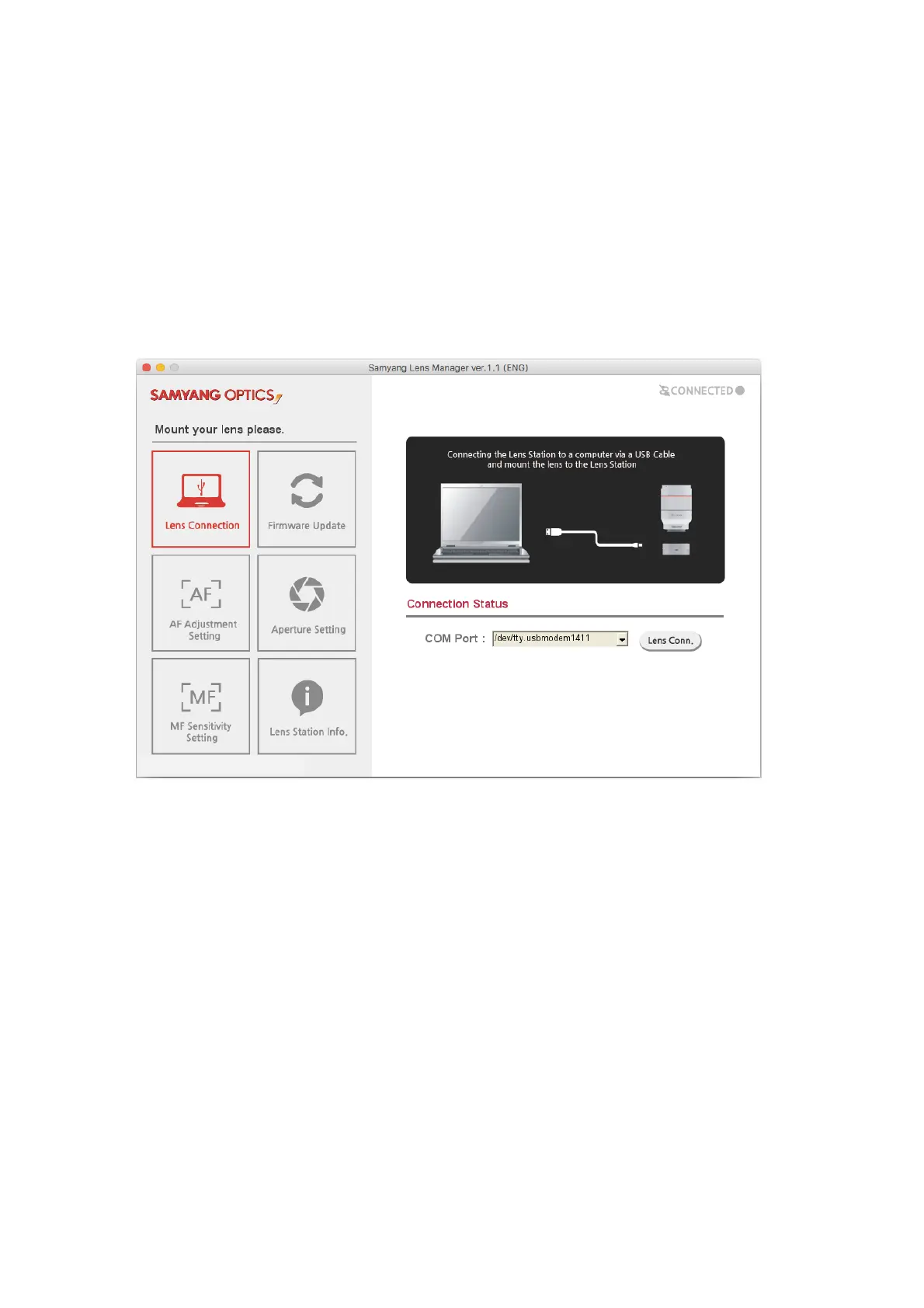
Connect the MAC and the Lens Station, then mount the lens.
Double-click the “LensManager.sh.command” file in the program folder to run the program.
1. Lens Connection Setting
Check COM No. of the USB Serial Port from the Device Manager, then select a COM Port and click the
Lens Connection button.
When the connection is made without issue, the screen will move to the firmware Update page and the
information of the connected lens will be displayed.



 To Next Page