7
2. Firmware Update
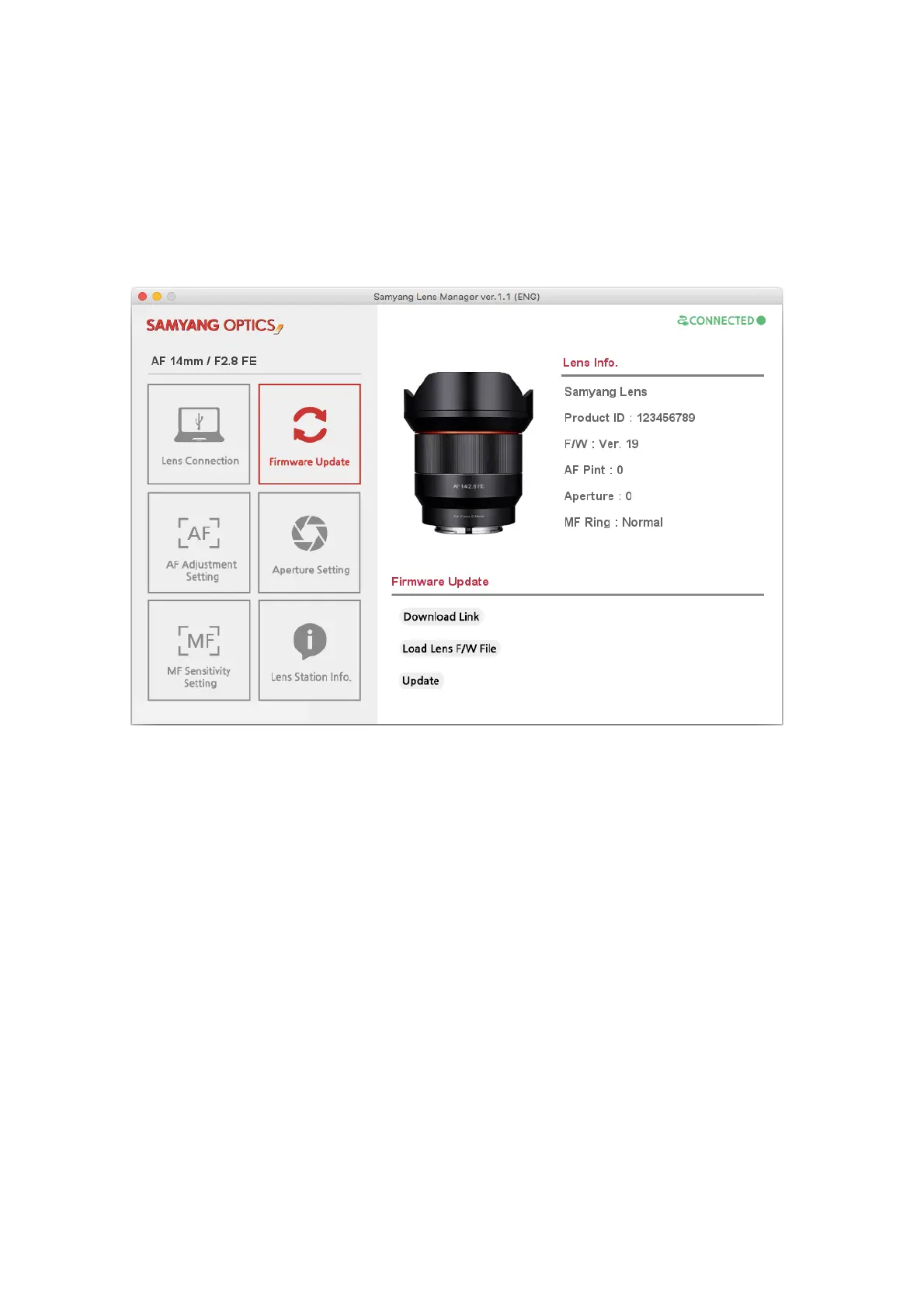
The image of the connected lens is displayed on the left.
Lens Info.
Lens ID: Unique ID No. of the lens
F/W: Current firmware version information of the lens
AF Pint: AF pint correction level of the currently set lens
Aperture: Current aperture setting information
MF Ring: MF sensitivity setting level
Download Link: A link is provided to the homepage of Samyang Optics, where you can download firmware
from DOWNLOAD.
Load Lens F/W File button: Select the newest firmware file downloaded through the homepage.
Firmware Update: Carry out the firmware update after opening the file.



 To Next Page