Need help?
Do you have a question about the Sangean ATS-606A and is the answer not in the manual?
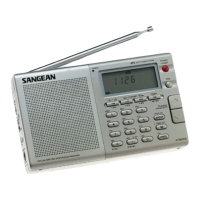
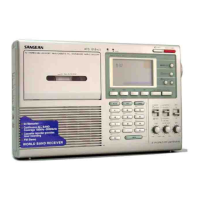
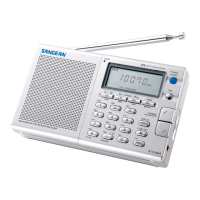
Identifies primary buttons, knobs, and indicators on the radio's front interface.
Details ports like headphone jack, DC input, and switches on the radio's sides and rear.
Information on the battery compartment and the MW step selector switch.
Explains the meaning of various indicators, icons, and text shown on the LCD screen.
Instructions for inserting and replacing AA batteries for radio operation.
Guidance on connecting and using the AC power adapter for continuous operation.
Step-by-step guide to setting the primary clock time accurately for the radio.
Instructions for programming a second time zone for travel or monitoring.
Details the frequency spectrum covered by FM, LW, MW, and SW bands.
Guidance on positioning the antenna for optimal signal reception across different bands.
Instructions on how to save desired radio frequencies for quick access.
Steps to retrieve previously stored radio stations from memory.
Procedure for removing a stored station from the radio's memory.
How to swap the memory location of one stored station with another.
Guide to setting the primary radio alarm for waking up.
Instructions for setting the Humane Waking System (HWS) alarm.
Adjusts FM reception mode and AM sensitivity (Local/DX).
Information on connecting an external antenna for improved SW reception.
Details about the optional portable antenna for enhanced shortwave listening.
 General
| Brand | Sangean |
|---|---|
| Model | ATS-606A |
| Category | Portable Radio |
| Language | English |

 To Next Page