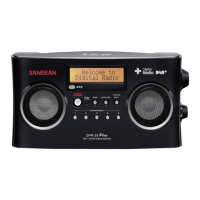
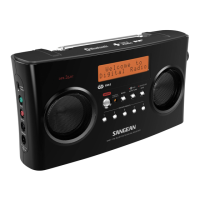
Operating your radio - DAB
1. Carefully extend the telescopic aerial.
2. Press the On/Off button to switch on your radio. The display will
show “Welcome to Digital Radio” for a few seconds.
3. If this is the first time the radio is used to scan of Band III DAB
channels will be carried out, known as Auto-tune. The display will
show “Welcome to DAB”.
4. During Auto-tune, the lower line of the display shows a bar graph
indicating progress of auto-tune. If the radio has been used before,
then the last used station will be selected instead of the Auto-tune
process.
5. When the Auto-tune is completed the rst station found (in numeric-
alpha order 0...9...A....Z) will be selected.
6. If the station list is still empty after the Auto-tune your radio will
display “No DAB station”.
7. If no stations are found it may be necessary to relocate your radio to
a position giving better reception.
6
GB



 To Next Page