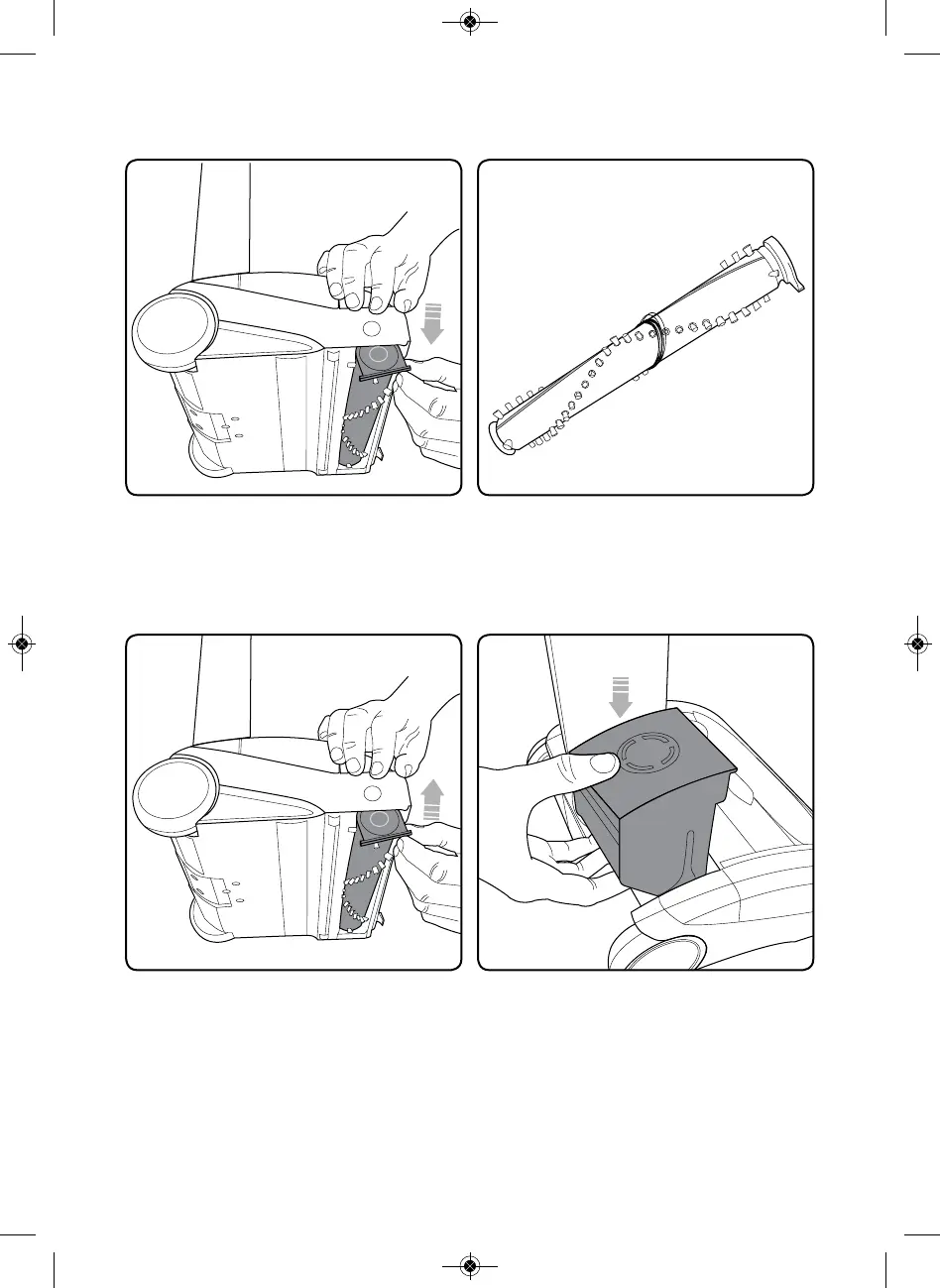
The brush roll can now be removed,
starting at the button end.
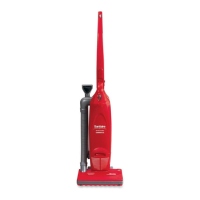
Clean the brush roll as needed.
Re-insert the brush roll, starting by
locating the end furthest away from
the button. Then push the brush roll
into the vacuum until it clicks into
place.
Replace the battery by sliding it
down. It will click into place.



 To Next Page