9
ENGLISH
FOR SERVICE PERSONNEL USE
ONLY
Do NOT insert ANY USB device into
this port. Use of this port by other
than Service Personnel may void
this products warranty.
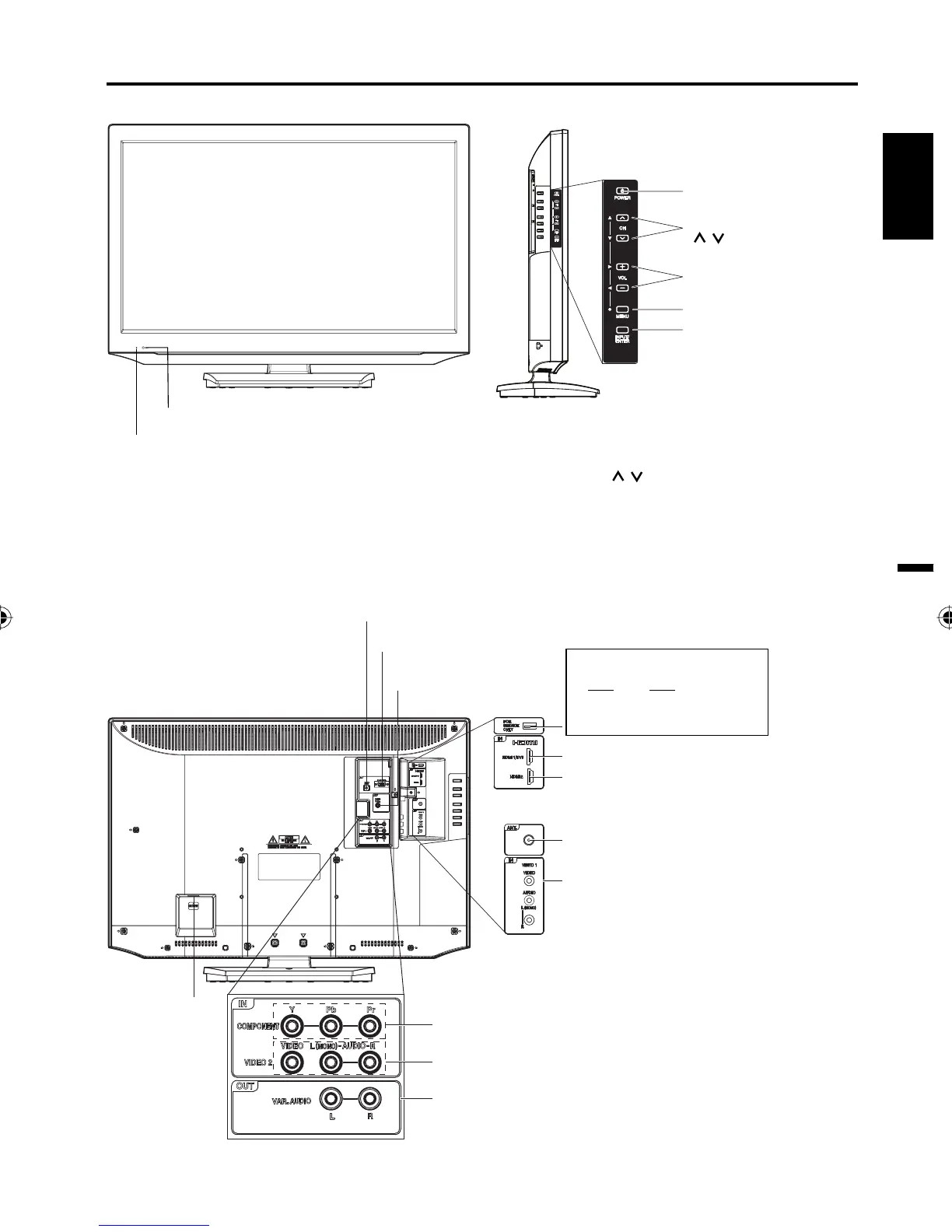
Left sideFront
Remote sensor
POWER button
INPUT/ENTER button
VOL (VOLUME) +/– buttons
CH (CHANNEL)
/ buttons
MENU button
Rear
To display the menu screen.
Press MENU button to display the menu screen.
CH (CHANNEL)
/ buttons,
VOL (VOLUME)
+/–
buttons and INPUT/ENTER button can be used
to select the desired setting during the menu screen
operations.
PC/DVI AUDIO IN jack
VIDEO1 IN jacks
(VIDEO/AUDIO
(L (MONO)/R))
COMPONENT IN jacks
HDMI2 IN jack
PC MONITOR IN jack
Parts and functions
AC INPUT jack
RF (ANT.) IN jack
Indicator
Red : Standby
Green : On
HDMI1/DVI IN jack
DIGITAL AUDIO
COAXIAL OUT jack
VIDEO2 IN jacks
(VIDEO/AUDIO (L (MONO)/R))
VAR.(VARIABLE)
AUDIO OUT jacks
NOTE:
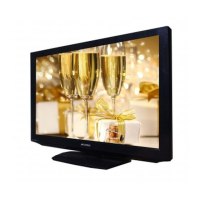
The illustration used in this manual is base on model HDLCD3250.•
3FN0121B_En.indd 93FN0121B_En.indd 9 2/17/11 6:38:14 PM2/17/11 6:38:14 PM



 To Next Page