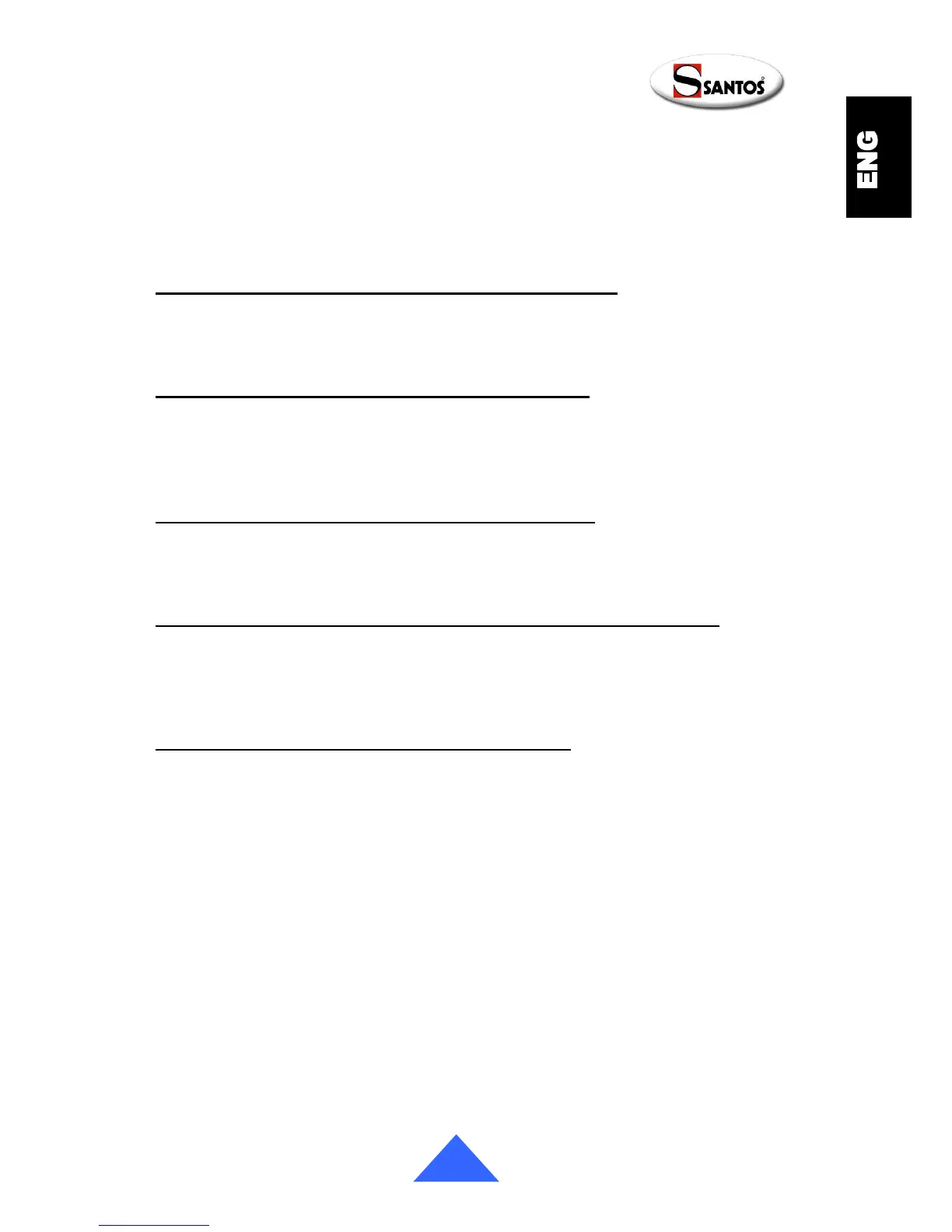
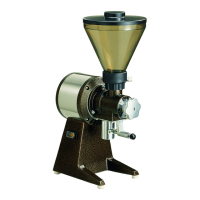
• Under the machine (fig. O), press the button (13) to reset the excess current
protection. If the button does not remain in the "reset" position, allow the machine to
cool down before repeating the operation.
If the problem persists, turn the machine electric power off (unplug the mains power lead
(10)) and call on someone from the maintenance department or contact an approved
SANTOS dealer.
The ground coffee dose measurement is not consistent
• Check that there are coffee beans in the bean container. It is recommended that there
is a minimum of 400g of coffee beans in the hopper.
• Clean the ground coffee outlet tube (23) (fig. H).
The machine runs but without the filling filter holder
• Check that there are coffee beans in the bean container.
• Check that the bean container shutter (6) is in the open position.
• Try with a coarser grind setting
• Replace the grindstones (9).
The espresso coffees are getting weaker and weaker
• Check and adjust the grinding setting then
• Check and adjust the timer settings. (The timer values increase depending on the
wear on the grindstones. If the values are too high, then replace the grindstones (9).
The machine does not work after having changed the timer settings
• For safety reasons, the motor is disabled during the timer setting stage. To prevent
any sudden motor start at the end of that phase, the user must activate the machine
manually by selecting one of the 2 buttons (20 or 21).
• Select one of the 2 buttons (20 or 21).
The machine does not work following a power cut
• Ditto previous point
• Select one of the 2 buttons (20 or 21).


 To Next Page