10
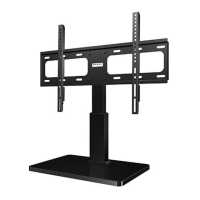
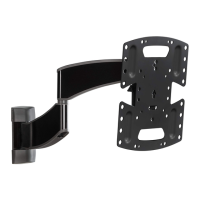
TV Bracket
Confi guration A
Illustrated
(with spacers)
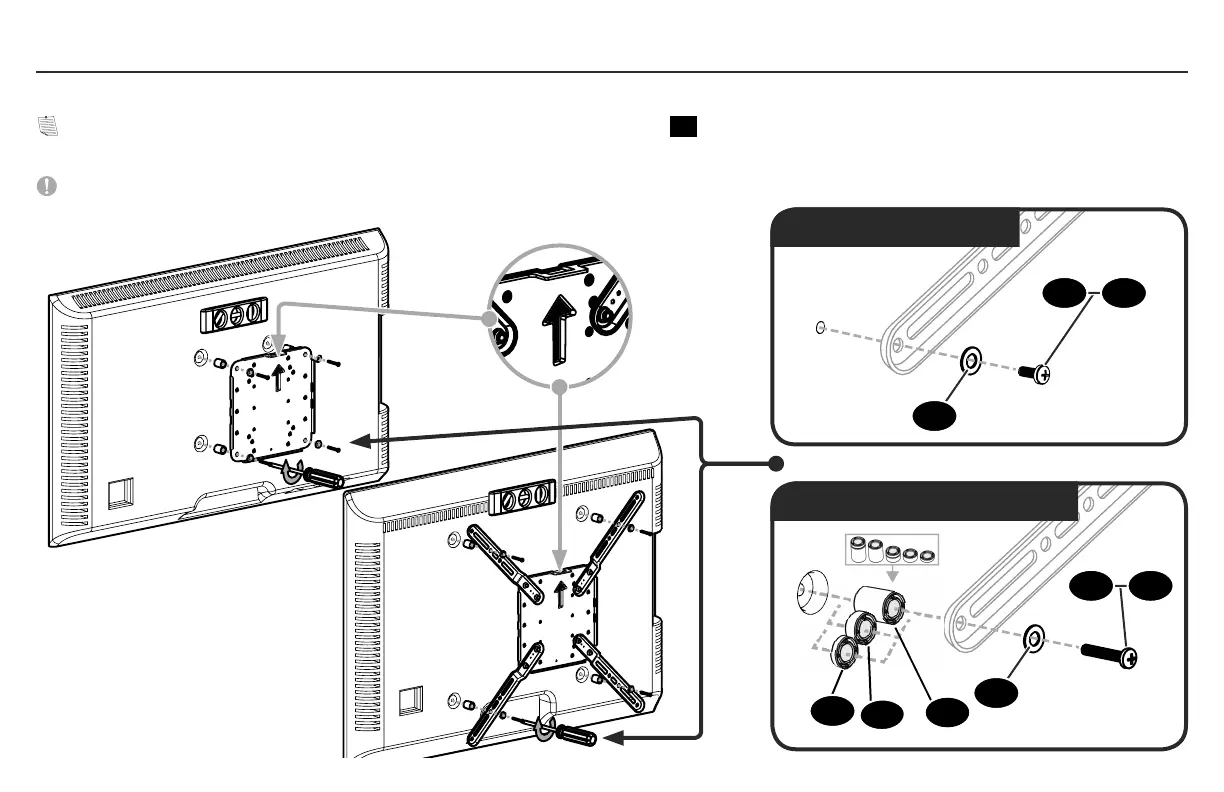
1.5 Attach TV Bracket
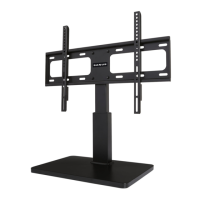
TV Bracket
Confi guration B
Illustrated
(with spacers)
Flat Back
Round Back / Extra Space
Position your TV bracket configuration (A, B, C, D, E or F)
over your TV's hole pattern - making sure the bracket is centered and level.
NOTE: For configurations B, C, D, E and F, reposition the TV bracket extenders
02
if they do not accurately align with your TV hole pattern.
Secure bracket using your screw/washer (Flat Back) or spacer/screw/washer (Round Back / Extra Space) selection.
IMPORTANT: Ensure TV bracket is securely fastened before moving on to the next step.
12
11
14
11
04
04
10
10
13


 To Next Page