14
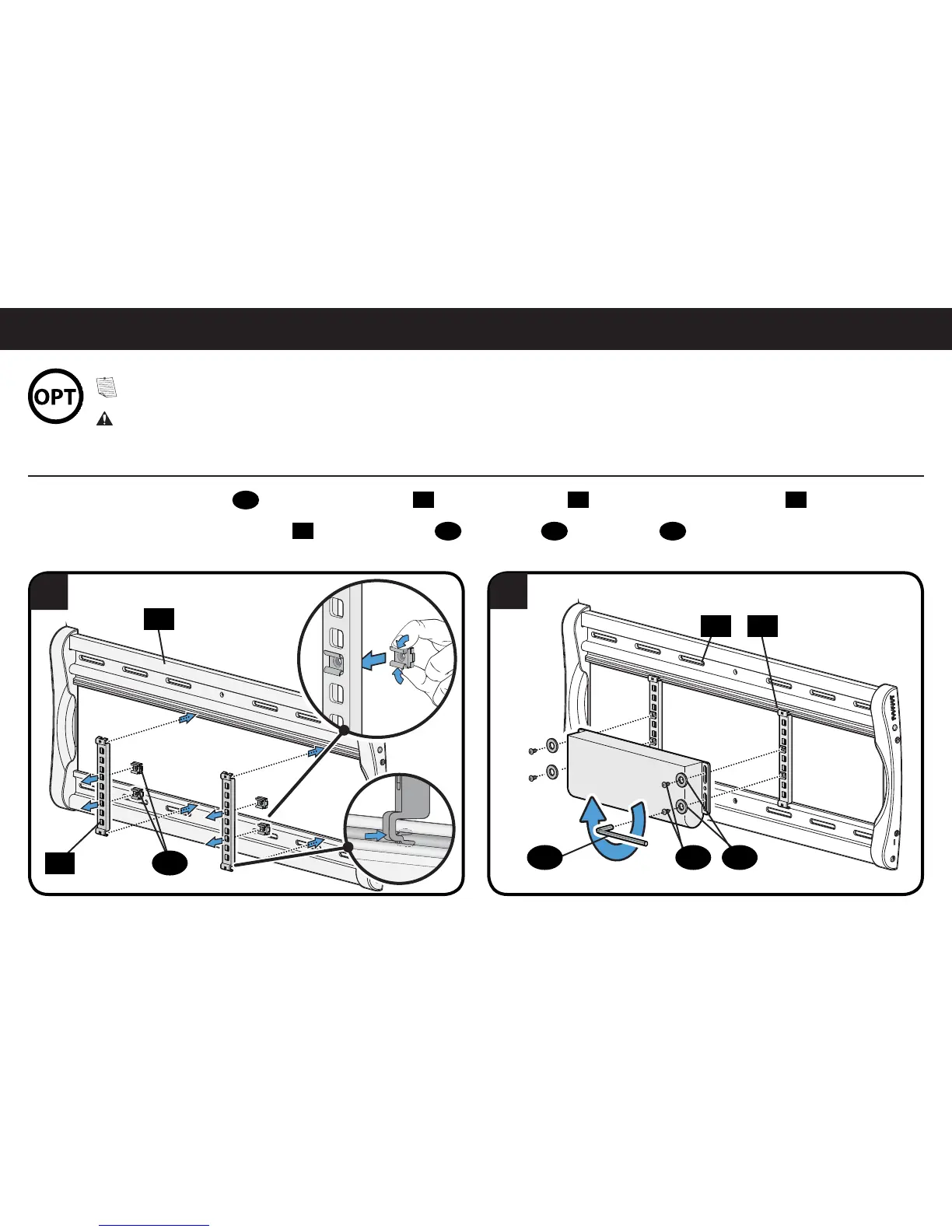
Cage Nut Assembly Option
OPTIONAL ClickFit
™
Accessory Bracket Mounting
1
2
NOTE: If not installing this option, Skip to STEP 3 on PAGE 16.
CAUTION: The ClickFit™ Surge Protector Mounting Accessory supports a maximum weight of 3 lb (1.3 kg).
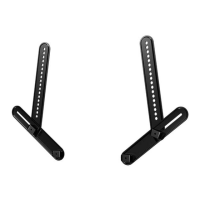
1. Pinch the ends of cage nuts
29
and insert into brackets
28
, then press brackets
28
into the channels on wall plate
23
.
2. Secure your accessory onto brackets
28
with with washers
30
and screws
31
using hex key
32
.
23
28
29
23
31 3032
28


 To Next Page