6901-002090 <00>
10
1
CAUTION:
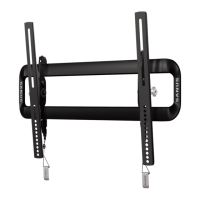
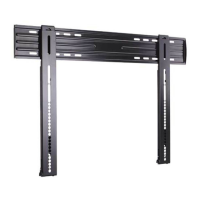
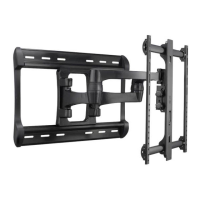
Install TV Brackets
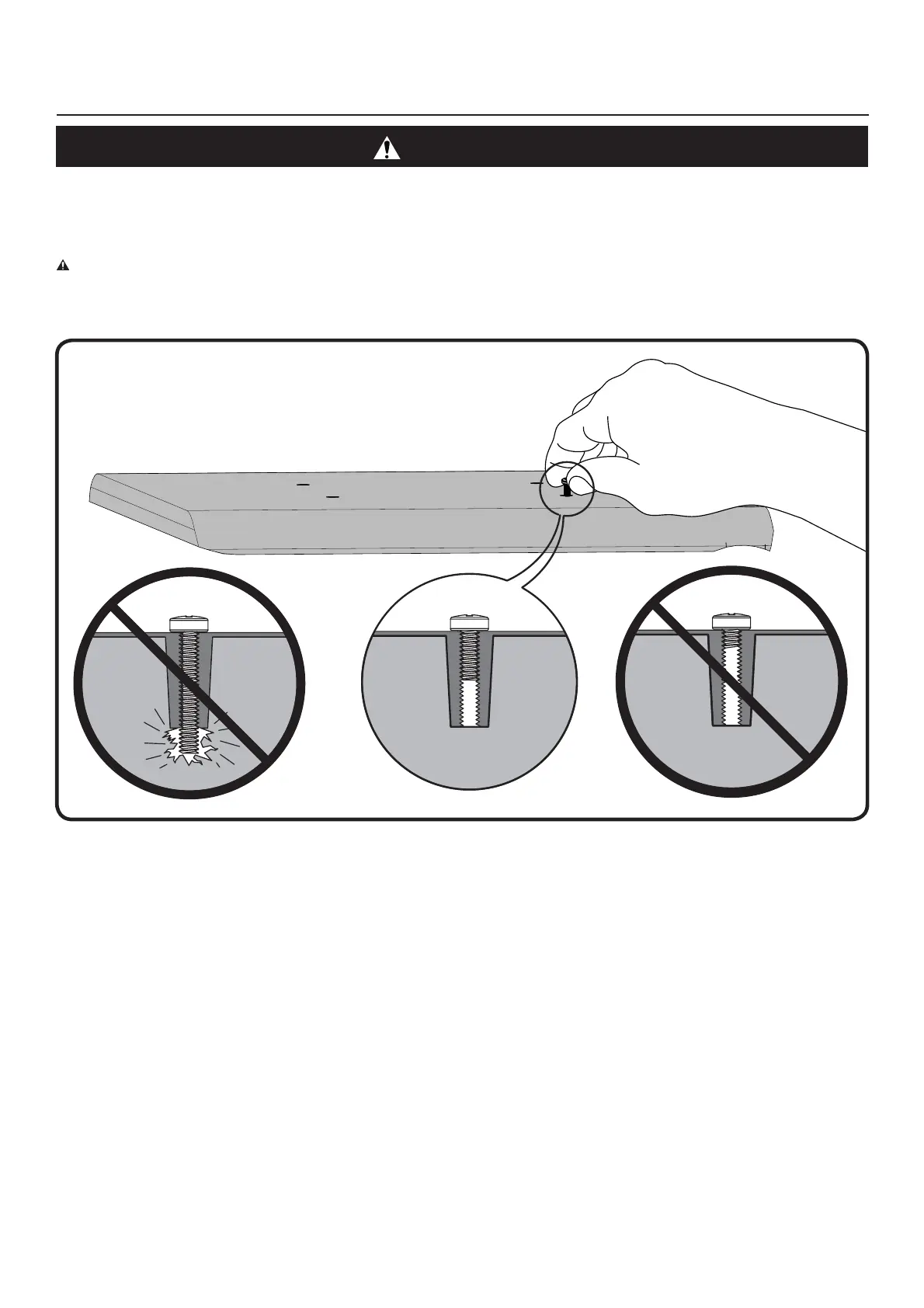
Before you begin, hand thread screws into the threaded inserts on the back of your TV to determine the correct screw diameter (M4, M5, M6, or M8). Verify
that there are adequate threads to secure the brackets to the monitor. If you encounter resistance, stop immediately and contact customer service.
CAUTION: Avoid potential personal injuries and property damage! Use the shortest screw and spacer combination to accomodate your needs. Using
hardware that is too long may damage your monitor’s internal components.


 To Next Page