16
STEP 2
Prepare Your TV (if mounted)
1
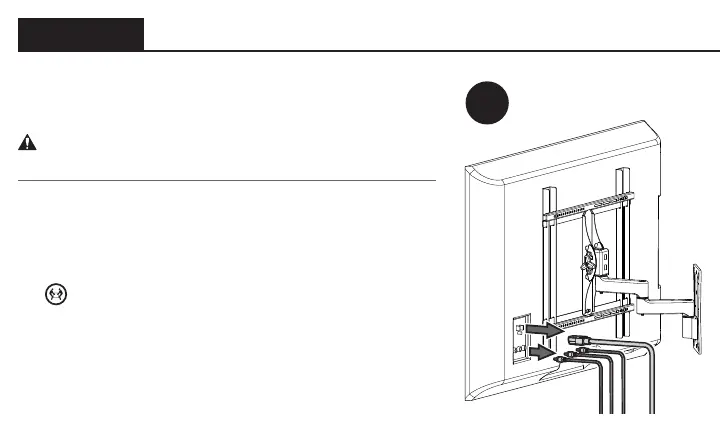
If your TV is already mounted:
CAUTION: Follow your TV mount’s manual for
instructions on how to safely remove your TV and TV bracket.
1. Remove any cables attached to your TV.
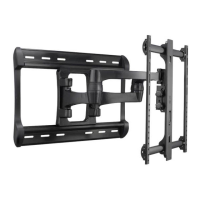
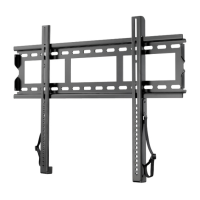
2. Remove your TV/bracket assembly from your wall
plate, arm assembly, or pillar.
HEAVY! You may need assistance with this step!
3. Remove the TV bracket(s) and hardware from your TV.


 To Next Page