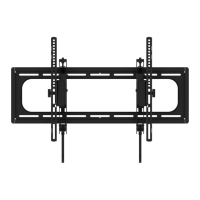
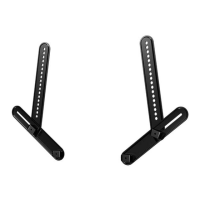
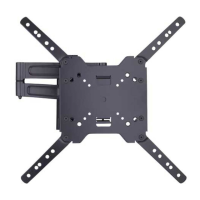
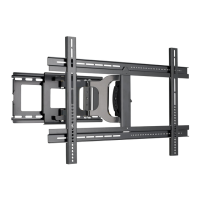
5
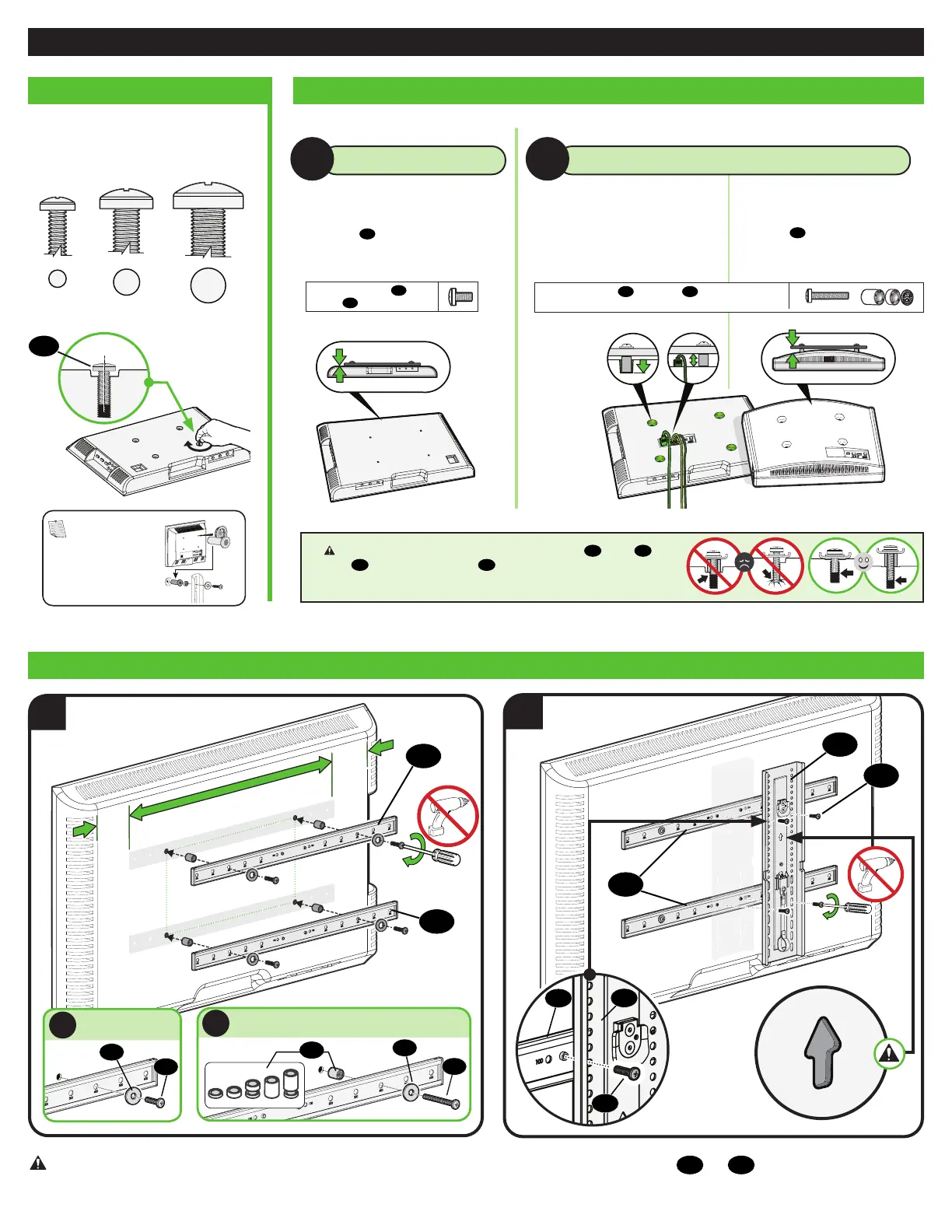
• Flat Back TV
[TV brackets
04
lay flat on your TV]
NO SPACER SPACER NEEDED
A
B
Only one screw size fits your TV.
M4
M6
M8
01
Use short TV screws
01
.
Spacers
03
not needed.
STEP 1 Attach TV Bracket to TV
Use long TV screws
01
and spacers
03
to create extra space
between the TV and TV bracket.
• Flat Back TV with extra space needed
[for deep inset holes or cable interference]
• Rounded or Irregular Back TV
[TV brackets
04
NOT resting flat on your TV]
CAUTION: Verify adequate thread engagement with your screw
01
, washer
02
,
spacer
03
combination AND TV bracket
04
.
— Too short will not hold your TV. — Too long will damage your TV.
1.2 Select TV Screw Length and Spacers1.1 Select TV Screw Diameter
NOTE: If your TV
included inset spacers or
adapters, use them UNDER
the mount hardware.
1.3 Attach TV Brackets to Your TV
1
04
04
2
04
02
01
A
NO SPACER
06
04
05
06
05
02
01
B
SPACER NEEDED
03
CAUTION: Avoid potential personal injuries and property damage! DO NOT use power tools for this step. Tighten the screws
01
and
06
only enough to secure the TV
brackets to the TV.


 To Next Page