24
1 1
3 4
2
3
2
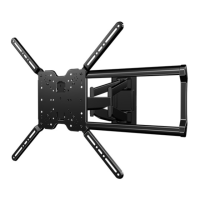
REMOVING THE TV REMOVING THE ARM ASSEMBLY
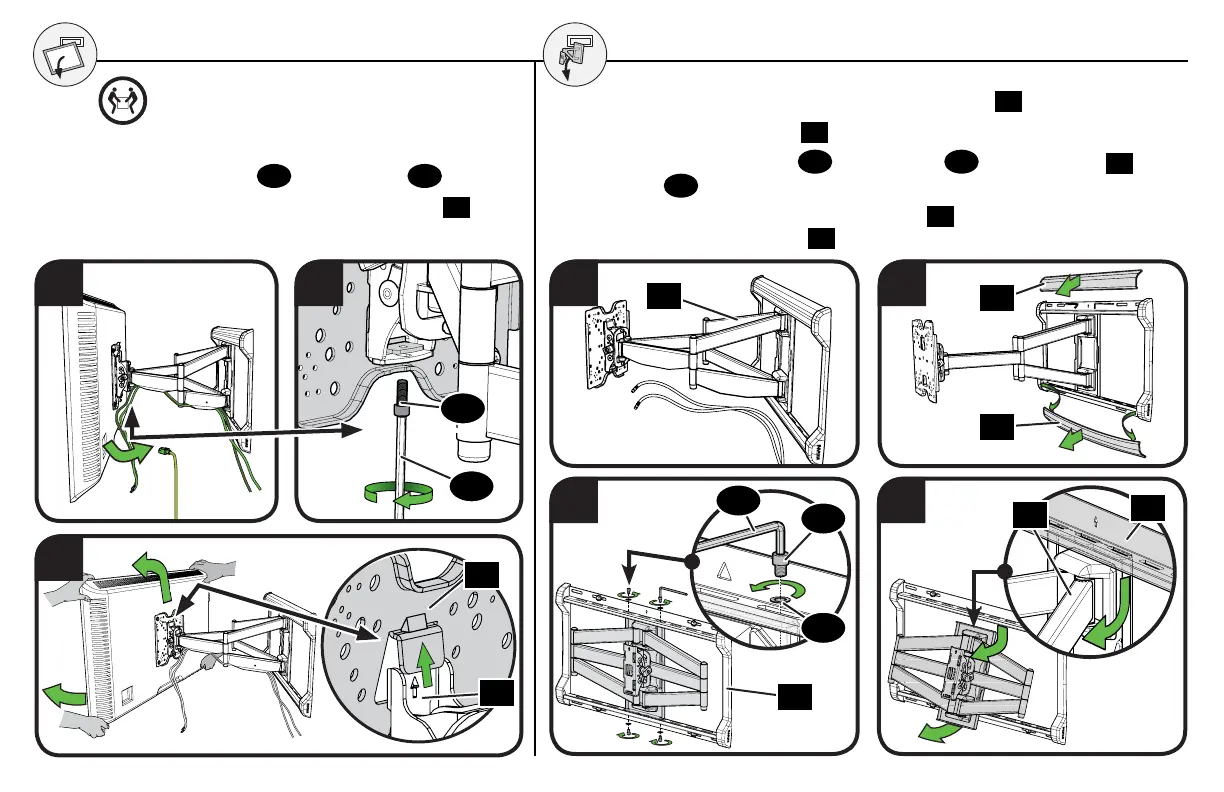
1. Remove the TV and any cables connected to arm
24
.
2. Remove the cover plates
31
by bowing the middle out to release.
3. Remove the four screws
25
and washers
26
from wall plate
20
using
hex key
30
.
4. Swing the lower portion of arm assembly
24
out and lift the arm
assembly out of wall plate
20
.
1. Disconnect all cables from your TV.
2. Remove locking screw
27
using hex key
30
.
3. Swing the bottom of the TV away from the arm
24
,
then lift up and off the arm.
HEAVY! You may need assistance with this step.
24
31
31
25
26
30
20
24
20
30
27
24
01


 To Next Page