24 in.
(609 mm)
16 in.
(406 mm)
21
16 in. (406 mm)
24 in. (609 mm)
1 in. (25 mm)
1/2 in.
(13 mm)
18
18
15
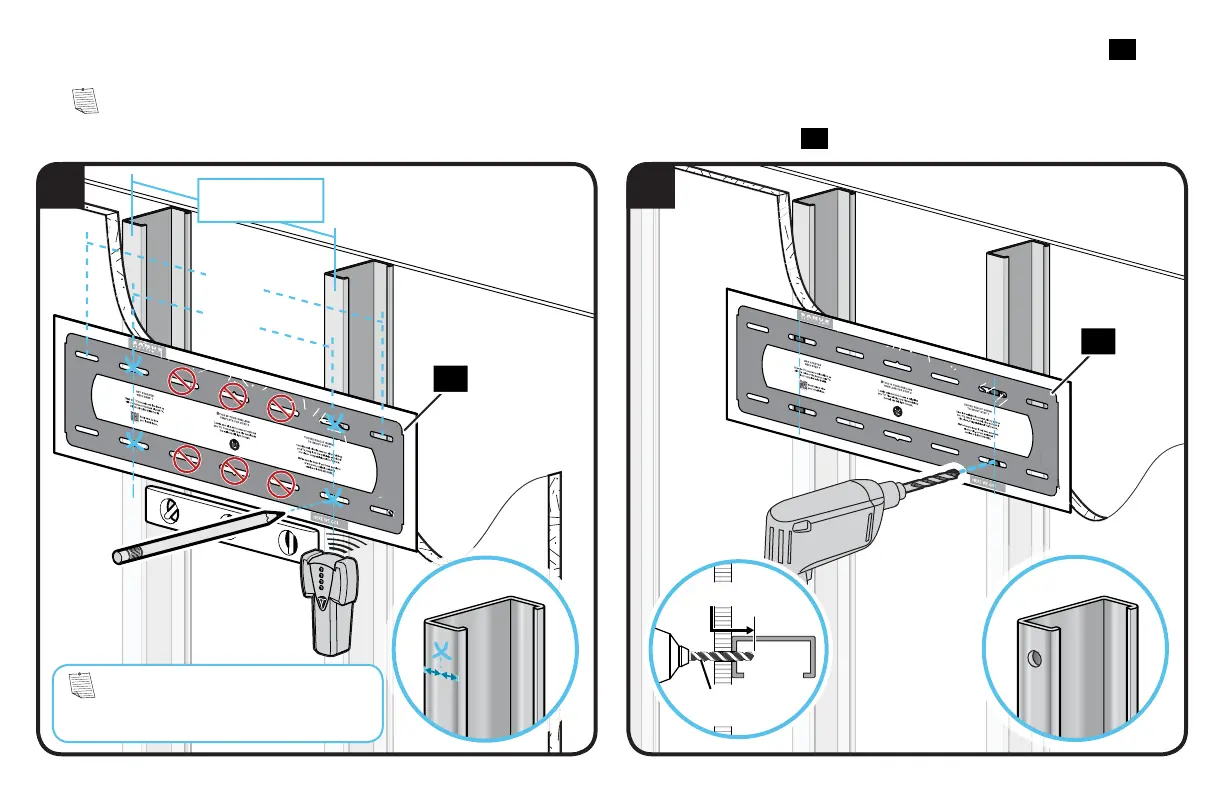
1. Locate studs. Verify the center of the stud(s) using an awl, a thin nail, or an edge to edge stud finder. Level the wall plate template
18
and
mark the hole locations in the center of the studs. NOTE: Do not use center 3 slots for steel stud mounting.
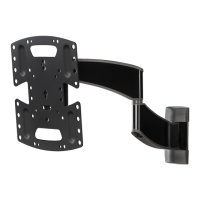
NOTE: TV with brackets can be shifted to the left or right from center. Consider this when selecting the location of your wall mount.
2. Drill pilot holes using a 1/2 in. (13 mm) diameter drill bit then remove the wall plate template
18
.
NOTE: For assistance in
determining wall plate location, try our
HeightFinder
™
at SANUS.com/2665


 To Next Page