6901-002129 <01>
12
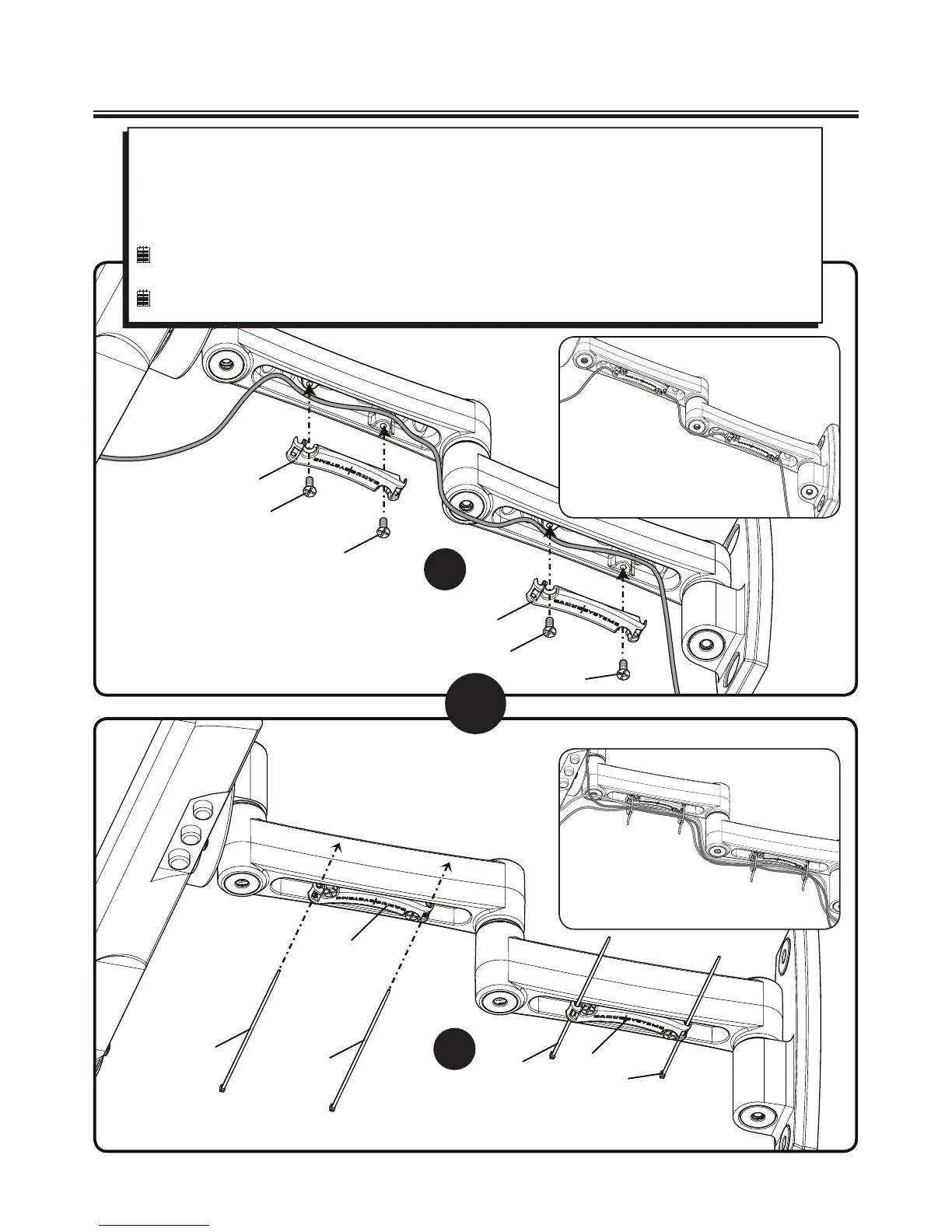
5 Wire Management
A
B
OR
Option A:
Thread cable through channels the secure with plate [03] and plate screws [04].
Option B:
Install plate [03] with plate screws [04]. Thread cable ties [05] through end holes in plate [03]. Arrange cables then
secure them with the cable ties [05
].
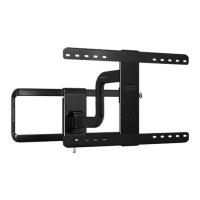
NOTE: Pull the arm to its full extension before routing the cables through the channels, then loosely route the cables.
This will give the cables enough slack to prevent excess tension when adjusting the position of the arm.
NOTE: The MF215 is shown.
[03]
[04]
[04]
[03]
[04]
[04]
[03]
[03]
[05]
[05]
[05]
[05]


 To Next Page