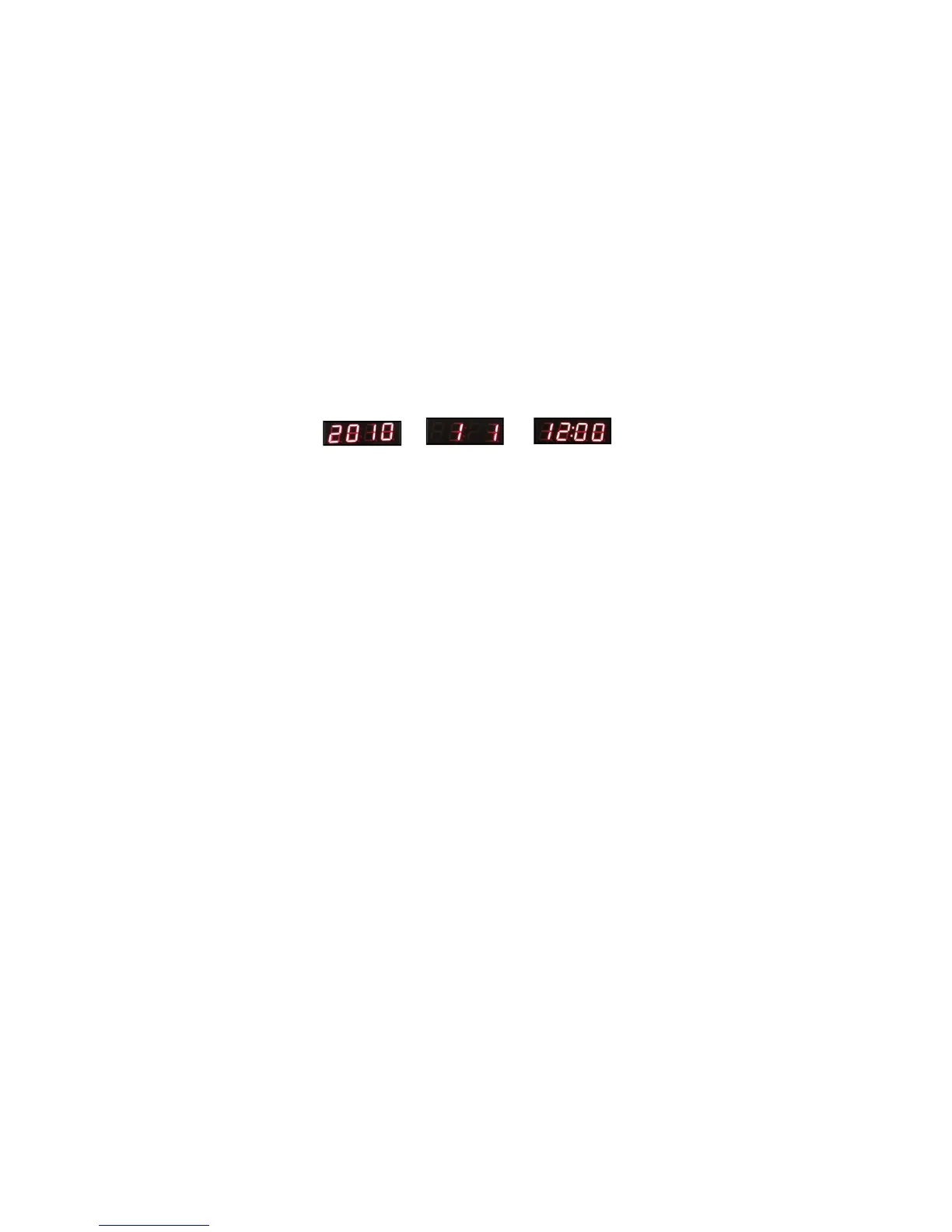
4.3.1 Current time settings
4.3.1.1 In the time display mode, press "SET"
button, it displays "2010" and goes to Year
setting mode. You can press "UP" or "DOWN"
button to choose values.
4.3.1.2 Press "SET" button again to set Month,
press "SET" button for the third time to set
Date, press "SET" button for the fourth time to
set Hour, press "SET" button for the fifth time
to set Minute.
Set Year Set Mouth/Date Set Hour/minute
4.3.1.3 After setting, press the“SET” button to
exit the time settings.



 To Next Page