EasyManua.ls Logo

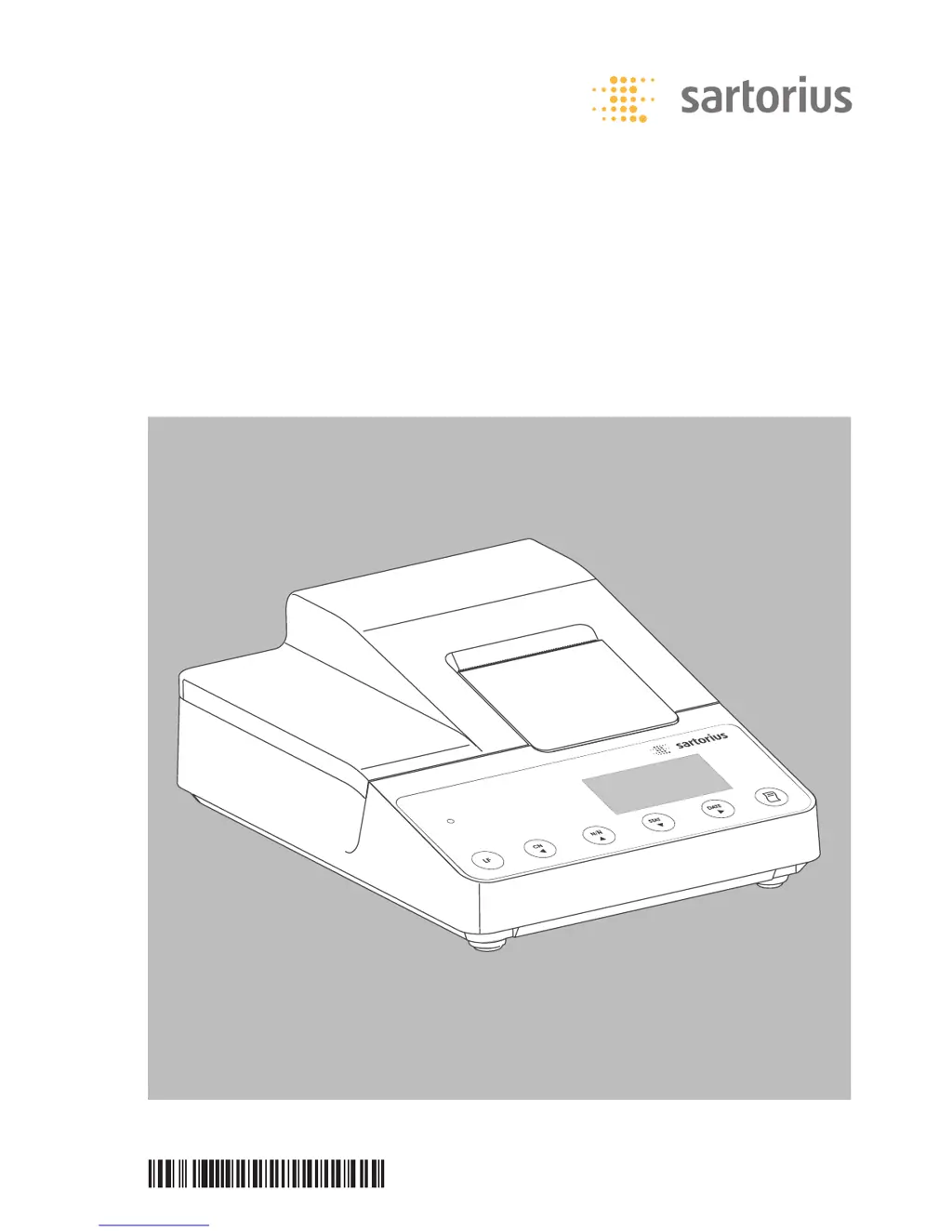
Sartorius YPD20-OCE - User Manual

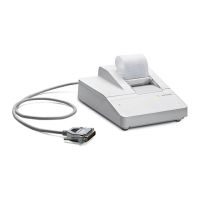
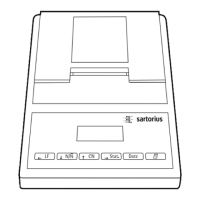
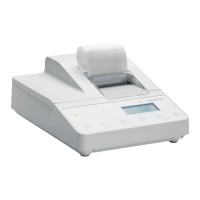
Sartorius YPD20-OCE
112 pages
Print Icon
To Next Page IconTo Next Page
Loading...
Operating Instructions | Betriebsanleitung |
Installation et mode d’emploi
Sartorius YDP20-0CE
Data Printer | Messwertdrucker | Imprimante
98647-004-35
98647-004-35

Table of Contents

Questions and Answers

  • E
    Erin CookAug 10, 2025
    What to do if Sartorius YPD20-OCE shows a transmission error?
    • R
      ronald22Aug 10, 2025
      If your Sartorius Printer displays a transmission error, ensure that the settings for the printout on both the printer and the weighing instrument are matching.
  • K
    Karen WashingtonAug 15, 2025
    How to fix low battery on Sartorius Printer?
    • C
      Clarence CamposAug 15, 2025
      If the Sartorius Printer indicates low batteries, charge the batteries.
  • M
    michael39Aug 20, 2025
    What to do if Sartorius YPD20-OCE batteries are discharged?
    • M
      Michael CabreraAug 20, 2025
      If the batteries of your Sartorius Printer are discharged, charge them.
  • Z
    zacevedoAug 25, 2025
    What to do if Sartorius Printer displays err2?
    • J
      jdominguezAug 26, 2025
      If the Sartorius Printer displays 'err2', it indicates that the capacity of the input buffer has been exceeded. To resolve this, switch off the weighing instrument and then switch it on again.
  • C
    Carmen BryantAug 29, 2025
    Why is err3 flashing on my Sartorius YPD20-OCE Printer?
    • R
      Rebecca MatthewsAug 30, 2025
      If 'err3' is flashing on your Sartorius Printer, it may indicate that there is no control signal from the printer. You can try pressing any key. Also, check, recharge, or replace the batteries if necessary.
  • D
    Derrick ChandlerSep 3, 2025
    How to resolve err1 flashing on Sartorius YPD20-OCE Printer?
    • N
      nealsaraSep 3, 2025
      If 'err1' is flashing on the Sartorius Printer, it indicates that the data in the printer memory (EEPROM) is defective due to an incorrect checksum. Pressing any key may help. Factory settings will then be loaded. If the issue persists, change the printer port and/or statistics application settings.

Sartorius YPD20-OCE Specifications

General IconGeneral
BrandSartorius
ModelYPD20-OCE
CategoryPrinter
LanguageEnglish

Related product manuals