Operating Instructions YTM15MA 23
Operation
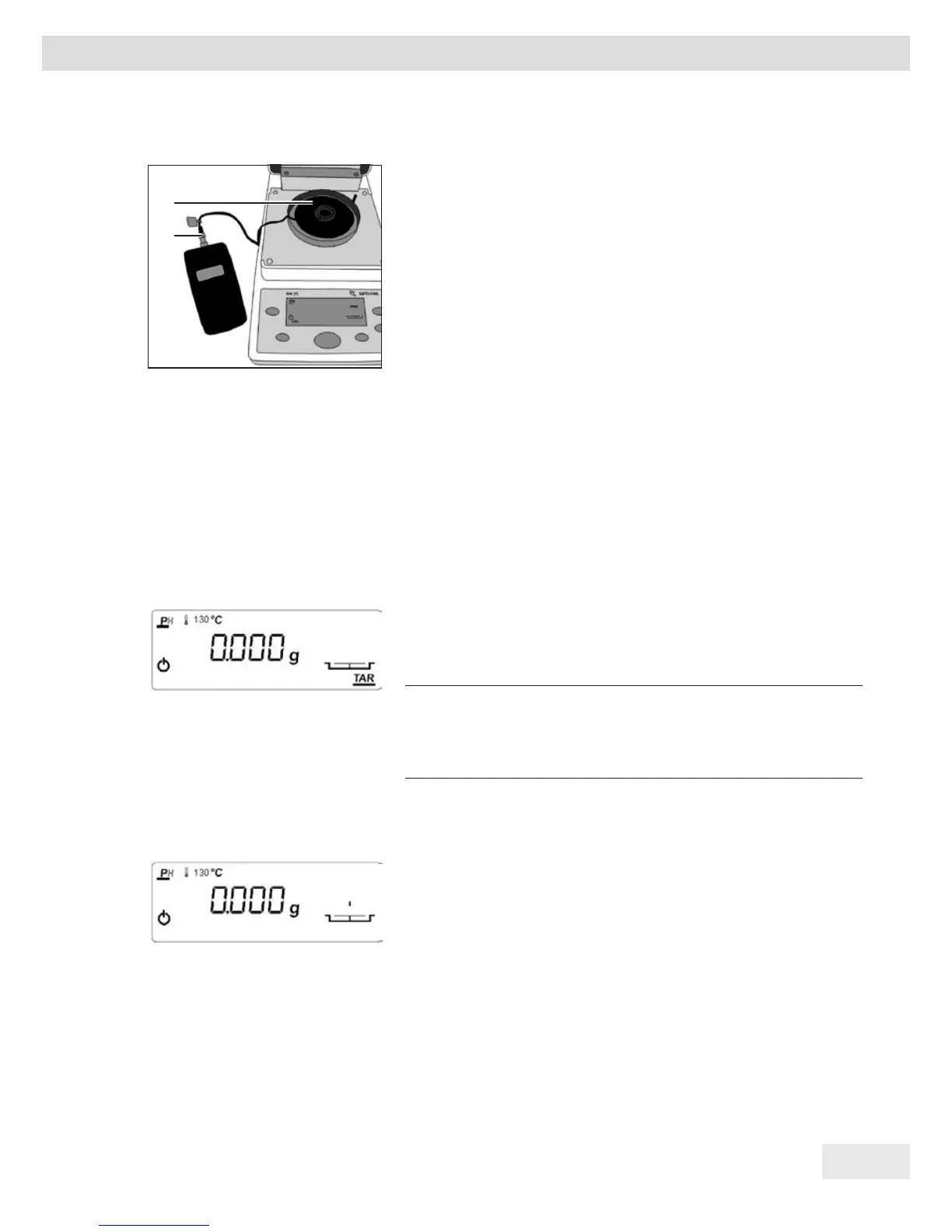
t Place the connector (1) of the measurement cable
into the temperature measuring device.
t NOTICE Observe the information in Chapter 4.2,
Page 9. Use the disk holder to position the
adjustment disk (2) on the pan retainer.
t Close the hood.
y The measurement starts with the following
sequence:
− 0.0 to 49.9 minutes: Display "CAL H1".
− 50.0 to 69.9 minutes: Display "CAL H2".
− 70.0 to 84.9 minutes: Display "CAL H3".
− 85.0 to 99.9 minutes: Display "+ x.x,".
− Output display "+ 0.0." "Beeps" 5x every 10 sec.
until one of the two "+/- cursor keys" is
confirmed for the first time.
t If the temperature discrepancy is within the
tolerance (after 85 minutes): Press [CF] to exit the
program.
NOTICE
It is essential to observe the conversion table on
page 25.
t If the temperature discrepancy is outside of the
tolerance (between 85 and 100 minutes): Correct
the temperature using the cursor keys [+/-].
t Enter the correction values: Positive values for a
temperature that is too low, negative values for a
temperature that is too high.
t To confirm the correction: Hold down the [ENTER]
key.
y A printout is generated.
If no correction entry with a confirmation is made
before 100 minutes, the calibration cancels
automatically with "Err C."
1
2



 To Next Page