-24-
ESPT JARUEN DE KO
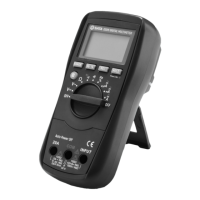
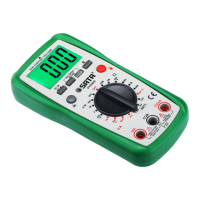
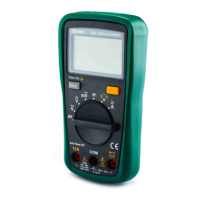
03005 / 03007
used to turn the meter on and off. For power off, set this switch in the "
OFF
"
position.
5.
"10A"
jack
Input for current measurement and current frequency measurement (only
for 03007 model).
6.
"COM"
jack
Common (return) terminal for all measurements.
7. " " jack (or " " jack)
Input for measurements of voltage, resistance, continuity, diode,capacitance
and frequency (only for 03007 model).
Note: For the 03005 Multimeter, the name of this jack is the " " jack.
8. Yellow button
This button can be used to switch between the following measurement
functions:
a. DC current/AC current
b. Resistance/diode/continuity
9. Sheath Beeper introduction:
When any button is pressed, the beeper will
make a short "beep" if the button is active.
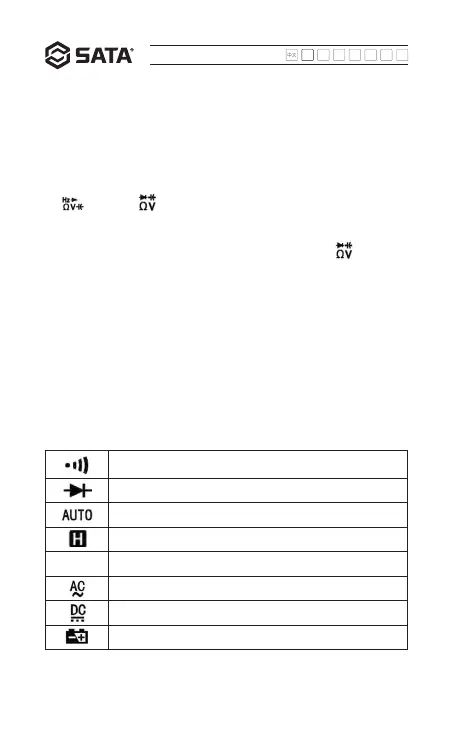
Continuity test selected
Diode test selected
Auto range mode activated
Data hold mode activated
icon5 Minus
AC
DC
Low battery voltage! Replace batteries immediately.
Screen introduction
- The LCD symbols are described in the following table:


 To Next Page