Freyja GNSS RTK System User Manual
www.satlab.com.se 7
2.2 Button & LED
2.2.1 Button function
Table 2-2-1 Button function description
Long press the power button for 1 second.
In the power-on state, long press the power button for more than 3 seconds but
less than 6 seconds.
Forced shutdown
(use when the
device crashes)
Press the power button for at least 12 seconds.
Press the power button once to voice the product’s current working status.
When the device is powered on, long press the power button for 6 seconds and
release it after hearing the second "dingdong" sound.
Double-click the power button to enter the mode switch. After each double-click,
switch to a working mode, and click the power button to confirm it.
When the device is powered off, long press the power button for 6s to turn it on.
2.2.2 LED
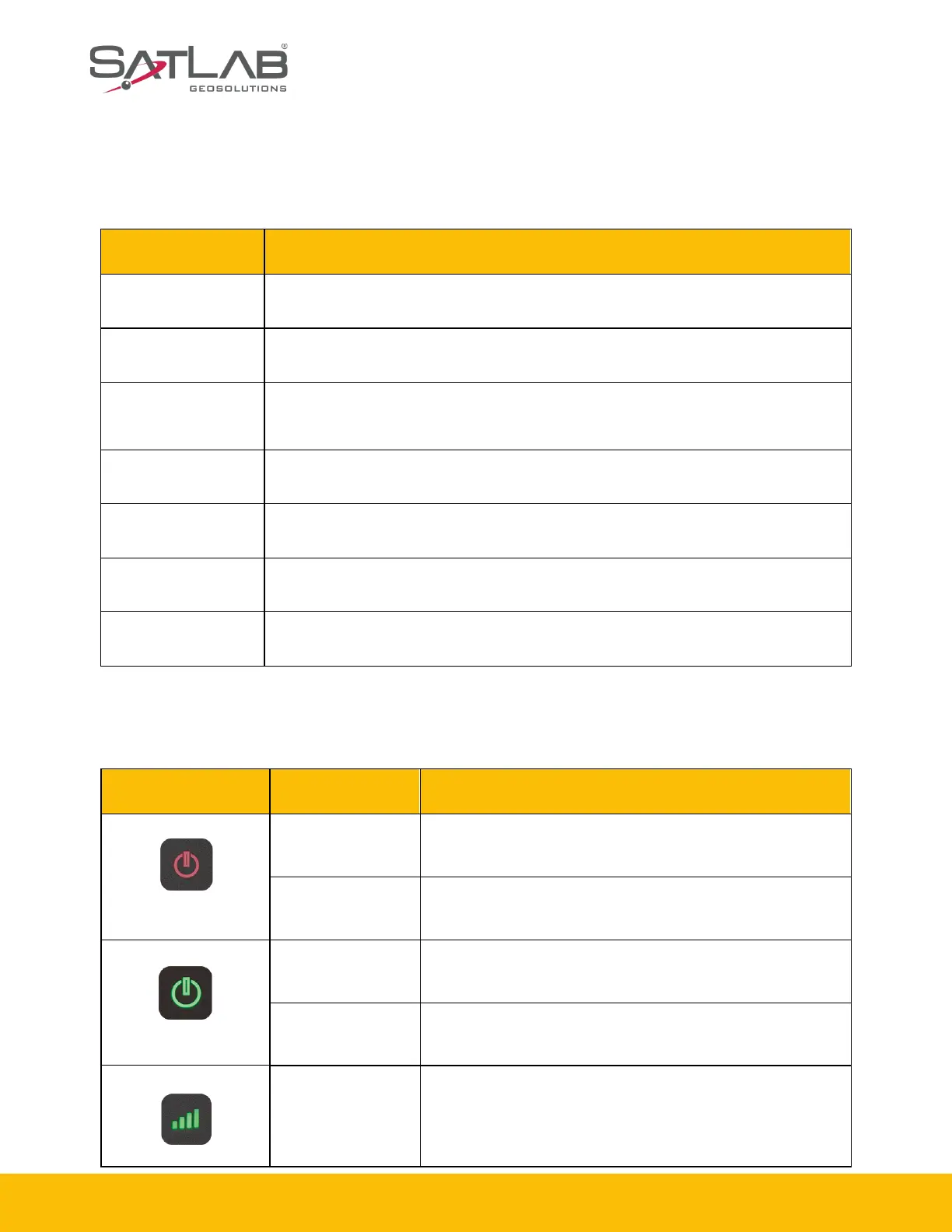
Table 2-2-2 LED function description
When the device is powered off, it is for charging the device.
It is not charging or fully charged.
1. RTK mode: No correction data.
2. Static mode: Sampling has not started.
1. RTK mode:
Flashes at the frequency of the correction transmit and
receives.
2. Static mode:



 To Next Page