Digital Satellite Finder
27
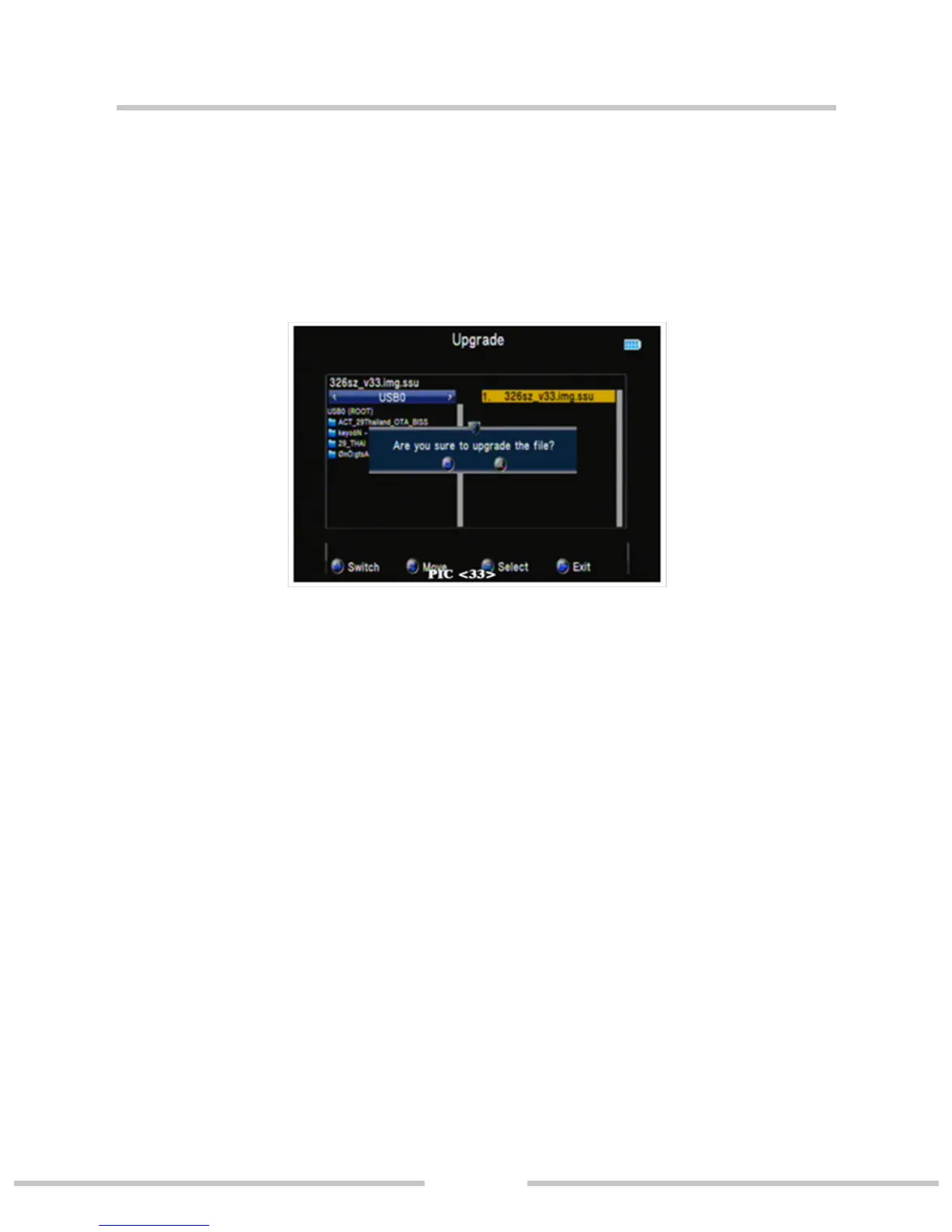
○Upgrade (PIC 33)
Will update the le into the U disk; then insert the machine;
press ok key to update interface, use the direction key to select
update le. Press ok key to update.
Warning: During the upgrade processing, do not power o
or pull out the U disk;otherwise it will damage the machine
software, can not boot.
○ Factory Setting
Press ◄► key, then press ok key to conrm factory.
NOTE: if you set factory, all the user settings and the
database will be reset.


 To Next Page