å
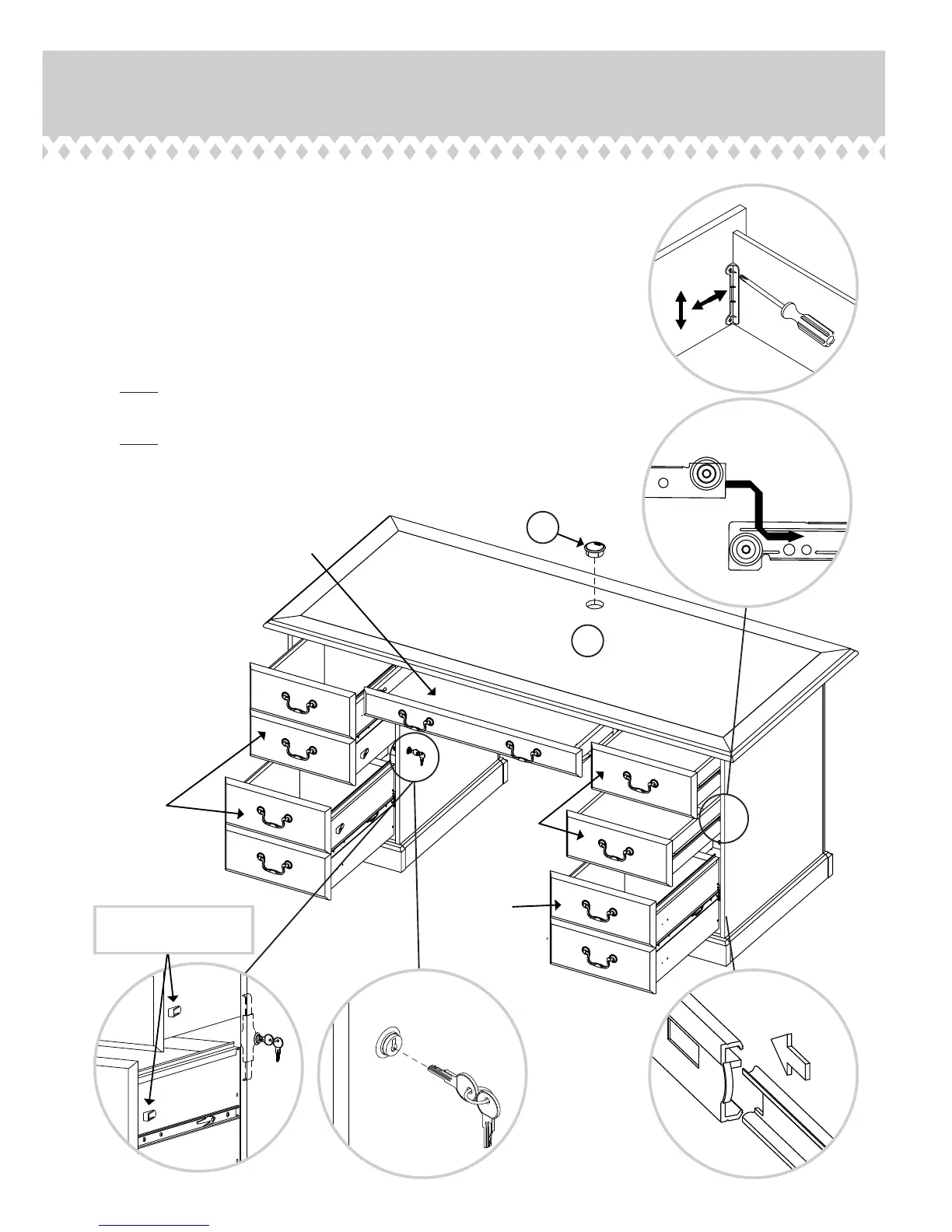
Push the GROMMET (K1) into the hole in the TOP (A).
å
Insert the SMALL DRAWERS and KEYBOARD SHELF into your unit as shown in
the large diagram. Refer to the large diagram to the right for the SMALL DRAWER
adjustment.
å
To insert a large drawer into your unit, line up the EXTENSION SLIDES on the
drawer with the EXTENSION RAILS on the unit and push the drawer into the unit
until the drawer is fully inserted. The drawer will push in hard until it is all the way in,
then it will slide in and out easier.
å
NOTE: The LARGE DRAWERS with the LOCK BRACKETS must line up with the
LOCK as shown below.
å
NOTE: Please read the back pages of the instruction booklet for important safety
information.
å
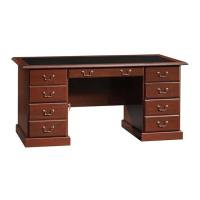
This completes assembly. Clean with your favorite furniture polish or a damp cloth.
Wipe dry.
Step 20
Page 24 www.sauder.com 402159
A
K1
The LOCK BRACKETS
must be here.
100 lbs.
45 kg
25 lbs.
11 kg
35 lbs.
15 kg
15 lbs.
6 kg
35 lbs.
15 kg



 To Next Page