å
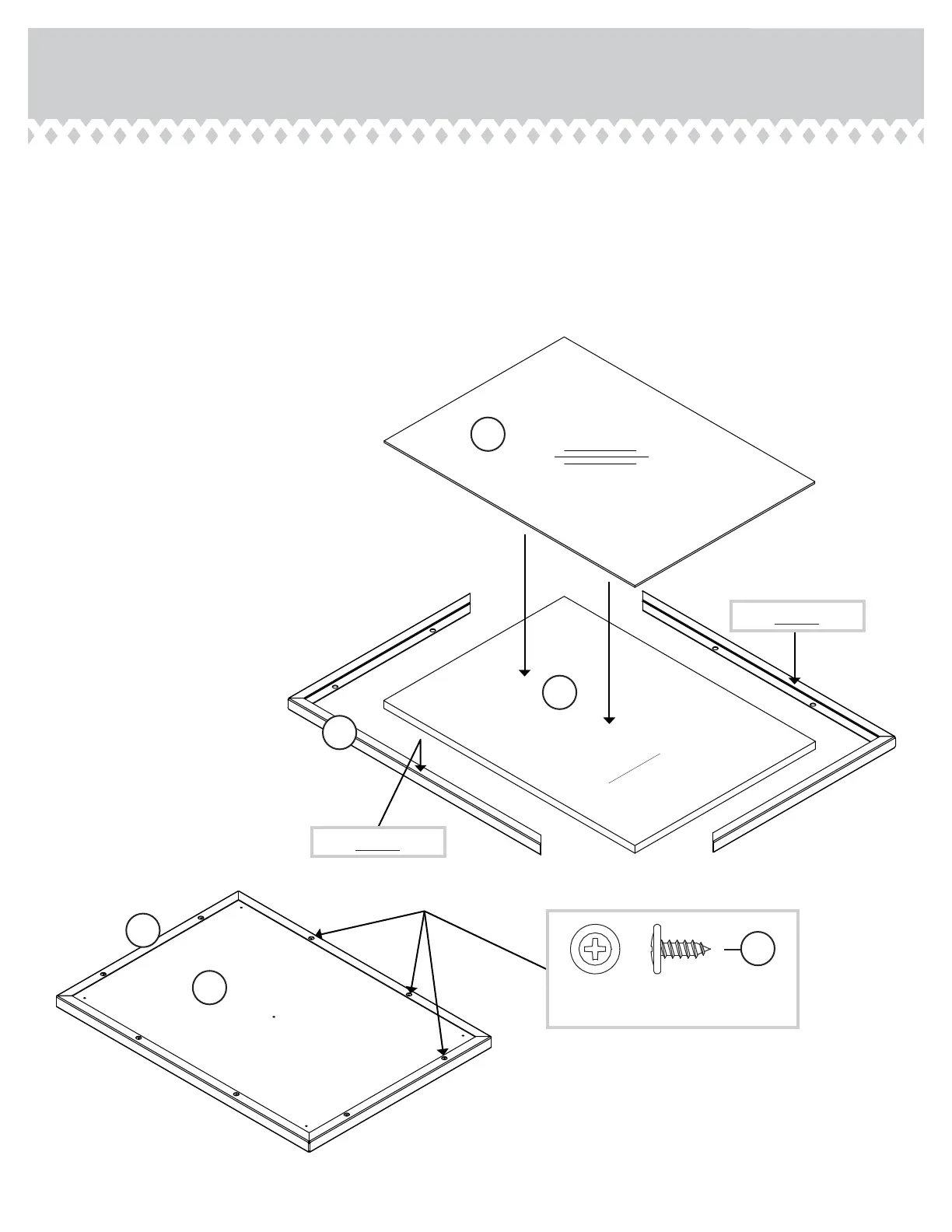
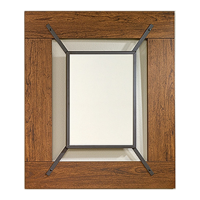
Place the MIRROR (F) on top of the MIRROR PANEL (A).
å
Wrap the CHANNEL FRAME (E) around both the MIRROR
and MIRROR PANEL.
å
Carefully turn the unit over and fasten the CHANNEL
FRAME (E) to the MIRROR PANEL (A). Use eight BROWN
7/16" LARGE HEAD SCREWS (6S).
Step 4
415556www.sauder.com/services
Page 7
A
E
F
Surface
without holes
Mirrored
surface
Surface
with holes
A
E
BROWN 7/16" LARGE HEAD SCREW
(8 used in this step)
6S
Edge without holes
Edge without holes



 To Next Page