EasyManua.ls Logo

sauter TRA 410 - User Manual

sauter TRA 410
19 pages
Print Icon
To Next Page IconTo Next Page
Loading...
ECC room thermostat
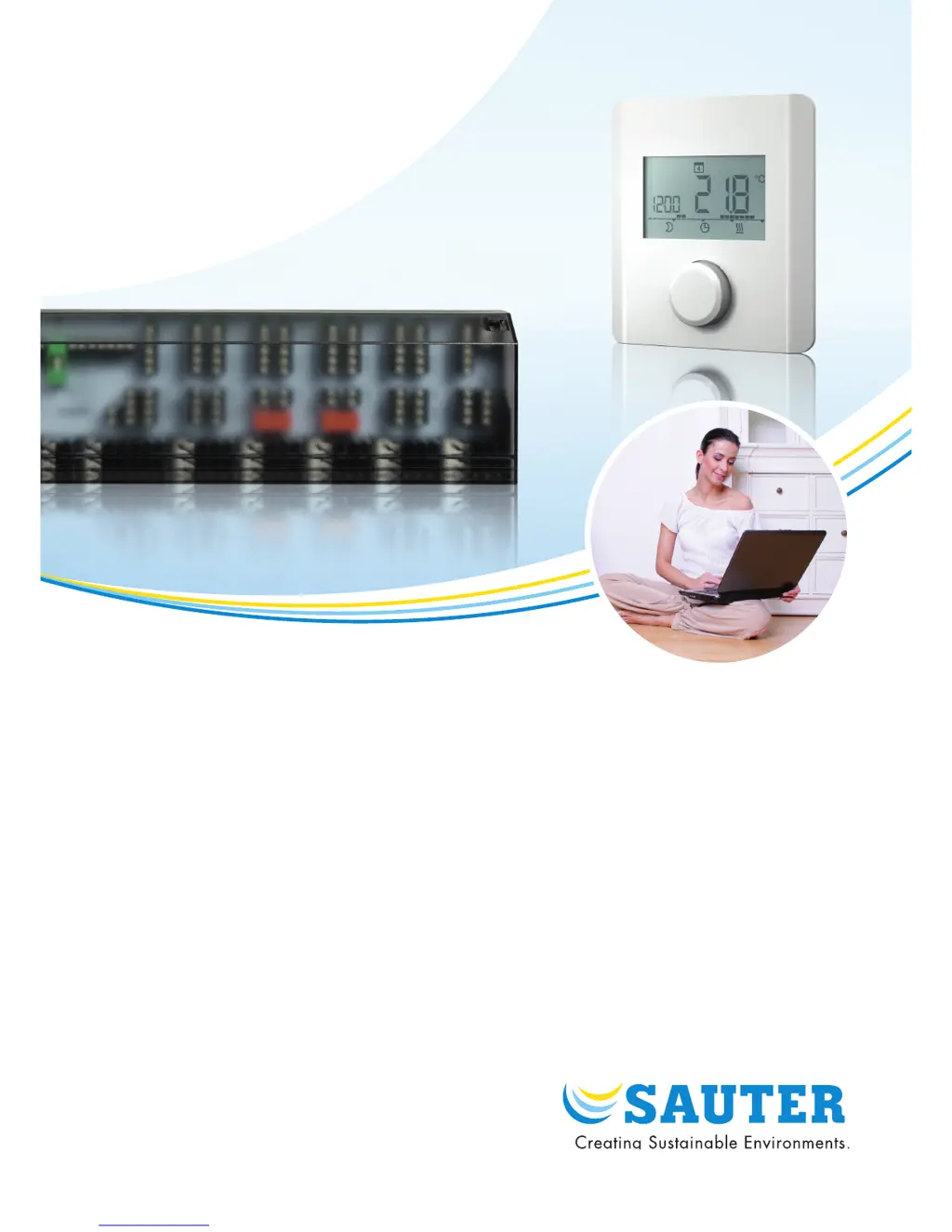
Electronic room thermostat for heating and heating/cooling with display
TRA 410, TRA 421
P100015830 C
Operating instructions

Other manuals for sauter TRA 410

Questions and Answers

  • T
    Theresa ThompsonAug 2, 2025
    What to do if the sauter Thermostat shows temperature out of range?
    • J
      Joshua RiversAug 3, 2025
      If your sauter Thermostat displays a temperature outside the measuring range, try the following: remove any external heat sources nearby to allow the sensor to cool down. If that doesn't work, consider repositioning the room sensor. As a next step, check the thermostat or external sensor and replace it if necessary. Also, ensure the external sensor is properly connected.
  • S
    Sherry WoodardAug 11, 2025
    Why sauter Thermostat has no signal from external sensor?
    • L
      Leah BarrettAug 11, 2025
      If your sauter Thermostat isn't receiving a signal from the external sensor, consider these possibilities: there may be no external sensor connected. The external sensor might not meet the required specifications. You can try deactivating the external sensor in parameter setting 040. Also, check the external sensor and replace it if necessary.
  • Z
    zkennedyAug 22, 2025
    How to fix fault in internal sensor of sauter TRA 410?
    • N
      Nicole HernandezAug 22, 2025
      If there's a fault in the internal sensor of your sauter Thermostat, try restoring the device to its factory settings via the “Settings” menu. If this doesn't resolve the issue, the room thermostat may be faulty and require replacement.

Summary

Safety Instructions

Meaning of Safety Instructions

Explains the meaning of different safety note symbols used in the manual.

General Information

Introduction

Provides an introduction to the operating instructions and their importance for safe operation.

Liability Limitation

Outlines SAUTER's liability regarding product use and adherence to instructions and modifications.

Intended Use

Describes the intended applications and limitations of the room thermostat for HVAC control.

First-Time Operation

Setting Setpoint Temperature

Details how to adjust the desired temperature using the rotary knob on the thermostat.

Setting Time and Date

Explains the procedure for setting the current time and date on the device.

Setting Weekly Switching Programme

Guides the user through configuring the automatic heating/cooling schedule.

Functions, Settings, and Parameterisation

Operating Modes

Covers the basic functions and operating modes of the thermostat, selectable via the rotary knob.

Setpoints

Details advanced functions and settings for temperature, time, and weekly switching programmes.

Service Parameters

Explains password-protected system parameters for advanced configuration and optimization.

Connection Diagrams

Dimension Drawing

Overview of Display

Description of Operation

Description of Operating Modes

Details the different operating modes (e.g., heating, cooling, comfort, reduced) and their functions.

Description of Changing Setpoints

Guides on how to adjust various setpoint temperatures for different modes and functions.

Description of Service Parameters for TRA 421

Explains specific service parameters and their configuration for the TRA 421 model.

Troubleshooting

Disposal

Cleaning

sauter TRA 410 Specifications

General IconGeneral
Brandsauter
ModelTRA 410
CategoryThermostat
LanguageEnglish