Functions – settings – parameterisation
4 Functions – settings – parameterisation
The functions, settings and parameterisation of the room-temperature controller
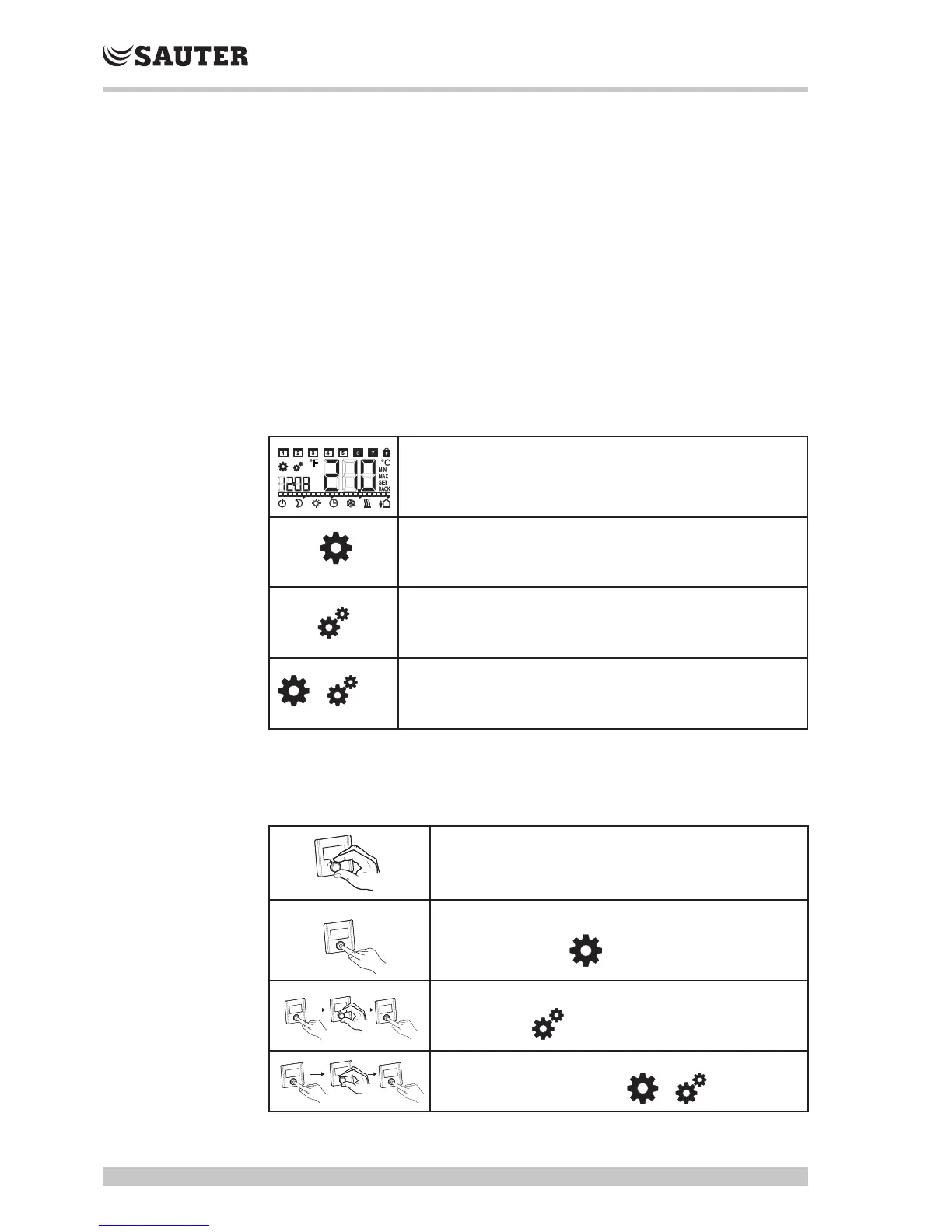
are called up using the rotary knob with turning/pressing mechanisms:
• Pressing the rotary knob
• calls up menus,
• activates and deactivates functions,
• applies settings that have been made and
• changes parameters.
• You turn the rotary knob to enter settings and select menus and functions.
The basic level and various menus are provided for simple operation and
settings:
Standard display
In the standard display, all room-temperature controllers show the current
actual temperature and the active functions. The TRA421 also has a clock
function.
Operating modes
Contains all important basic functions and operating modes.
Setpoints
Contains advanced functions and many setting options for temperature, time,
weekly switching programme etc.
Service parameters
Contains various password-protected system parameters. The optimum
balance of the overall system is attained via the corresponding settings.
Description of operation
The following table shows basic operation of the setting knob.
Adjust setpoint
Change operating mode



 To Next Page