Operation for the first time
3 Operation for the rst time
3.1 Setting the setpoint temperature
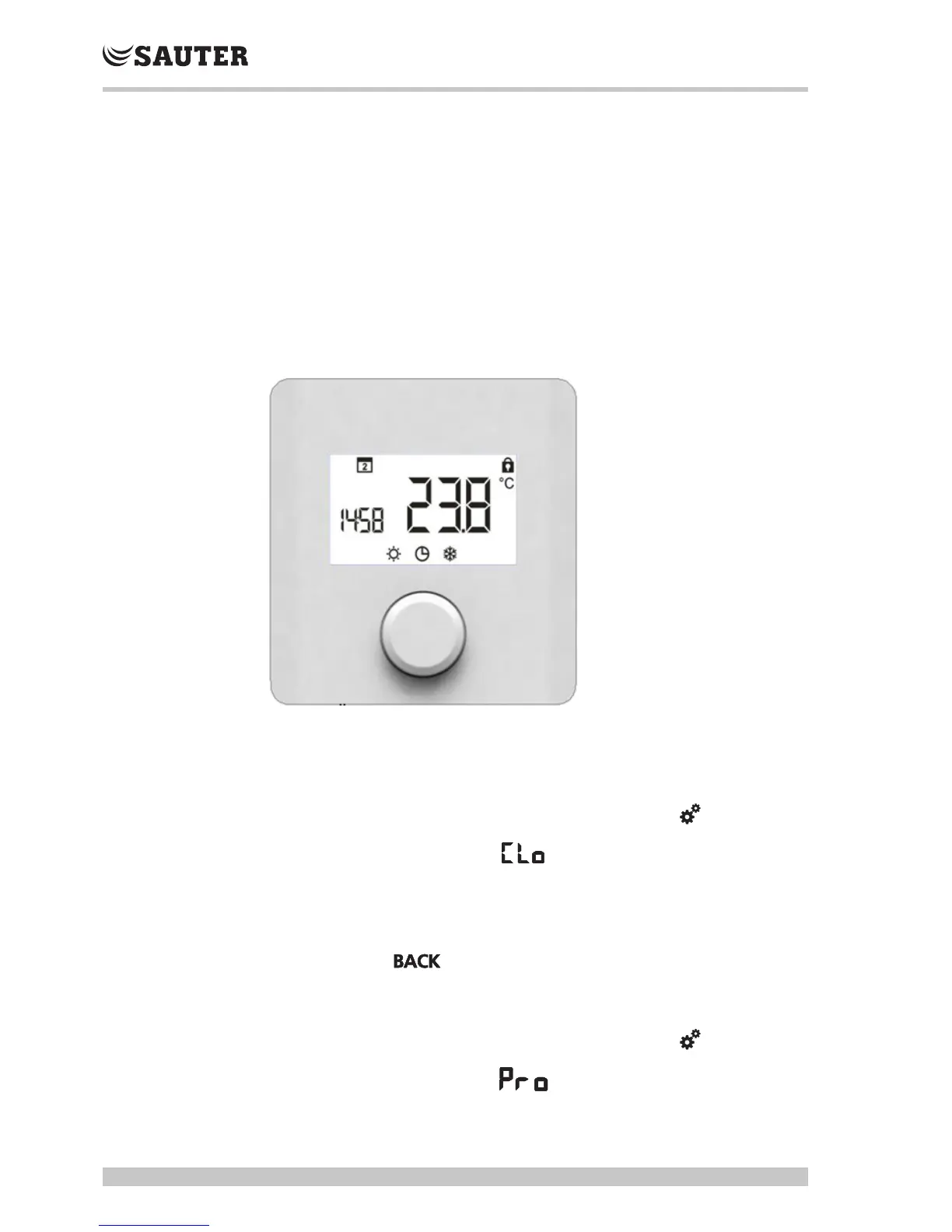
The setpoint temperature is set by turning the rotary knob to the left or the right.
1. Turn the rotary knob to the left.
 The temperature is decreased.
or
1. Turn the rotary knob to the right.
 The temperature is increased.
Fig.1 Front view of TRT 410, 421
3.2 Setting the time and the date
1. Press the rotary knob once
2. Turn the rotary knob once to the right until the setting level
3. Press the knob again to go to the setpoints
4. Turn until you reach the display
5. Press  hours display flashes - enter setting
6. Press  minutes display flashes - enter setting
7. Press  days display flashes - select day
8. Press  the time and day that you set flash - setting was successful
9. Turn knob until is displayed, then press knob
3.3 Setting the weekly switching programme
1. Press the rotary knob once
2. Turn the rotary knob once to the right until the setting level
3. Press the knob again to go to the setpoints
4. Turn until you reach the display
5. To confirm  press rotary knob.



 To Next Page