Operation for the first time
(
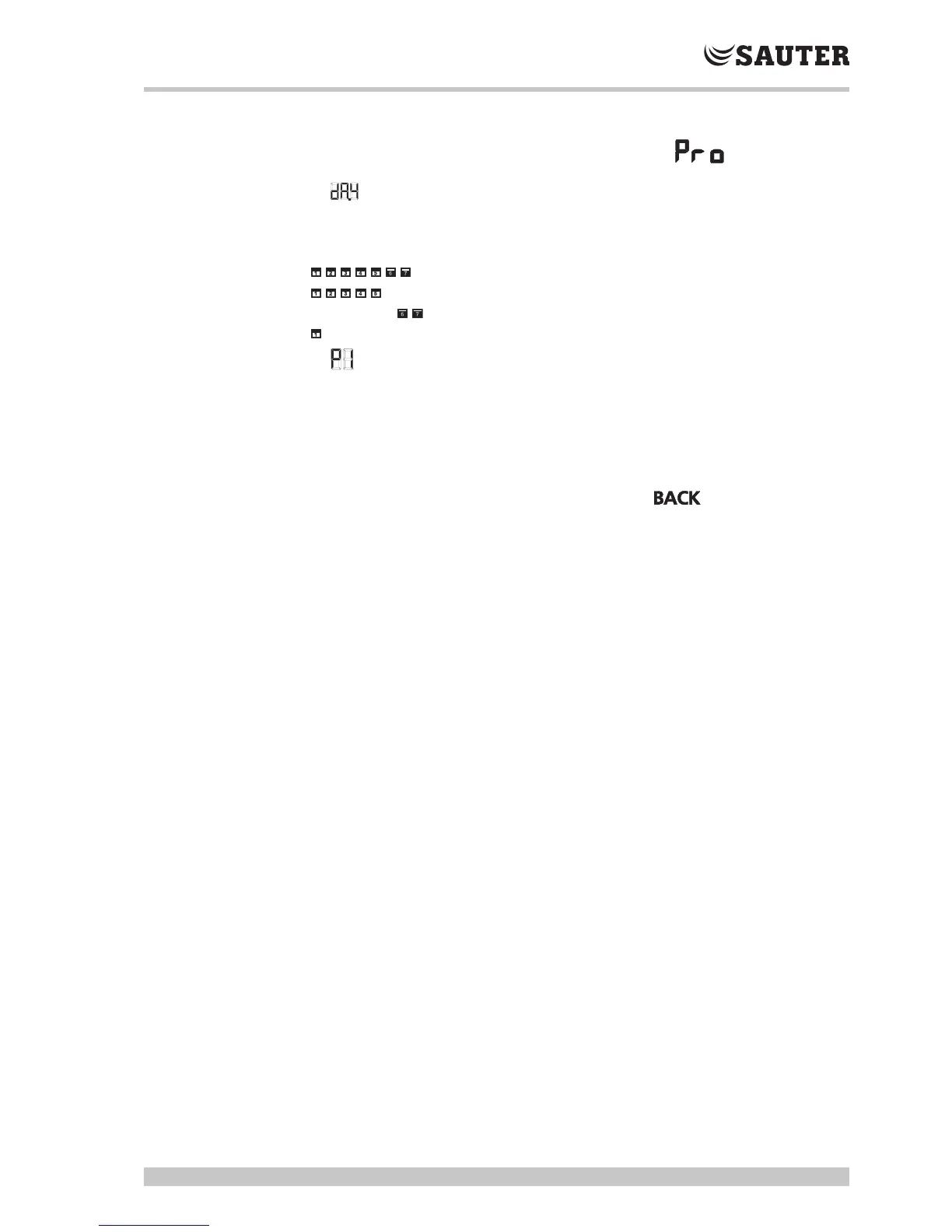
During the selection of the weekly switching programme , the current day
and the timeline flash.
6. appears in the display.
7. Select the weekly switching programme that you want by turning and pressing
the rotary knob:
flashes: weekly switching programme for Mon-Sun
flashes: weekly switching programme for Mon-Fri
flashes: weekly switching programme for Sat, Sun
flashes: weekly switching programme daily
8. appears in the display (switching command 1 for comfort mode).
Press and turn to select the switching commands P1…P4; define the
respective switch-on and switch-off points in 15-minute steps.
(
A maximum of 4 switching commands (P1...P4) can be defined for each day.
(
To delete a switching command, the switch-on and switch-off points must be set to
the same time.
9. You can leave the time programme by turning to and confirming.



 To Next Page