EasyManua.ls Logo

SBM SB-1100 - User Manual

Default Icon
32 pages
Print Icon
To Next Page IconTo Next Page
Loading...
Leading Image Processing Technology
We've been there when you needed
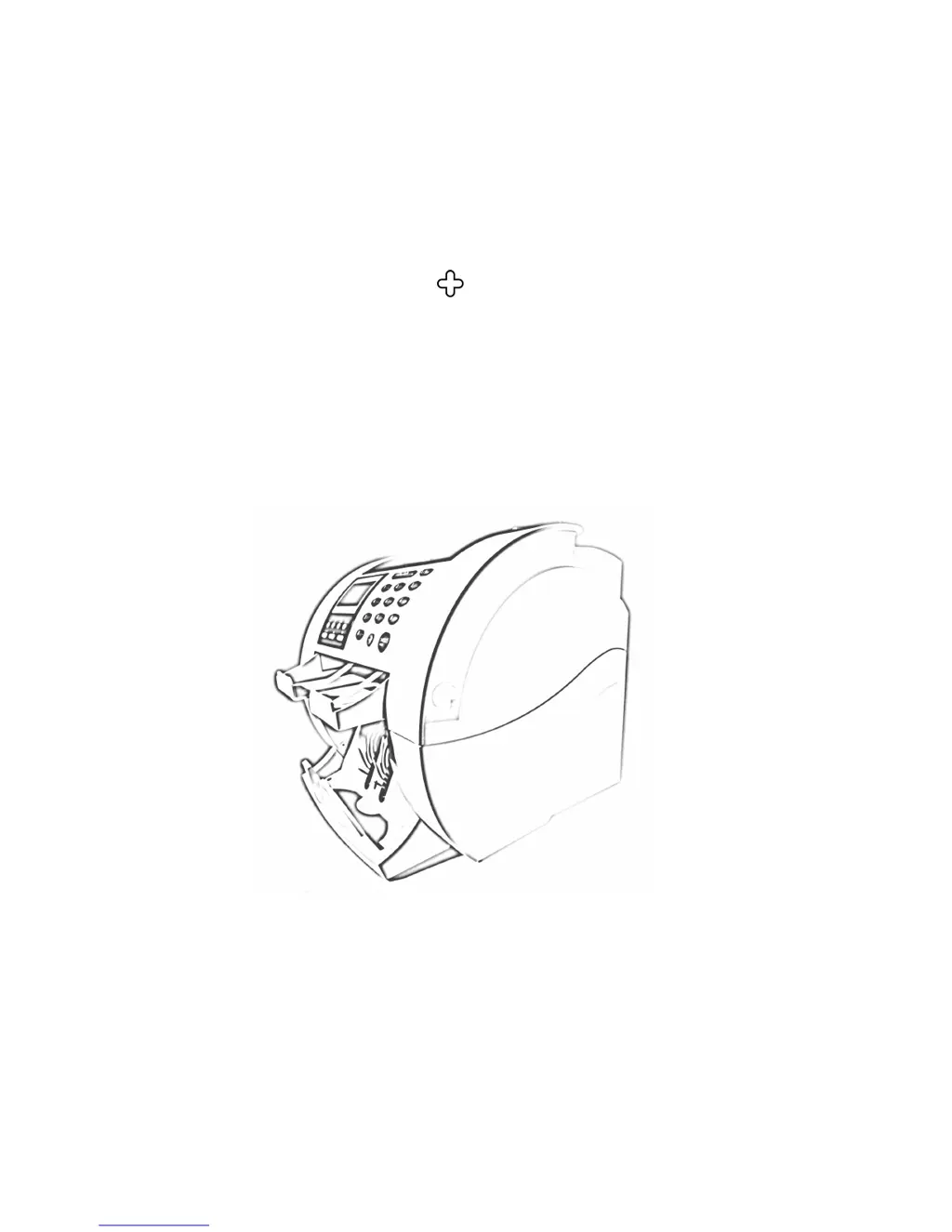
SB1000 / SB-1100
Currency Discrimination Counter
SBM Co., Ltd.
6F, Hyunwoo Bldg., 206, Anyang7-Dong, Manan-Gu, Anyang-City, Gyeonggi-Do, Korea 430-817

Questions and Answers

  • P
    pamelaweissAug 12, 2025
    What to do if SBM SB-1100 Cash Counter displays MAIN MOTOR, SKEW, DOUBLE, MFEED, JAM0, JAM1, JAM2, or JAM3 error?
    • C
      Carol Welch DVMAug 12, 2025
      If your SBM Cash Counter displays MAIN MOTOR, SKEW, DOUBLE, MFEED, JAM0, JAM1, JAM2, or JAM3 error, remove the banknotes from the Hopper and press the CLEAR button.
  • C
    Christian RossAug 19, 2025
    What to do if SBM SB-1100 Cash Counter displays HOPPER EXIST error?
    • B
      brownlisaAug 19, 2025
      If your SBM Cash Counter shows a HOPPER EXIST error, remove the banknotes from the Hopper. Then, press the CLEAR button.
  • R
    Robin TaylorAug 27, 2025
    What to do if SBM SB-1100 Cash Counter displays JAM3 error?
    • B
      Beth GriffithAug 27, 2025
      If your SBM Cash Counter displays a JAM3 error, open the front cover and inspect the inside of the machine. Remove any banknotes you find, then press the CLEAR key.
  • C
    Christine MedinaSep 3, 2025
    How to fix FRONT COPEN error on SBM SB-1100?
    • K
      Kerry ChristianSep 3, 2025
      To fix the FRONT COPEN error on your SBM Cash Counter, first, press the Front Cover until it clicks in place. If the error persists, press the CLEAR button.

SBM SB-1100 Specifications

General IconGeneral
BrandSBM
ModelSB-1100
CategoryCash Counter
LanguageEnglish

Related product manuals