EasyManua.ls Logo

SBM SB1000 Plus - User Manual

Default Icon
32 pages
Print Icon
To Next Page IconTo Next Page
Loading...
Leading Image Processing Technology
We've been there when you needed
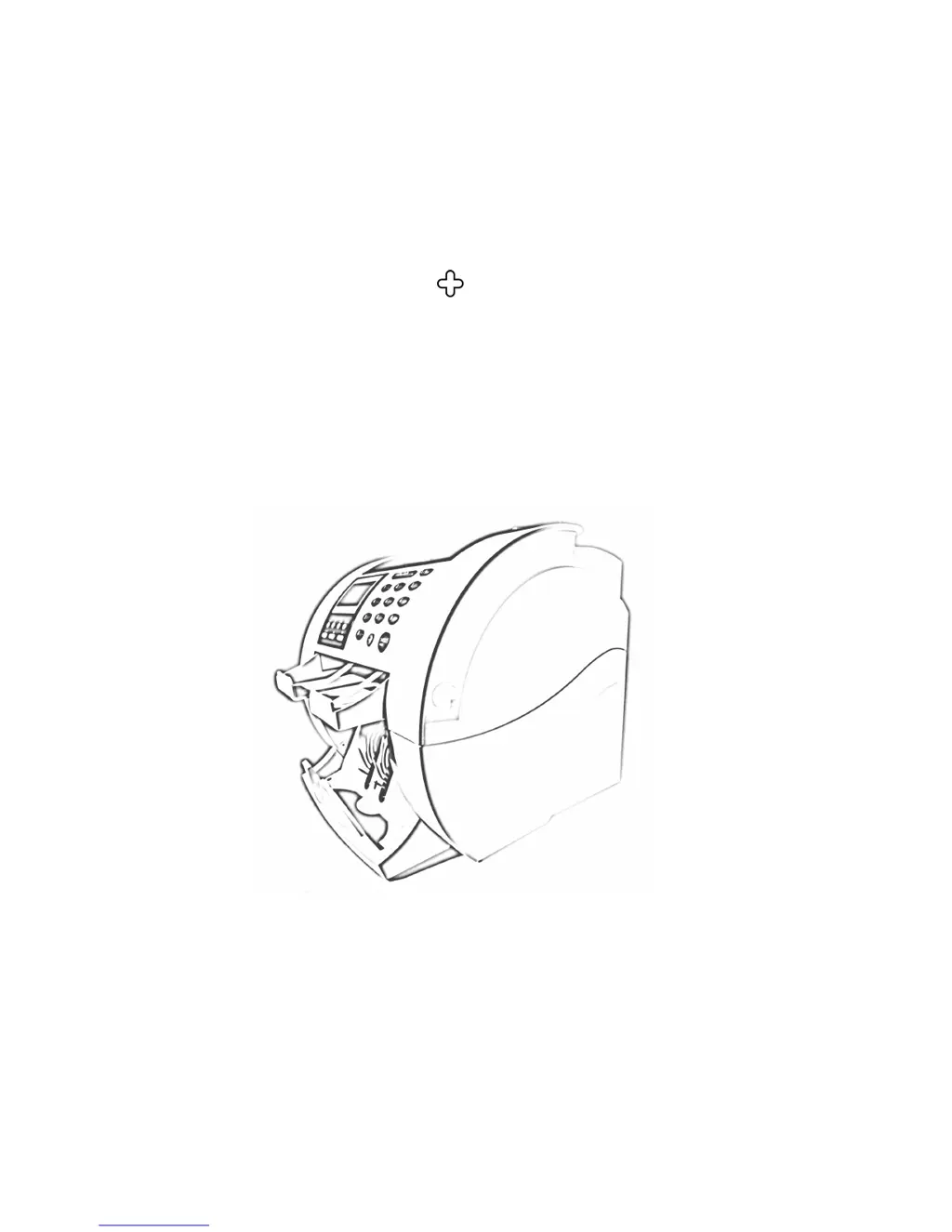
SB1000 / SB-1100
Currency Discrimination Counter
SBM Co., Ltd.
6F, Hyunwoo Bldg., 206, Anyang7-Dong, Manan-Gu, Anyang-City, Gyeonggi-Do, Korea 430-817

Questions and Answers

  • B
    Brenda WebbAug 9, 2025
    What to do if SBM SB1000 Plus Cash Counter displays MAIN MOTOR, SKEW, DOUBLE, MFEED, JAM0, JAM1, JAM2, or JAM3 error?
    • K
      Kathryn WilsonAug 9, 2025
      If your SBM Cash Counter displays MAIN MOTOR, SKEW, DOUBLE, MFEED, JAM0, JAM1, JAM2, or JAM3 error, remove the banknotes from the Hopper and press the CLEAR button.
  • T
    Tina WhitneyAug 16, 2025
    What to do if SBM SB1000 Plus displays HOPPER EXIST error?
    • J
      Joshua GomezAug 16, 2025
      If your SBM Cash Counter shows a HOPPER EXIST error, remove the banknotes from the Hopper. Then, press the CLEAR button.
  • Z
    Zachary WrightAug 25, 2025
    What to do if SBM Cash Counter displays JAM3 error?
    • L
      lgeorgeAug 25, 2025
      If your SBM Cash Counter displays a JAM3 error, open the front cover and inspect the inside of the machine. Remove any banknotes you find, then press the CLEAR key.
  • A
    Alexis PriceAug 31, 2025
    How to fix FRONT COPEN error on SBM SB1000 Plus Cash Counter?
    • J
      Justin ClaytonAug 31, 2025
      To fix the FRONT COPEN error on your SBM Cash Counter, first, press the Front Cover until it clicks in place. If the error persists, press the CLEAR button.

Summary

Important Safety Information

General Safety Precautions

Covers stability, power supply, grounding, overload, cleaning, and gas leak safety.

Safety Notes and Warnings

Image Sensor and Battery Safety

Avoid direct viewing of sensor lights; caution on battery replacement risks.

Machine and Supply Safety

Machine meets safety requirements; read instructions; warning about moving parts.

Chapter 5: Getting Started

Bill Placement and Counting Basics

Correct bill insertion into the hopper and the initial counting process.

Error Handling and Operation Control

Procedures for clearing errors, jams, and managing operation start/stop.

Chapter 6: Basic Operation

Counting Modes Explained

Introduction to COUNT, MIXED, SORT, and SINGLE modes and how to select them.

Mixed and Single Mode Operation

Details on counting and discriminating in Mixed mode and counting specific denominations in Single mode.

Add and Batch Counting Functions

How to use ADD for cumulative counting and BATCH for preset counts.

Grand Total Calculation and Management

How grand totals are accumulated, viewed, and cleared.

Chapter 7: Set Function and its Parameters

Function Menu Navigation and Defaults

Accessing the function menu and understanding factory default settings.

Chapter 8: Troubleshooting

LCD Error Messages and Meanings

List of common error messages and their corresponding explanations.

Fixing Common Operational Problems

Step-by-step solutions for addressing issues like open covers, hopper errors, and jams.

Chapter 9: Daily Maintenance

SBM SB1000 Plus Specifications

General IconGeneral
BrandSBM
ModelSB1000 Plus
CategoryCash Counter
LanguageEnglish

Related product manuals