↓
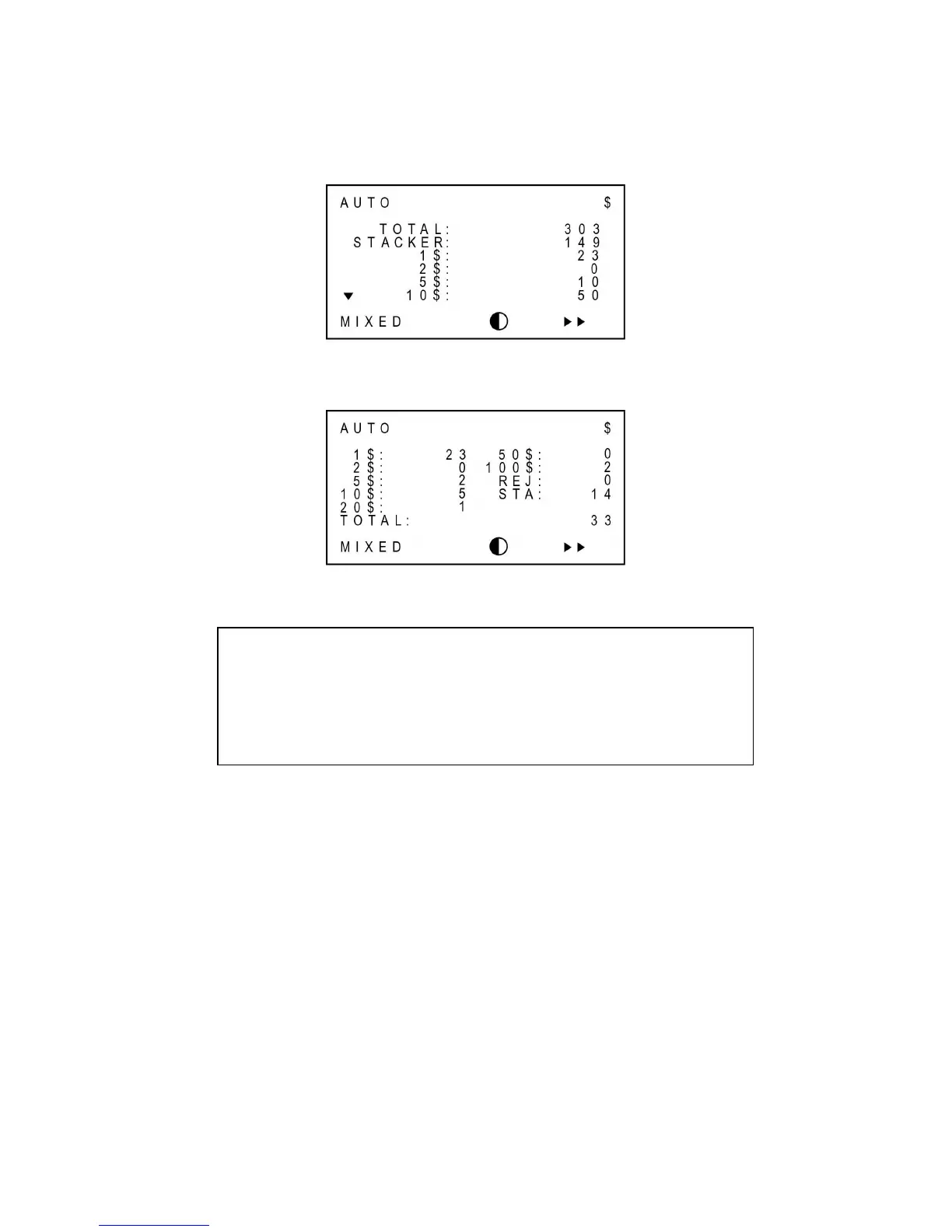
Grand Total for each denomination
↓
Grand Total: Number of notes for each denomination
Selecting Currency
The machine can work for several currencies if an optional software is purchased. For example, if
multiple currencies software model is purchased, then by pressing FUNC key 0 numeric key the
currency mode can be changed sequentially. If you need more software to handle different
currencies, please consult with your dealer for purchasing the software. See also Ch. 7 Set
Function and its Parameters Currency Mode Change.
Caution
GT function will not be activated if ADD key is on. Please turn off the ADD
function to use GT function
If the currency mode is changed to another, all grand totals are cleared.



 To Next Page