Basic Operation
Selecting Counter Mode
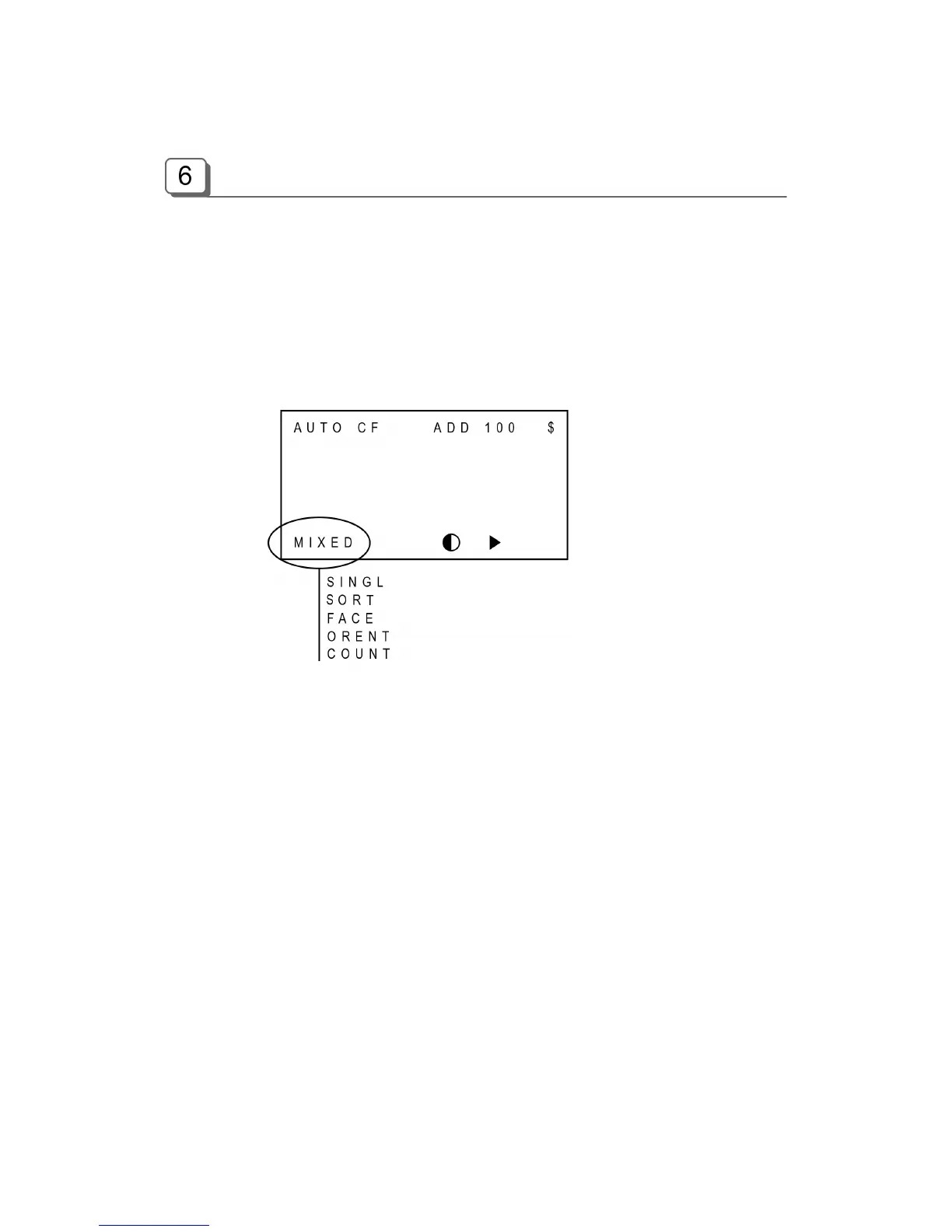
There are four counting modes; COUNT, MIXED, SORT and SINGLE modes. Furthermore, the
machine provides the facilities to align notes with same face or same directions, for detail refer to
the “Facing Mode” and “Orientation Mode” described below.
The modes are changed in sequence as shown below every time when the MODE key is pressed;
MIXED SINGL SORT FACE ORENT COUNT
■ Mixed mode (MIXED mode)
In Mixed mode, the machine counts and discriminates the denominations of the bank notes. If the
denomination of a bank note is successfully discriminated, then the note will be sent to the output
stacker. If a note fails to be detected or it is a counterfeit suspect (if CF mode is ON), the note will
be sent to the reject pocket.
To change into the MIXED mode, press MODE key until “MIXED” is displayed on LCD.
■ Single mode (SINGL mode)
In Single mode, when the machine reads a note whose denomination is same as the first
denomination of note counted or the pre-set denomination while counting and discriminating the
notes, then it sends the note to the output stacker. If the note is not the same denomination, the
machine will send the note to the Reject Pocket.
To change the mode into Single mode, press MODE key until “SINGL” is displayed on LCD.
After changing the mode into SINGL, a denomination must be set by pressing DENOM key. The
denomination will be displayed in LCD like below. For example (in case of US dollar), every time



 To Next Page