Saving User
User can save his own setting by using this function. If you want to save your parameters (all
settings now set by yourself), move to “Saving User” and press ENTER key or directly press the
numeric “3” key.
Loading User
If you want to reload your own parameters saved by “Saving User”, then select “Loading User”
using UP/DOWN key and press START key.
Print No. Clear
This function makes the print sequential number reset to 001. Select “Print No Clear” using
UP/DOWN key and press START key.
Date & Time Set
Select “Date & Time Set” using UP/DOWN key and press START key then a new window will be
open. Input date and time using the numeric keys and MODE () or GT () key. To save the
change, press START key.
Station ID Set
Select “Station ID Set” using UP/DOWN key and press START key to enter. Using UP/DOWN key,
input station ID of the machine and then press START key to save the change.
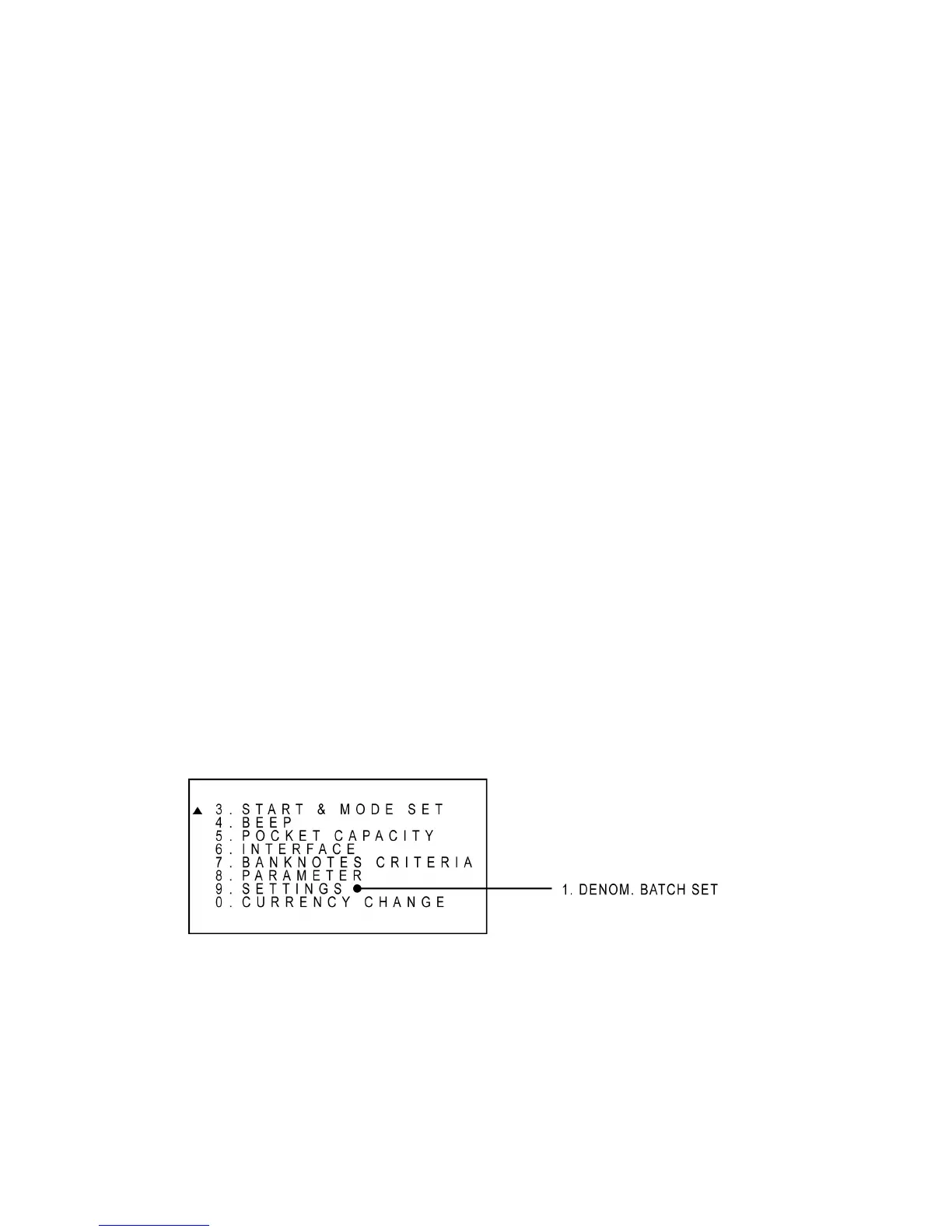
Settings
Denomination Batch Setting (DB) can also be set under this menu. User can set desire batch
number for each denomination and save them into memory. To set the denomination batch, select
‘1. ‘DENOM. BATCH SET’ and use [▼], [▲] key to select denomination. Once denomination is
selected, set batch number using [0-9] keys and [Enter] to save the batch number into memory.
See an example of DB set menu at the below:



 To Next Page