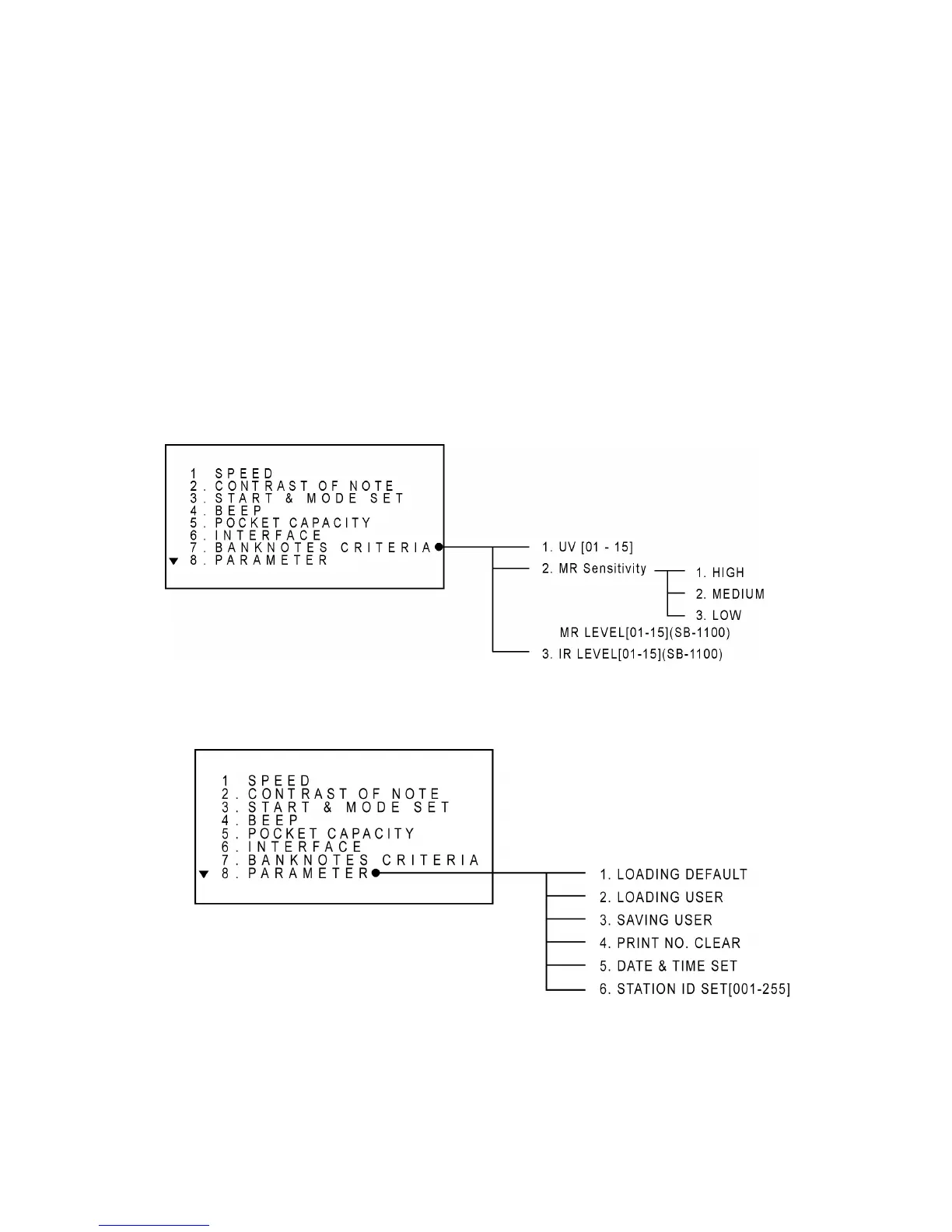
Set Banknote Criteria
User can adjust the designed detection level of UV sensor and Magnetic Sensor with this function.
To set the level to the lower value means that the sensitivity of the sensor is lower. To get the
proper value, begin testing from the lowest level. If the machine detects real money as a counterfeit,
then change the value to higher level and try again until proper value is reached. In case of MR
sensor on SB1000+ model, there are only three levels to choose from. As for SB-1100 model, user
can choose MR counterfeit level from 1 – 15.
To set a certain level, select “BANKNOTES CRITERIA” and press ENTER key. Then choose one
of the sensors by pressing UP/DOWN key or a numeric key and select a certain level you want to
set.
Set Parameters
Loading Default
This operation refreshes all the parameters as same as the factory settings.



 To Next Page