Page 7 of 7
2.6. Information mode
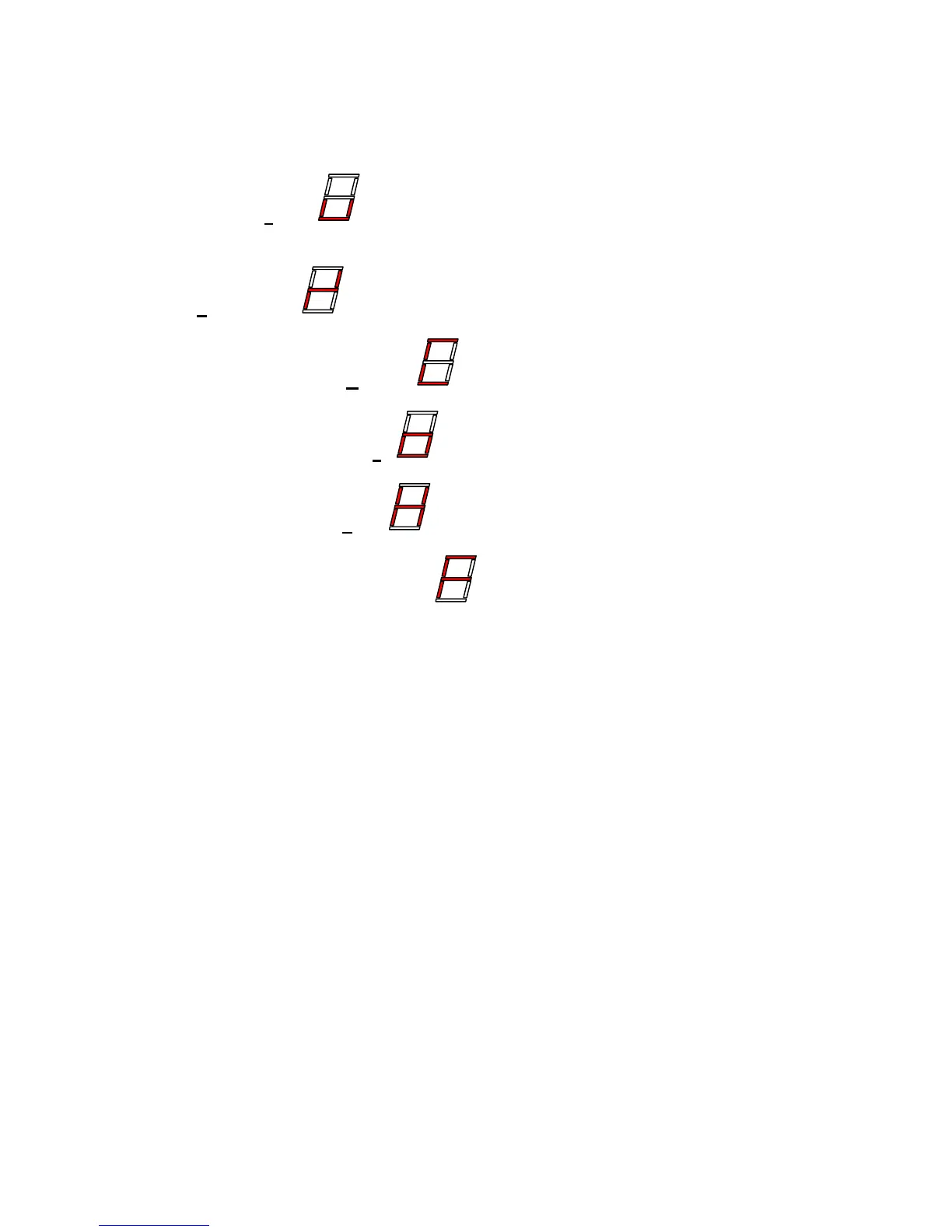
• The 7-segment display will show the following information about the transmitter:
- Software version
- Serial number
- Type of transmitter / Customer
- Selected transmitter timeout
- Number of operated hours
- Locking frequency configuration
• Push button 9 (both steps) is used to switch between the various information steps, a
single press will increase the information step by one.
• Push button 10 (any step) will switch the transmitter completely off
• A sequence of information is displayed on the seven-segment display by showing a
character for 750ms, and thereafter turning the display dark for 250ms before the next
character is shown


 To Next Page