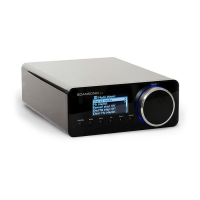
R110
6
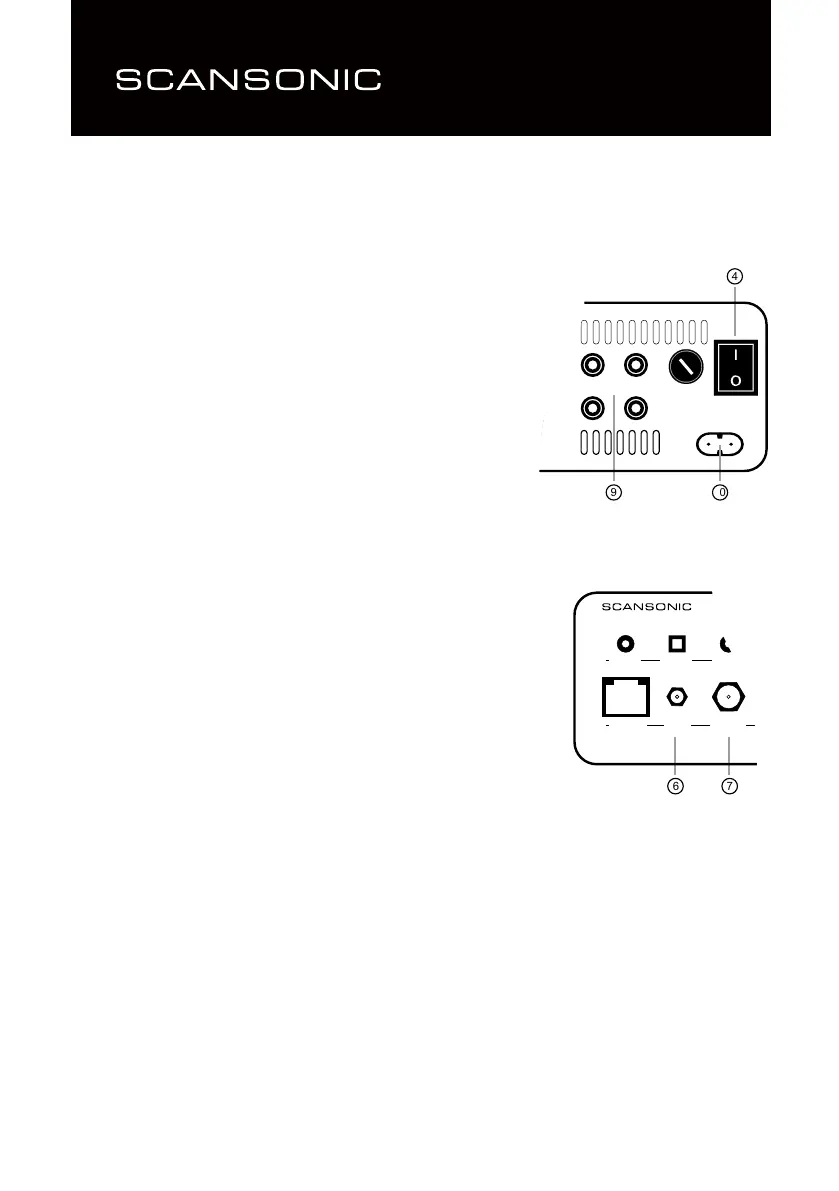
Coaxial optical SubOut
Ethernet Wi-Fi Antenna
6 7
Right Speakers Left
On
Off
4
9 10
Connecting the R110
First switch off all equipment when connecting your R110.
Set the On/Off switch (4) to Off.
Connect the power cable to the connector on the back (10) and then to
the mains voltage.
Connecting the loudspeakers.
Always switch the power off when connecting loudspeakers.
Connect the loudspeaker cables to the binding pots on the output
terminals (9), accepts wire up to Ø 4mm.
Make sure that positive terminal binding posts (marked + and coloured
red) are connected to the positive output terminal binding posts
on the loudspeaker and that the negative terminals (marked – and
coloured black) are connected to the negative output terminal on the
loudspeakers.
Mount the Wi-Fi antenna (short) onto the Wi-Fi terminal (6).
Mount the FM/DAB antenna (long) onto the antenna terminal (7).


 To Next Page