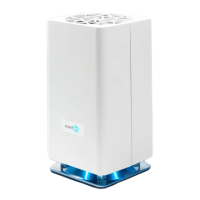
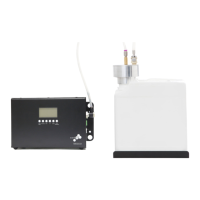
First, perform a soft reset by unplugging your
device. Wait 30 seconds, then plug the device
back in.
Second, you can perform a hard software reset by
pressing and holding the PAUSE button down for 30
seconds. This will force the device to restart.
The blue LED indicates that the system is
connected to Wi-Fi. You will only see this light if
your device has been connected to a Wi-Fi
network.
To erase the Wi-Fi network (for example, if you need
to connect it to a new network) hold down the
Pause button for 15 seconds.


 To Next Page