11
6.2 Dot-matrix | 6.2.1 Presentation
Settings
6.2 Dot-matrix
With the dot-matrix button you can switch between
different settings. The display shows the correspondi-
ng adjustments. The setting is saved after the corre-
sponding DIP switch has been turned off.
6.2.1 Presentation
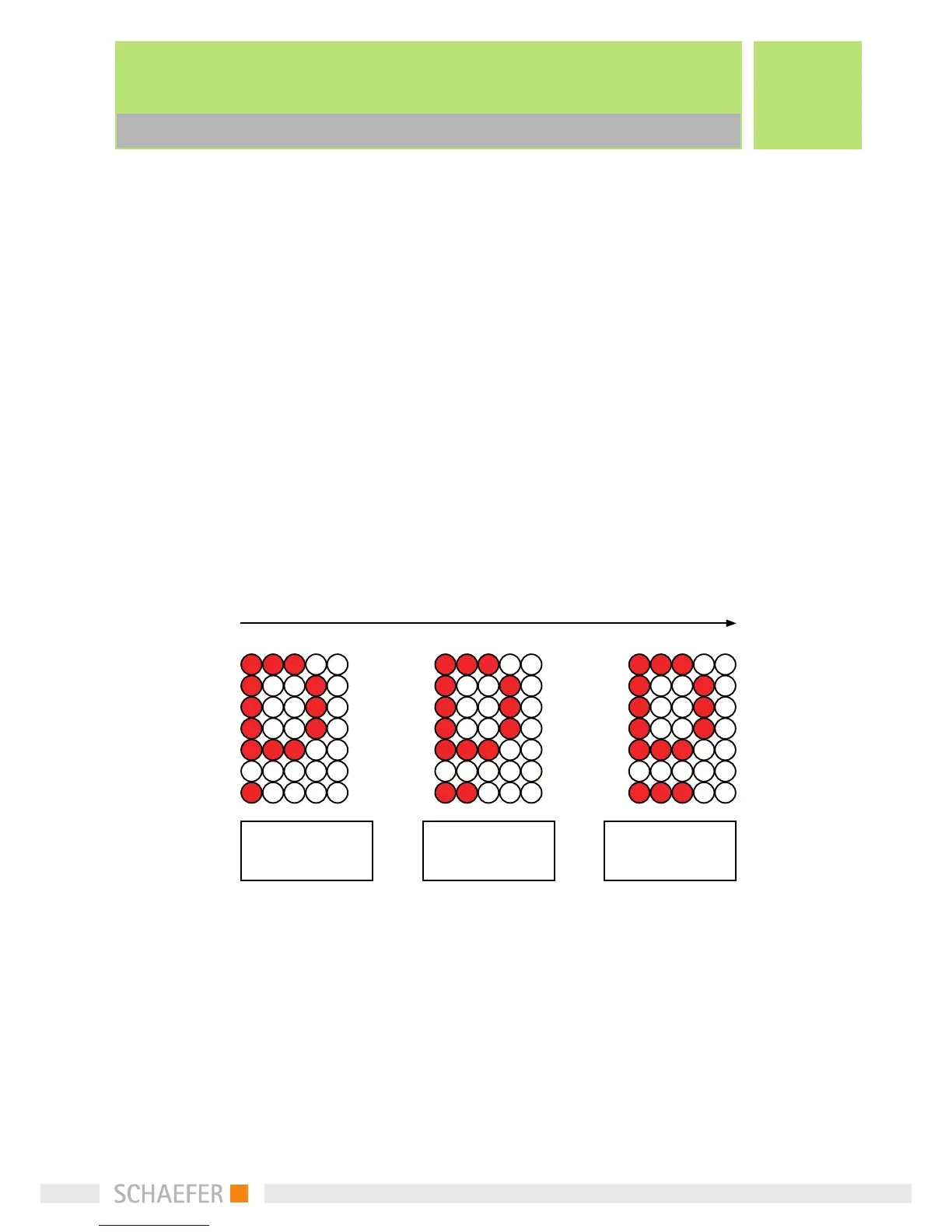
With DIP switch dot-matrix 1, the graphic Versions of
the character and arrows can be changed.
If the blinking option is selected, the floor position
will be shown as „standing“, only the direction arrows
will be displayed „blinking“.
standing
scrolling
blinking
Button



 To Next Page