Dryer WT14 Service instructions
5 Operating data
Using this function, the operating data stored in the control PCB are displayed.
5.1 Calling up the operating data
In the Settings menu, the Operating data menu can be called up on the second page. The
operating data code (28-39-17) must be entered for access.
This operating data code may be forwarded to interested persons. (Application technicians,
facility managers administrations)
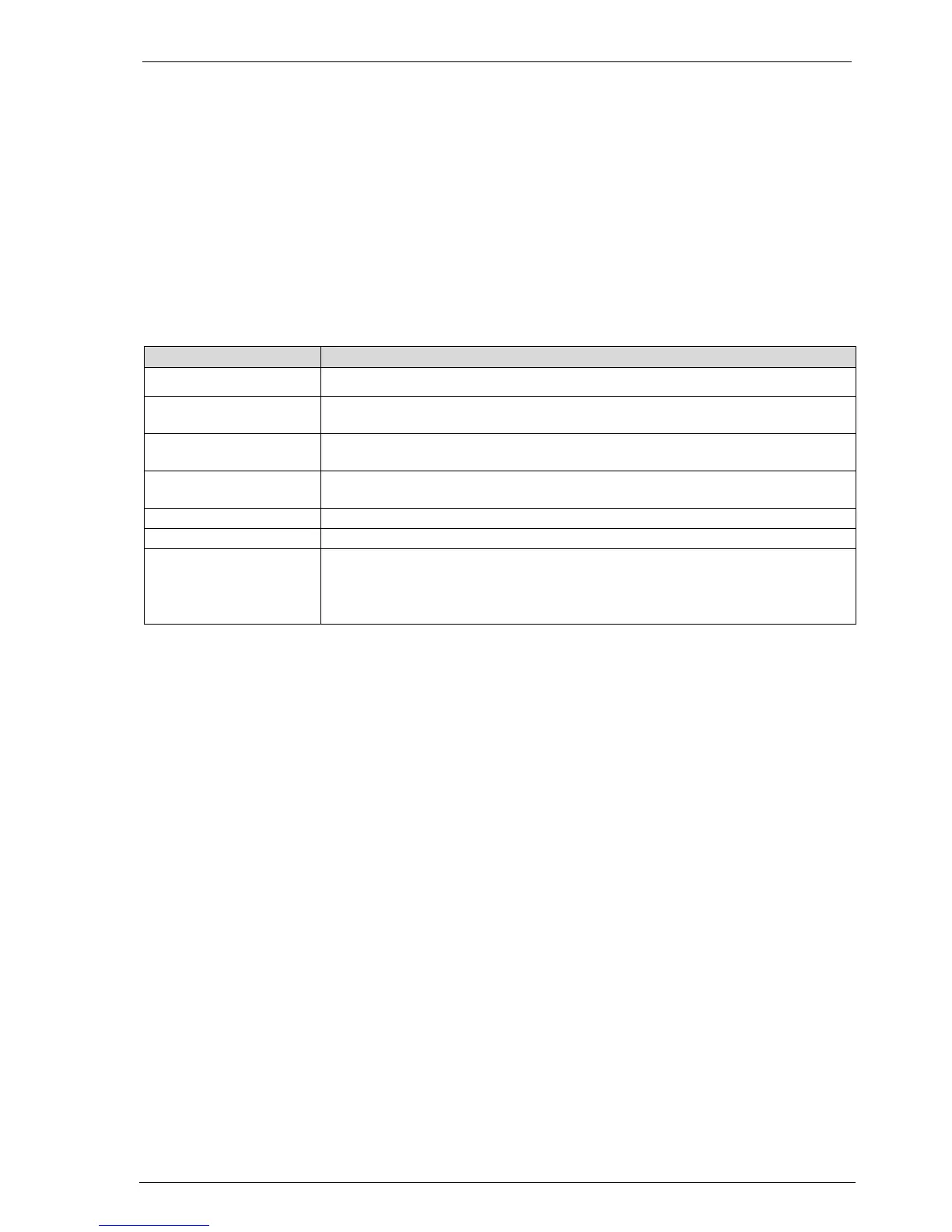
5.2 Operating data survey
Display of the last 20 errors, with time and date stamp
Display of the last 20 programmes runs, with programme number, programme
name, time and date stamp
Number of wash
programmes
Display of the number of completely run programmes (no stepping forward)
Operating hours Display of the current operating hours (loosening up resp. crease protection
Display of the current firmware version
Display of the machine number
Display, when the machine was inspected last by a service technician
Format: XX.XX.XX / YY
X = Service visit date (DD.MM.YY)
Y = letters A - Z; service technician initials



 To Next Page