EasyManua.ls Logo

Schumacher Electric XCS15 - User Manual

Schumacher Electric XCS15
28 pages
Print Icon
To Next Page IconTo Next Page
Loading...
00-99-001037/0810
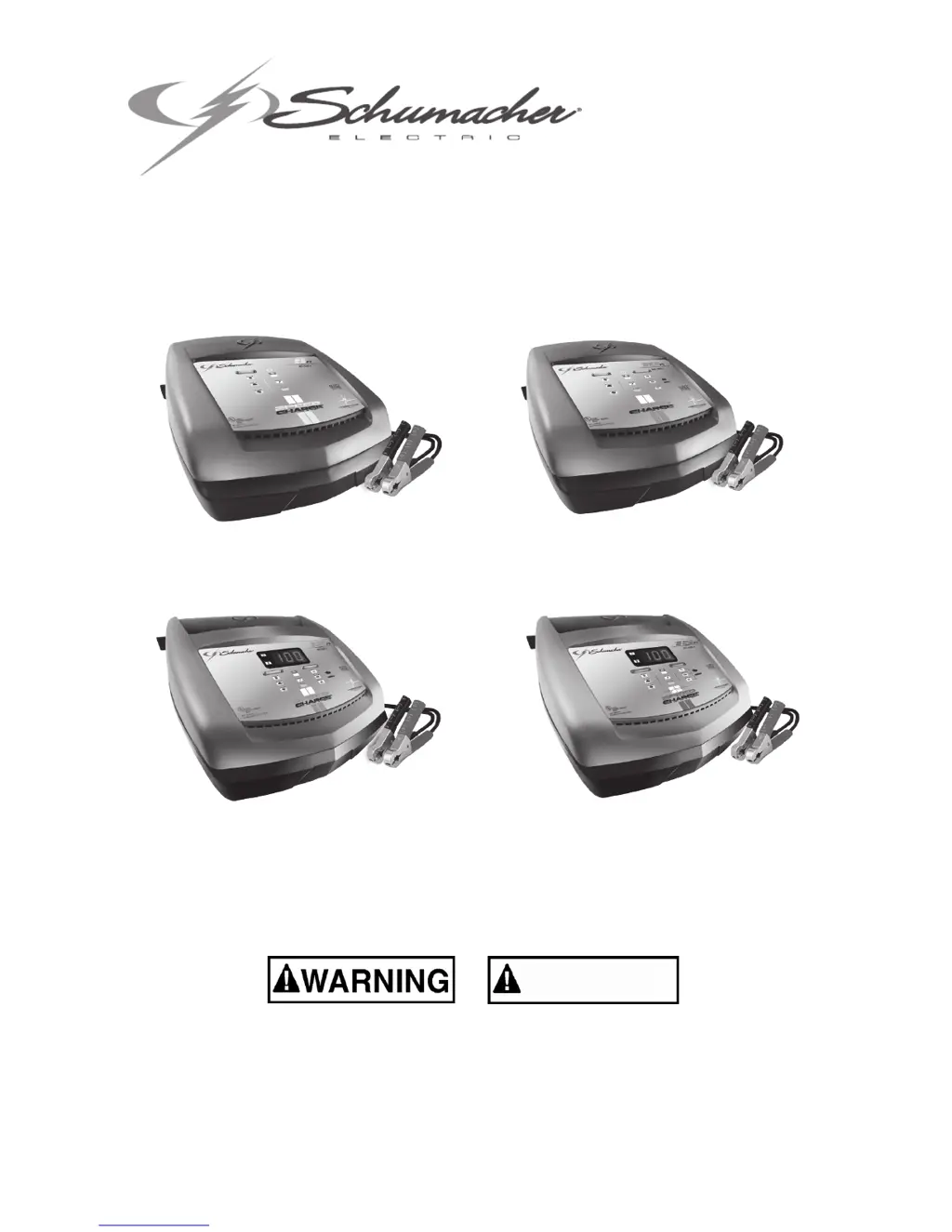
Models / Modelos: XC6, XC10, XC12 & XCS15
READ THE ENTIRE MANUAL BEFORE USING THIS PRODUCT. •
FAILURE TO DO SO CAN RESULT IN SERIOUS INJURY OR DEATH.
LEA EL MANUAL COMPLETO ANTES DE UTILIZAR ESTE PRODUCTO. •
CUALQUIER FALLA PODRÍA RESULTAR EN SERIAS LESIONES O PODRÍA SER
MORTAL.
OWNER’S MANUAL
•
MANUAL DEL USUARIO
AutomaticBatteryCharger•Cargadordebateríaautomático
ADVERTENCIA
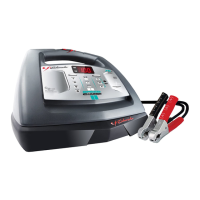
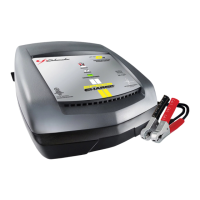
XC6
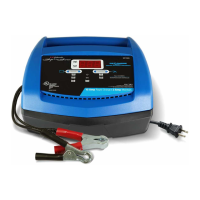
XC10
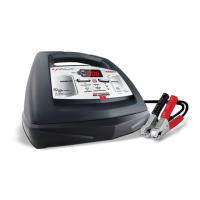
XC12
XCS15

Questions and Answers

  • B
    Brandon ClarkAug 15, 2025
    Why Schumacher Electric XCS15 Battery Charger was unable to keep the battery fully charged in maintain mode?
    • J
      Jennifer MiddletonAug 15, 2025
      The charger might fail to keep the battery fully charged in maintain mode if there's a drain on the battery or if the battery is bad. Ensure there are no loads on the battery; if present, remove them. If there are no loads, have the battery checked or replaced.
  • L
    lcervantesAug 18, 2025
    What to do if the Schumacher Electric XCS15 Battery Charger connected light is not on?
    • L
      Lauren WilliamsAug 18, 2025
      If the connected light is not on, it may indicate an incorrect battery connection. Check for poor connections to the battery and the frame. Ensure the connection points are clean. Rock the clips back and forth to achieve a better connection.
  • R
    Ryan BakerAug 22, 2025
    What to do if Schumacher Electric XCS15 Battery Charger will not turn on when properly connected?
    • T
      tammycrawfordAug 22, 2025
      If the charger doesn't turn on when properly connected, the AC outlet might be dead, or there could be a poor electrical connection. Check the fuse or circuit breaker supplying the AC outlet. Also, inspect the power cord and any extension cords for loose plugs.
  • M
    miguel23Aug 25, 2025
    What to do if Schumacher Electric XCS15 Battery Charger CHARGING light is blinking?
    • C
      Cynthia NewmanAug 26, 2025
      A blinking CHARGING light indicates the charger is in abort mode, possibly due to a faulty battery. This can occur if the battery doesn't reach full charge within 48 hours, potentially because it's a very large battery or a bank of batteries needing more power than the charger can provide in that time. To resolve this, reset the charger by unplugging it. Then, if needed, re-select the desired CHARGE RATE and BATTERY TYPE.
  • J
    Jason EllisAug 28, 2025
    What to do if Schumacher Electric Battery Charger connections to the battery are reversed?
    • J
      Justin JacksonAug 28, 2025
      If the connections to the battery are reversed because the battery is connected backwards, unplug the charger and reverse the connections to the battery.
  • C
    crystal56Aug 31, 2025
    What to do if the Schumacher Electric Battery Charger indicator lights are lit erratically?
    • A
      awilsonAug 31, 2025
      If the indicator lights are lit in an erratic manner, not explained in the Operating Instructions, it may be because a button was pressed while the charger was being plugged in. Ensure nothing is touching the control panel, then unplug the unit and plug it in again.
  • E
    Eric RosalesSep 4, 2025
    What to do if Schumacher Electric Battery Charger was unable to reach the “full charged” voltage?
    • J
      Jeffrey McintoshSep 4, 2025
      If the battery doesn't reach the “full charged” voltage, it could be due to charging a large battery or battery bank with too low of a current setting, or the battery may have a shorted cell. Try again using a higher current setting, or have the battery checked or replaced.
  • S
    sarah25Sep 7, 2025
    What to do if the Schumacher Electric XCS15 Battery Charger charged light turns on too quickly?
    • C
      chavezmarcSep 7, 2025
      If the CHARGED light illuminates shortly after connecting the battery, the battery may already be fully or recently charged, resulting in a high voltage reading. Alternatively, the battery might be faulty (sulfated). If the battery is in a vehicle, turn on the headlights for a few minutes to lower the battery voltage and attempt charging again. Also, try selecting a lower CHARGE RATE. A sulfated battery may eventually accept a charge with continued charging over a few hours. If this doesn't work, have the battery inspected or contact customer service.
  • K
    kirkloganSep 10, 2025
    What to do if Schumacher Electric XCS15 battery voltage is still under 10V?
    • A
      Angela TorresSep 10, 2025
      If, after two hours of charging, the battery voltage remains below 10V for a 12V battery or 5V for a 6V battery, it could be because you're attempting to charge a 6-volt battery using the 12-volt setting, or the battery itself might be defective. In this case, have it checked or replaced.

Summary

Important Safety Instructions

General Charger Safety

Covers child safety, weather exposure, attachments, cord handling, and maintenance.

Charger Damage and Repair

Guidelines for handling damaged chargers and warnings against disassembly.

Battery Explosion Hazards

Alerts users to explosive gases and provides precautions to prevent battery explosions.

Personal Precautions

Explosive Gas and Spark Prevention

Warnings against smoking/sparks and handling metal tools near batteries.

Battery Handling and Protection

Advises on correct battery types, PPE, and first aid for acid contact.

General Battery Precautions

Covers avoiding frozen/overcharged batteries, needing assistance, and ventilation.

Preparing to Charge

Battery Terminal Preparation

Instructions for cleaning battery terminals and handling acid.

Charging Environment and Voltage

Guides on ventilation, electrolyte levels, and voltage determination.

Connection Integrity

Emphasizes ensuring tight connections for charger cables.

Charger Location

Safe Charger Placement Guidelines

Instructions on positioning the charger away from batteries and ventilation requirements.

Preventing Corrosion and Damage

Advice on avoiding acid drips and placing batteries on the charger.

DC Connection Precautions

Safe Disconnection and Connection

Steps for connecting/disconnecting DC clips safely, emphasizing 'off' position and avoiding touching.

Clip Attachment Procedure

Directs users to follow specific sections for attaching clips to battery and chassis.

Battery Connection in Vehicle

Cable Positioning and Safety Checks

Guides on routing cables, avoiding moving parts, and checking polarity.

Vehicle Grounding and Connection Steps

Details on determining vehicle grounding and connecting clips for negative/positive ground systems.

Disconnecting Procedure

Steps for safely disconnecting the charger from the vehicle.

Battery Connection Outside Vehicle

Polarity Check and Cable Attachment

Instructions for checking polarity and attaching an extension cable for the negative connection.

Safe Connection and Disconnection

Guidelines for making connections safely, facing away from the battery, and proper disconnection order.

Marine Battery Charging

Specific advice for charging marine batteries, requiring removal from the boat.

Grounding and AC Power Cord

Grounding Plug and Outlet Requirements

Explains the necessity of a grounded plug and proper outlet installation.

AC Cord Modification Warning

Advises against altering the AC cord or using adapter plugs.

Assembly Instructions

Initial Setup

Instructions to remove cord wraps and uncoil cables before use.

Control Panel Overview

LED Indicators Explained

Describes the function of the AC Power, Connected, Charging, and Charged LEDs.

Digital Display Features

Explains the digital display for voltage, battery percentage, and model-specific information.

Charge Rate and Battery Type Selection

Details the functions of the Charge Rate and Battery Type buttons for operation.

Operating Instructions

Automatic Operation Features

Covers automatic voltage detection, thermal runaway, and auto-start.

Charging Modes and Indicators

Explains charging, aborted charges, desulfation, completion, and maintain modes.

Battery Connection and Selection

Details battery connection indicators and charge rate/type settings.

Battery Voltage Tester Guide

Tester Overview and Limitations

Explains the built-in voltmeter and its limitations compared to a load tester.

Testing Sequence and Interpretation

Outlines the steps for testing battery state of charge and comparing readings.

Mode Transitions and Status Lights

Describes how the unit switches between tester and charger modes and LED status.

Calculating Charge Time

Charge Time Estimation Tables

Provides tables to estimate charging times based on battery size and charger settings.

Maintenance Instructions

Pre-Maintenance Safety

Emphasizes disconnecting the charger before performing any maintenance.

Cleaning and Inspection

Guides on cleaning clips, cords, and checking component condition.

Service Limitations

Clarifies that there are no user-serviceable parts and directs to qualified personnel.

Moving and Storage Instructions

Storage Guidelines

Covers unplugging, upright storage, and environmental conditions.

Clip and Cord Storage

Specific instructions on how to store the clips and cords.

Transportation Safety

Advice on preventing damage during movement to avoid injury or property damage.

Troubleshooting Guide

Error Code Solutions

Lists specific error codes and their corresponding reasons/solutions.

Common Problem Resolutions

Addresses common issues like indicator lights and connection problems with solutions.

Limited Warranty Information

Warranty Coverage and Exclusions

Details the 5-year warranty period, what it covers, and exclusions like misuse or unauthorized repair.

Warranty Claims and Registration

Instructions on how to make a warranty claim and register the product.

Schumacher Electric XCS15 Specifications

General IconGeneral
Output Amperage15A
Input Voltage120VAC
Reverse Polarity ProtectionYes
Cable Length6 feet
Microprocessor ControlledYes
TypeBattery Charger
Battery Types SupportedAGM, Gel
Charging ModesAutomatic
Input Current3.5A
Output Voltage6V / 12V
ClampsHeavy-duty

Related product manuals