EasyManua.ls Logo

Schumacher XI75DU - User Manual

Schumacher XI75DU
11 pages
Print Icon
To Next Page IconTo Next Page
Loading...
Model
XI75DU
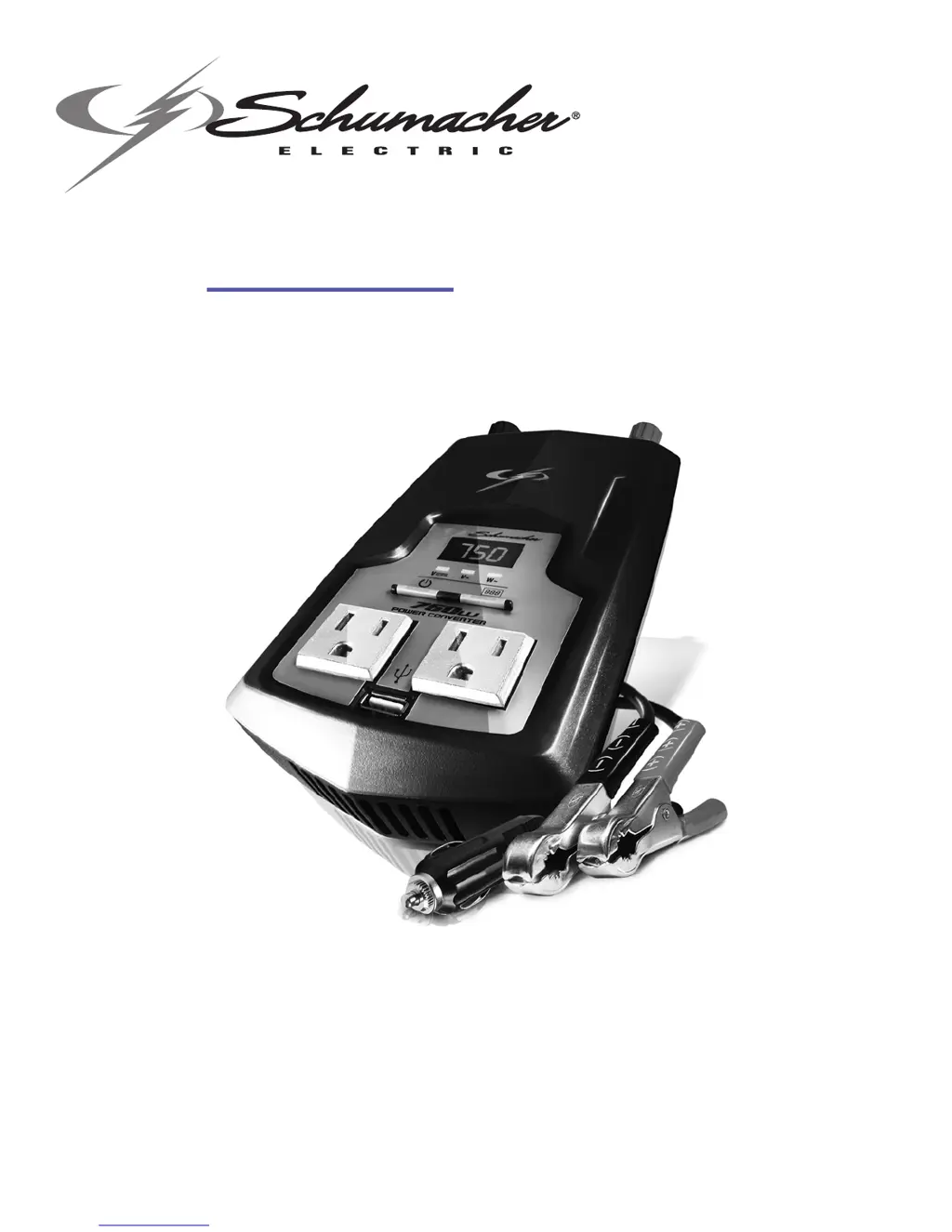
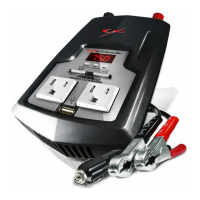
Power Converter
Converts 12V DC battery power to 120V AC household power
OWNERS MANUAL
PLEASE SAVE THIS OWNERS MANUAL AND READ BEFORE EACH USE.
This manual will explain how to use the converter safely and effectively. Please
read and follow these instructions and precautions carefully.

Questions and Answers

  • M
    Manuel LewisJul 27, 2025
    Why is the alarm on my Schumacher XI75DU?
    • D
      Daniel StoneJul 27, 2025
      The alarm on your Schumacher Media Converter may be triggered by several factors: * A short circuit or excessive surge power demand from the connected device. Try cycling the converter power OFF and then ON. * A low 12-volt battery. Recharge or replace the battery. * An excessively high 12-volt voltage. Try cycling the converter power OFF and then ON. * The connected device requiring more power than the converter's continuous power rating. Consider using a larger converter or a smaller device. * The converter overheating. Improve ventilation, move it to a cooler location, or reduce the power consumption of the connected device.
  • L
    Lori NewtonAug 12, 2025
    What to do if my Schumacher XI75DU does not turn on?
    • T
      Thomas StewartAug 12, 2025
      If your Schumacher Media Converter isn't turning on, it could be due to: * Poor contact at the terminals. Ensure a secure connection to the battery or power supply. * A blown fuse. In this case, contact a qualified service technician to replace the fuse(s) with the appropriate replacement(s).

Summary

Important Safety Instructions

Personal Safety Precautions

Restrictions on Use

Converter use restricted in life support devices; failure could impact safety.

Before Using Your Converter

Connecting Converter Cables

Converter Connection

Connect positive (red) and negative (black) cable ring lugs to converter terminals.

Connecting Converter Cable to a Vehicle (100 watts maximum)

Insert 12 volt power plug into vehicle cigarette lighter outlet.

Connecting Converter Cables to 12 V Battery or 12 V Power Source

Connect red cable to positive (+), black cable to negative (-) battery terminals.

Operating Instructions

Using the USB Port

Connect USB device, turn converter on, then turn USB device on.

Using the Converter to Operate a TV or Audio Device

Suggestions to improve TV/audio reception with the converter, e.g., cable positioning.

Power Source

How Power Converters Work

LED Display

VOLTS IN v===

Displays the voltage of the vehicle's battery or DC power source.

VOLTS OUT v~

Displays the voltage supplied to the device through the AC receptacle.

WATTAGE OUT w~

Displays the power or wattage supplied to the device plugged into the converter.

Troubleshooting

Specifications

Replacement Parts

Limited Warranty

Schumacher XI75DU Specifications

General IconGeneral
BrandSchumacher
ModelXI75DU
CategoryMedia Converter
LanguageEnglish

Related product manuals