Date Code 20180212 Getting Started With the SEL-3355-2
13
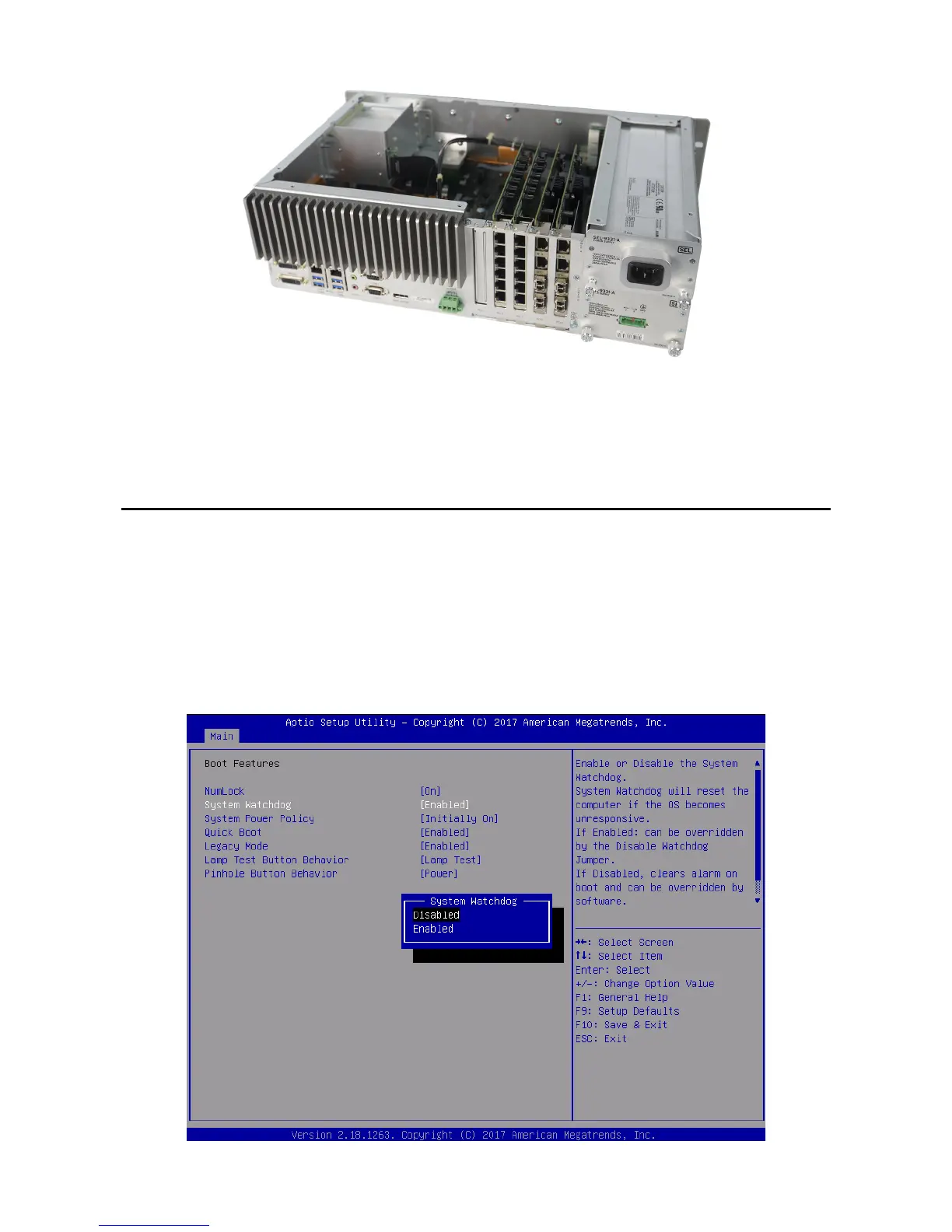
Step 4. Replace the SEL-3355-2 top cover.
Refer to the documentation included with the expansion card for any additional instructions, such as software or
driver installation.
Install Operating System
Note: Perform the steps in this section if you want to install an operating system on the SEL-3355-2.
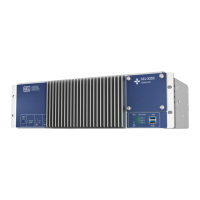
Before you can install the operating system, you must disable the watchdog timer. Perform the following steps to
disable the watchdog timer:
Step 1. Enter the BIOS setup utility by pressing F2 immediately after applying power to the system.
Step 2. Navigate to the Boot Features subform on the Main tab.
Step 3. Select System Watchdog and press <Enter>.
Step 4. Select Disabled, press F10 to save settings, and then select Yes.


 To Next Page