58
Overview
SP 500 / 750-15 / 750-18 / 1000 / 1250 Operation Manual
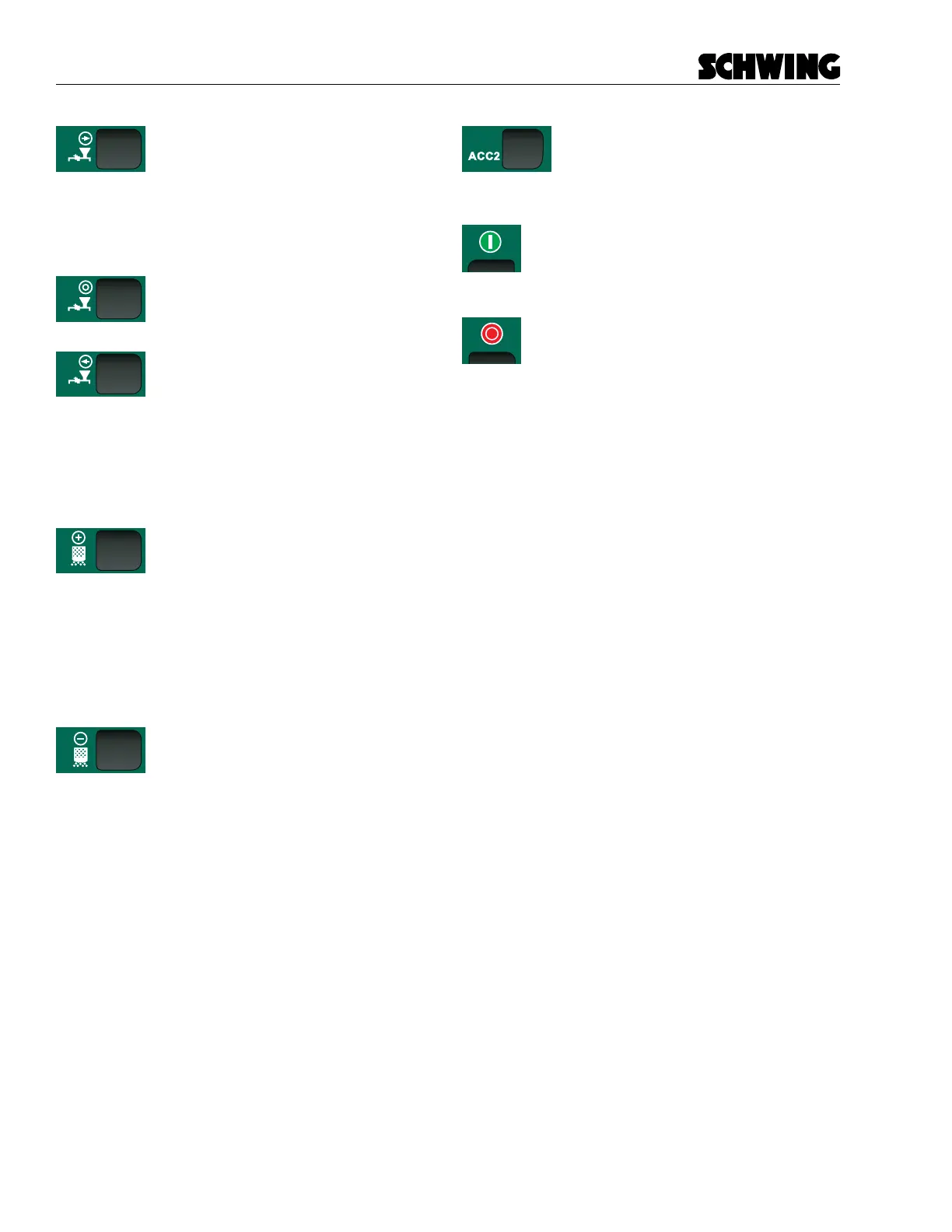
Concrete Pump - Forward
Puts the concrete pump into forward.
Press once to put the concrete pump in
forward. Press and hold to change from pump reverse
to pump forward. When the concrete pump is in forward
the Concrete Pump Fwd/Rev Indicator Light will ash
green.
Concrete Pump - O
Press once to shut the concrete pump
o.
Concrete Pump - Reverse
Puts the concrete pump in the reverse.
This is typically used for cleaning out or
unclogging jams in the pipeline. Press once to put the
concrete pump in reverse. Press and hold to change
from pump forward to pump reverse. When the con-
crete pump is in reverse the Concrete Pump Fwd/Rev
Indicator Light will be solid green.
Stroke Limiter (+)
The Stroke Limiter (+) button is used
to increase the strokes per minute the
concrete pump is outputting. Press once to increase
strokes per minute by 10%. You can also press and
hold the Stroke Limiter (+) button to continually ramp
up the strokes per minute setting. The Stroke Limiter
Indicator Lights will ash or become solid depending
upon the current output.
Stroke Limiter (-)
The Stroke Limiter (-) button is used to
decrease the strokes per minute the
concrete pump is outputting. Press once to decrease
strokes per minute by 10%. You can also press and
hold the Stroke Limiter (-) button to continually ramp
down the strokes per minute setting. The Stroke Limit-
er Indicator Lights will ash or become solid depending
upon the current output.
Optional Accessories 1 and 2
These buttons are used with optional
accessories installed on the concrete
pump. Press once to activate the installed function.
Remote Power On
When pressed, turns the radio remote ON
Remote Power O
When pressed, turns the radio remote OFF



 To Next Page