34
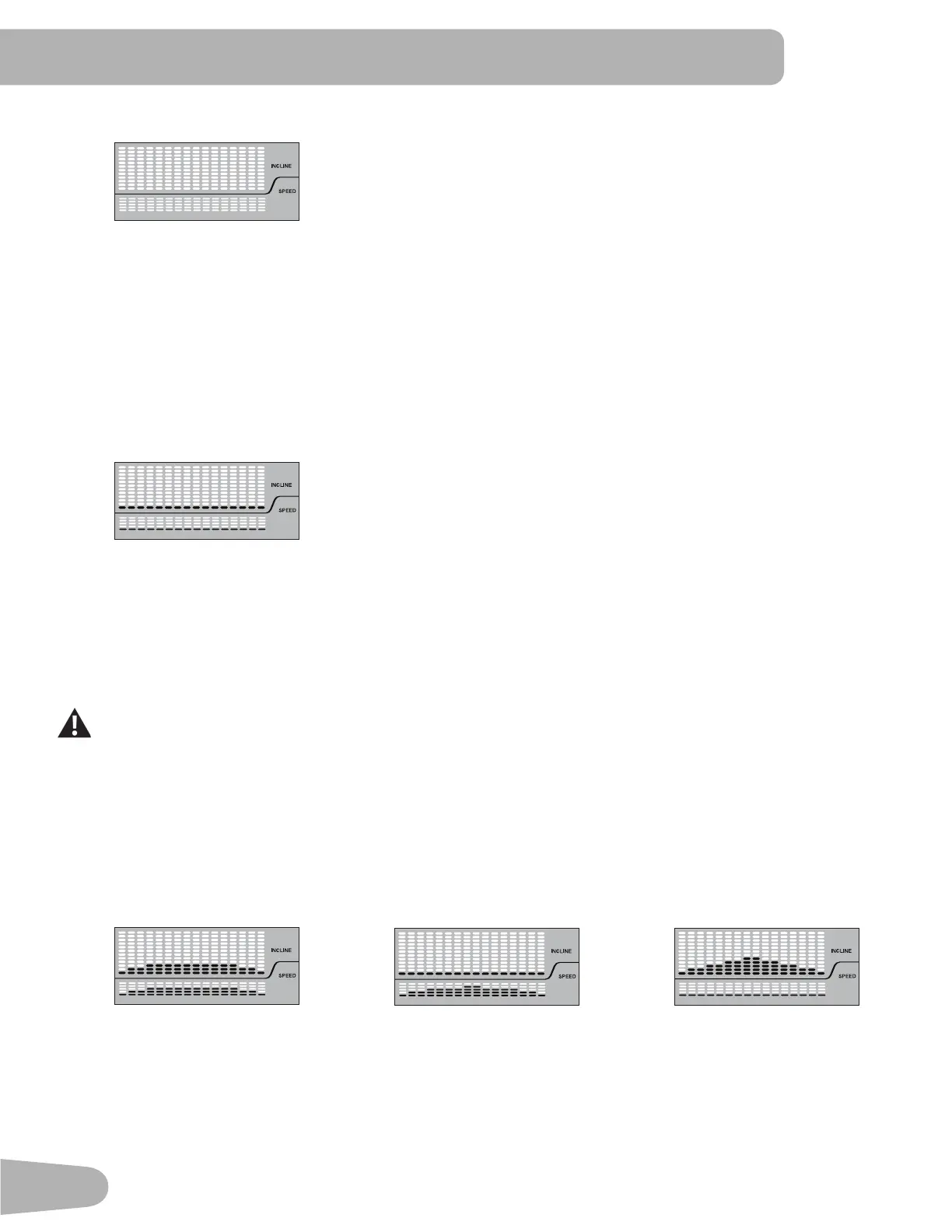
MANUAL Workout Program
1. Push the MANUAL Category button.
2. Push the OK button.
3. The Console will display the “READY ?” prompt.
4. Push START to begin the goal-oriented workout.
GOALS Workout Programs
TIME (Speed), CALORIE (Incline), DISTANCE (Incline), 1 MILE/1K (Incline), 5 MILE/5K (Incline), 10 MILE/10K
(Incline)
1. Push the GOALS Category button.
2. Push the GOALS Category button to select the desired Profile Program Workout : TIME, CALORIE, DISTANCE, 1
MILE/1K, 5 MILES/5K, 10 MILE/10K.
3. Push the OK button.
4. Push the User Option Increase() or Decrease() buttonstoadjusttheMaximumSpeedoftheBelt,andpush the OK
button.TheProfileProgramwilladjustsotheMaximumSpeedvalueisthehighestSpeedoftheProfileProgramwhen
accepted.
During a Workout, the User can directly adjust the speed of the belt above the Maximum Speed setting if
desired.
5. Use the User Option Increase() or Decrease() buttons to adjust the workout goal value, and push the OK button.
6. The Console will display the “READY ?” prompt.
7. Push START to begin the goal-oriented workout.
WEIGHT LOSS Workout Programs
FAT BURN 1 (Speed) SPEED BURN (Speed) INCLINE BURN (Incline)
1. Push the WEIGHT LOSS Category button.
2. Push the WEIGHT LOSS Category button to select the desired Profile Program Workout : FAT BURN 1, SPEED
BURN, INCLINE BURN.
3. Push the OK button.
4. Push the User Option Increase() or Decrease() buttons to adjust the Minimum Speed of the Belt, and push the OK
button. The Profile Program will adjust so the Minimum Speed value is the lowest Speed of the Profile Program when


 To Next Page