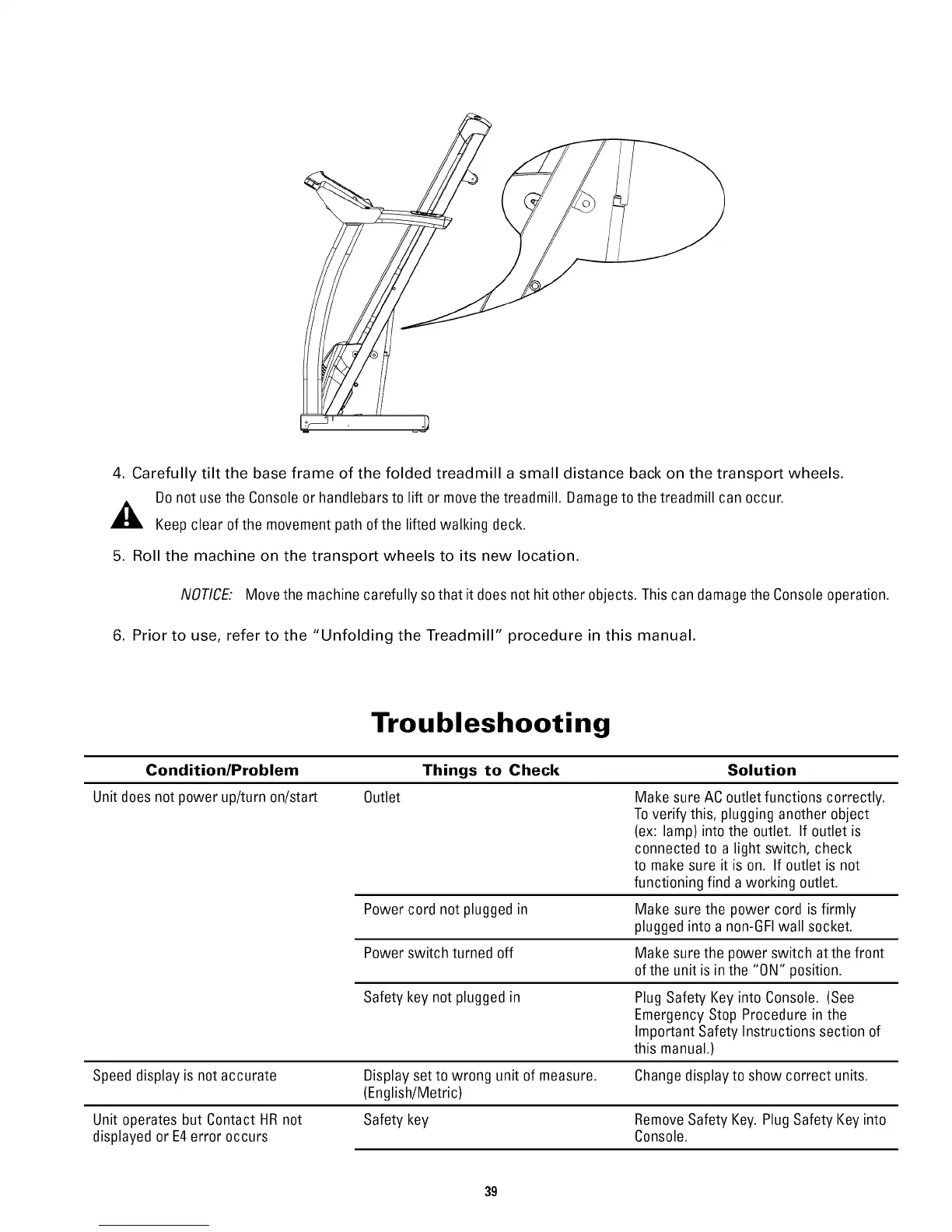
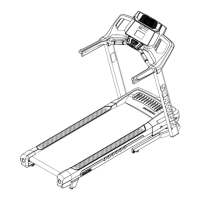
4. Carefully tilt the base frame of the folded treadmill a small distance back on the transport wheels.
Donot usethe Consoleor handlebarsto lift or movethe treadmill. Damageto the treadmill can occur.
_, Keep clear ofthe movement path of the lifted walking deck.
5. Roll the machine on the transport wheels to its new location.
NOTICE: Movethe machine carefully so that it does not hit other objects. This can damagethe Consoleoperation.
6. Prior to use, refer to the "Unfolding the Treadmill" procedure in this manual.
Troubleshooting
Condition/Problem Things to Check Solution
Unit doesnot power up/turn on/start Outlet Make sure ACoutlet functions correctly.
Toverify this, plugging another object
(ex: lamp) into the outlet. If outlet is
connected to a light switch, check
to make sure it is on. If outlet is not
functioning find a working outlet.
Power cord not plugged in Make sure the power cord is firmly
plugged into a non-6FI wall socket.
Power switch turned off Make sure the power switch at thefront
ofthe unit is in the "ON" position.
Safety key not plugged in Plug Safety Key into Console. (See
EmergencyStop Procedure in the
Important Safety Instructions section of
this manual.)
Speed display is not accurate Displayset to wrong unit of measure. Changedisplay to show correct units.
(English/Metric)
Unit operates but Contact HRnot Safety key RemoveSafety Key. PlugSafety Key into
displayed or E4error occurs Console.
39


 To Next Page