11
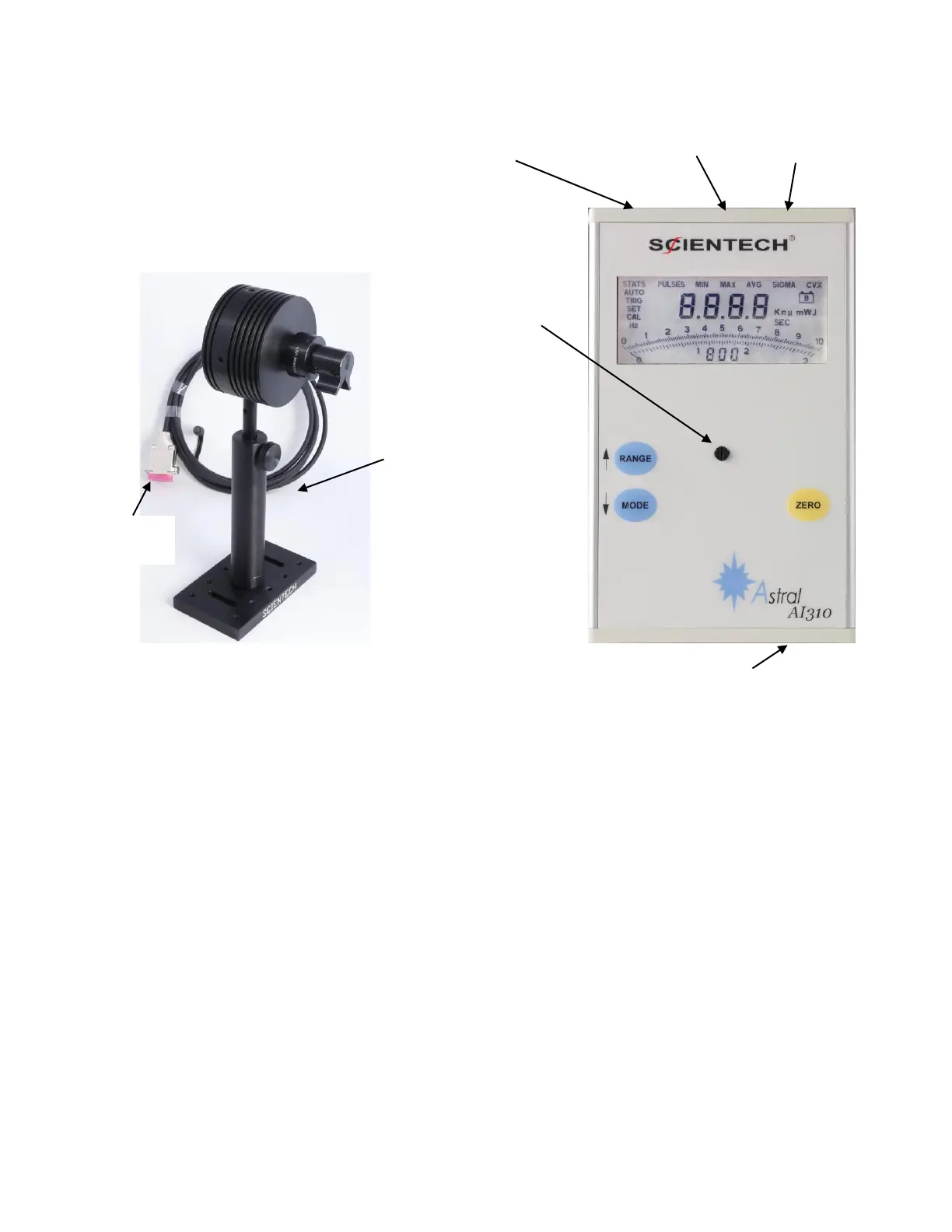
Figure 2. Astral AI310 Power Meter with 25mm Calorimeter
USING AI310 POWER METER WITH ASTRAL CALORIMETER
1. Turn On the Meter Power
Toggle the ON/OFF rocker switch, located on the top of the AI310, to the ON position. The power
meter will immediately turn on with all LCD segments briefly, and then revert to the operational state
last used. The AI310 will check for the presence of the sensor, and if the sensor is absent, the display
will read “nodF” and the AI310 will continue checking every 15 seconds for 2 minutes. If, after the 2
minutes have elapsed, the sensor is still not found, then the AI310 will power itself down to a “sleep”
mode, displaying “SLEP” in the LCD. If a sensor is subsequently plugged into the AI310, you must
push any front panel button to awaken the AI310 and continue in normal operating mode.
If the AI310 is running from battery power, and if no button has been pressed or if power the reading is
below 1% of full-scale for a period of time set by the user (as described in the timeout instructions
below), The AI310 will also power itself down to a “sleep” mode, displaying “SLEP” in the LCD. To



 To Next Page